 SpockOps
GitHub Agentic Workflows are generally available: six decisions before your teams turn them on
GitHub Agentic Workflows are generally available. The six decisions an enterprise should make first: engines, credentials, isolation, writes, spend and deployments.
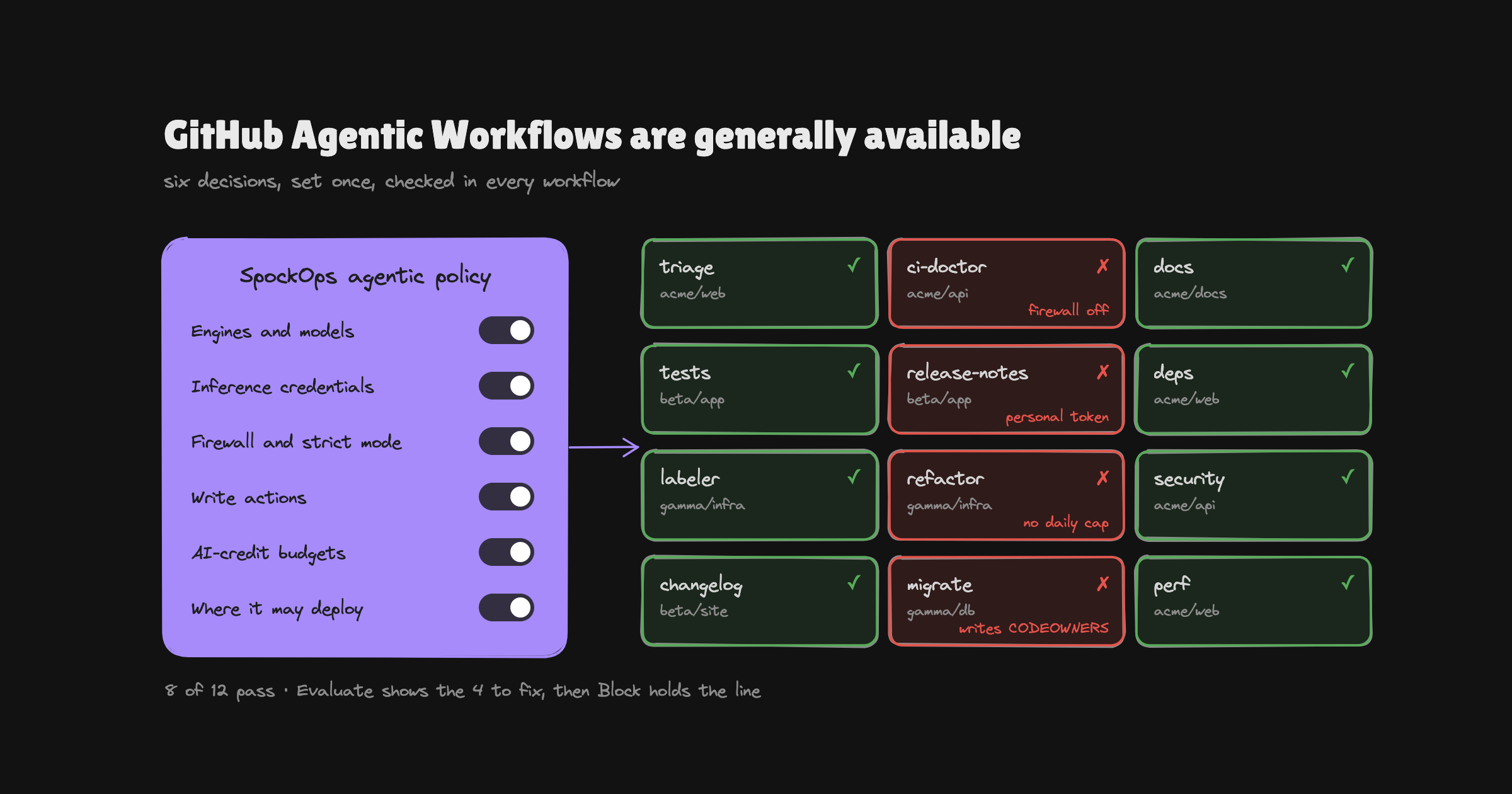

GitHub Agentic Workflows went generally available on 28 October 2026. If you run GitHub, your teams can now hand a task to an AI agent and have it run in Actions: on every issue, every failed build, every night. That's genuinely useful. It's also the moment to decide how those agents should behave, because if you don't, a few hundred workflow files will decide for you, one at a time.
Here are the six decisions worth making first, and how to make each one once instead of in every repository.
What became generally available? #
An agentic workflow is an automation written in Markdown that a coding agent carries out in GitHub Actions: triaging issues, explaining a failed build, updating docs, writing tests. It's available on GitHub Free, Team and Enterprise, and the default engine, Copilot, needs a Copilot license. If you want the mechanics first, how GitHub Agentic Workflows work walks through the Markdown, the compiled lock file and the jobs it runs.
GitHub built them carefully. They're read-only by default. The agent runs in a sandbox behind the agent firewall, and can run in a micro-VM for stronger isolation. Anything it wants to change goes through safe outputs, and a threat detection job reviews it first. They compile to ordinary Actions workflows, so your runner groups and Actions policies still apply. And gh aw forecast now estimates what a workflow will spend.
What GitHub leaves to you is how each of those safeguards is set, and that lives in each workflow's own file. In one repository, that's fine. Across an enterprise, someone has to decide what good looks like, and then check that every workflow matches.
1. Which engines and models may run? #
Treat them like any other supplier. An agentic workflow can run Copilot or another coding agent, with a model chosen per workflow, and a model router can now pick one at run time. Each comes with its own terms, its own data handling and its own price.
So make a list, and decide whether a workflow must name its model. One that leaves it to the router can't be reviewed for the model it'll actually use, and it's the first thing to break when a model retires: six Copilot models retire on 14 December. In SpockOps, Approved agent engine and Approved model hold every workflow to your list, and Require a pinned model fails one that names no model, instead of just warning.
2. Whose credentials pay for inference? #
The safest answer is the workflow's own Actions token, billed to the organization, with no secret stored anywhere. The riskiest is somebody's personal access token, saved as a secret and spent by every run. Provider keys and keyless cloud login over GitHub's OIDC sit in between.
Approved inference credentials settles this once. Allow the Actions token, name the secrets an engine may use, and leave COPILOT_GITHUB_TOKEN off the list to rule out personal tokens. Custom endpoints, such as a model you host yourself, stay off until you allow them.
3. How isolated must an agent be? #
As isolated as GitHub allows, everywhere, not just in the workflows someone remembered. That means strict mode, the agent firewall at a current release, and firewall images pinned by digest. The defaults are good. The risk is the one workflow that switched something off.
SpockOps checks these against the compiled lock file rather than the Markdown, because the lock is what runs. The firewall check can also require a minimum release, and decide whether the agent may run as root or reach services on the runner.
4. What may an agent write? #
Only what you've chosen, through safe outputs. An agent that comments on issues needs very different rights from one that opens pull requests in other repositories or edits your CI. Write the list per purpose, and make read-only the default for anything that only reports.
Approved write actions holds each workflow to the actions you've approved, the repositories it may write to, and whether it may touch protected files like dependency manifests, CODEOWNERS or its own instructions. One thing worth knowing: by default, gh-aw's threat detection only warns. Threat detection gates writes makes a detected threat stop every write.
5. How much may an agent spend? #
Set a ceiling before the first busy week, not after the first invoice. Every agent run has two bills, the runner minutes and the AI credits, and a workflow that fires on every issue can run hundreds of times a day. What does an agentic workflow cost? splits the two and shows where the money actually goes.
gh aw forecast gives you the estimate. AI-credit budgets turns it into a rule: a maximum per run, a daily cap that has to be on, and the highest daily cap you'll allow. SpockOps then prices each run's compute and AI credits side by side, by workflow and repository, and shows every bot and agent on one page in Agentic activity.
6. Where may an agent deploy? #
Decide whether it may deploy at all, and where. Most teams want agents nowhere near production at first, and some never. Either way, a deployment an agent starts should meet at least the rules a person's would.
An agentic policy can apply only to workflows that deploy to the environments you name, like production or prod*, and one that picks its environment at run time is always checked. On the deployment side, a policy can apply to agentic deployments alone, through SpockOps' deployment protection rule, and every decision goes on the governance chain with the actor recorded as an agent, the same audit trail your auditors already read.
How do you apply all six across an enterprise? #
Write them once, as one agentic policy, and let it check every agentic workflow in every organization you connect. SpockOps now governs GitHub Agentic Workflows covers the policy in full; the short version:
- Start from a template. Baseline, Read-only agent, or Match my workflows, which proposes rules your current workflows already pass.
- Check before you save. Check against your workflows judges the draft against every lock file on the organization, exactly as a run would, and saves nothing.
- Run it in Evaluate. Nothing is stopped, and every agentic run is checked and recorded. After a week, Recommendations shows what kept failing and what to change.
- Then switch to Block. A failing run is cancelled and its SpockOps check fails, naming the rule. Every change to the policy goes on the governance chain, with a reason whenever it loosens one.
It's the same engine that governs your other workflows and deployments, described in the GitHub policy engine, and policy coverage shows any agentic workflow no policy reaches yet. One limit to know: agentic policies are checked when a workflow runs, not yet when its pull request is opened.
Where to begin #
- List the engines, models and credentials you'll approve, and the write actions each purpose needs.
- Install SpockOps and add an agentic policy from Baseline, in Evaluate.
- Check it against your workflows, then read Agentic activity and Recommendations after a week.
- Set budgets, then switch the policy to Block.
Questions
Are GitHub Agentic Workflows generally available?
Yes. GitHub made them generally available on 28 October 2026 for GitHub Free, Team and Enterprise. The default Copilot engine needs a Copilot license.
Do agentic workflows follow our existing Actions policies?
Yes. They compile to ordinary Actions workflows, so runner groups and Actions policies apply. Settings inside each workflow, such as its model and write access, are set per file.
Related posts
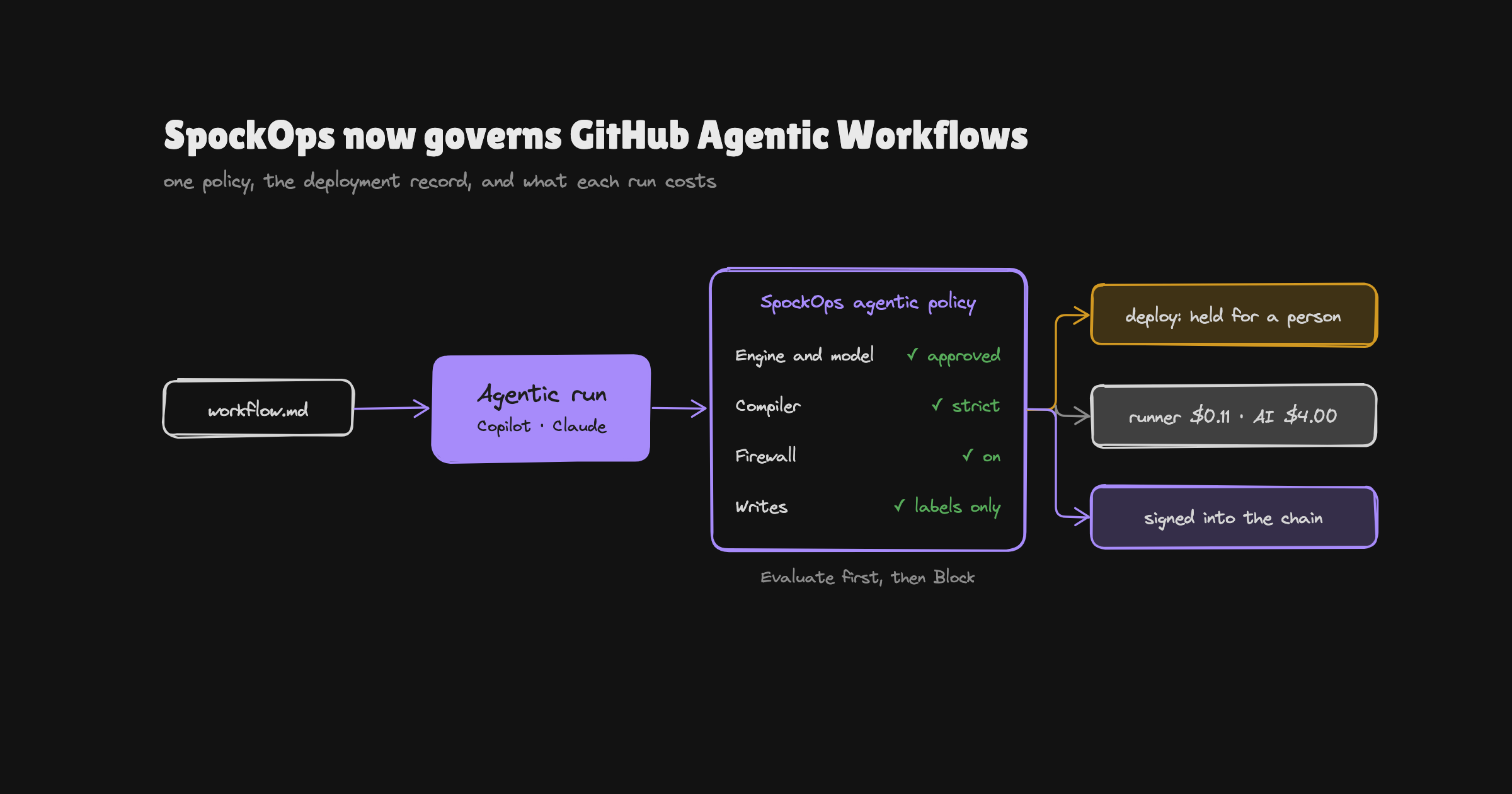
SpockOps now governs GitHub Agentic Workflows
SpockOps now governs GitHub Agentic Workflows. Approve engines, models and credentials, record every agent deployment and see what each run costs.
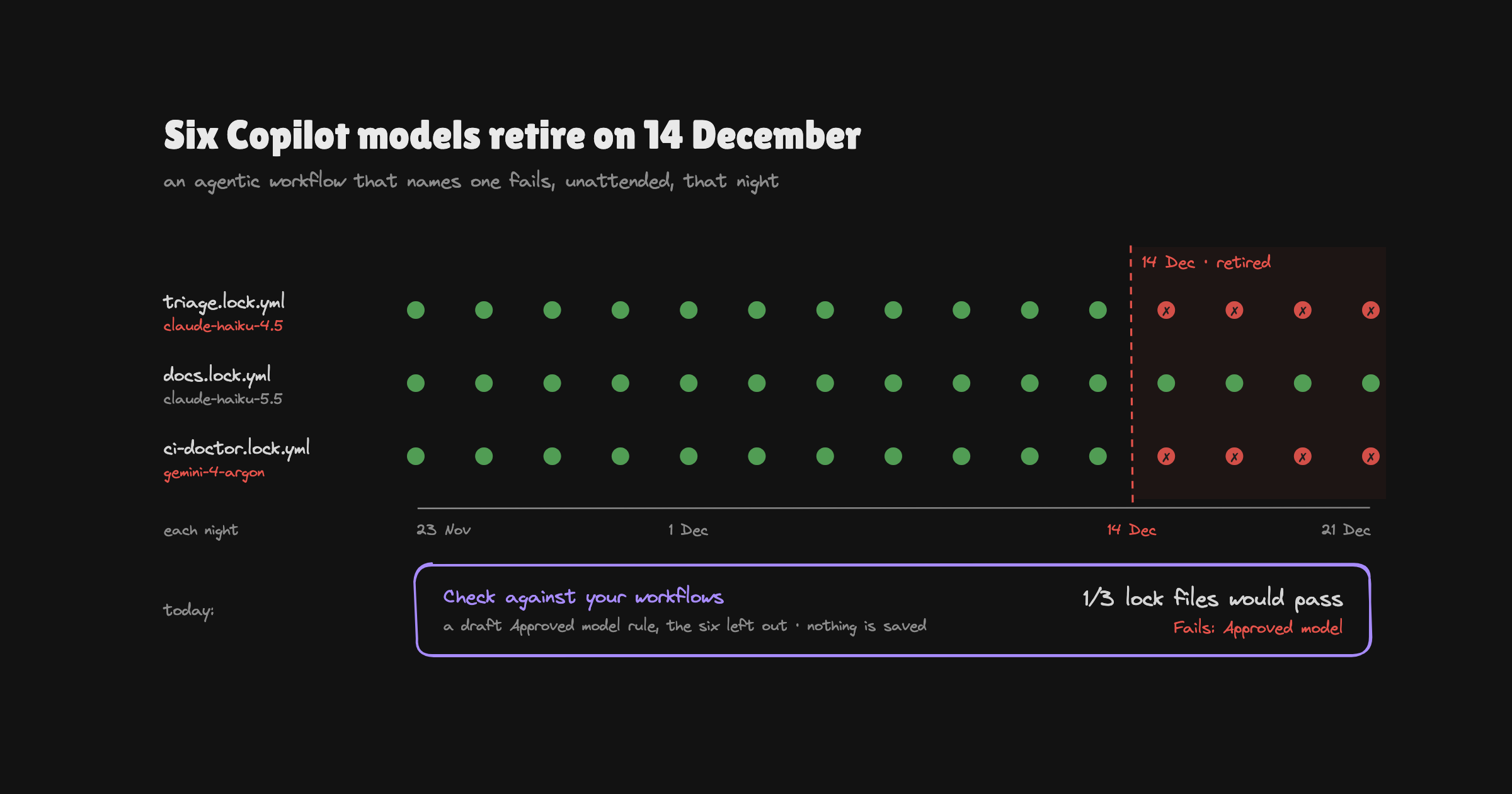
Six Copilot models retire on 14 December: which of your agentic workflows use one?
GitHub retires six Copilot models on 14 December 2026. An agentic workflow that names one will fail unattended. How to find them, switch safely and keep your model policy in step.
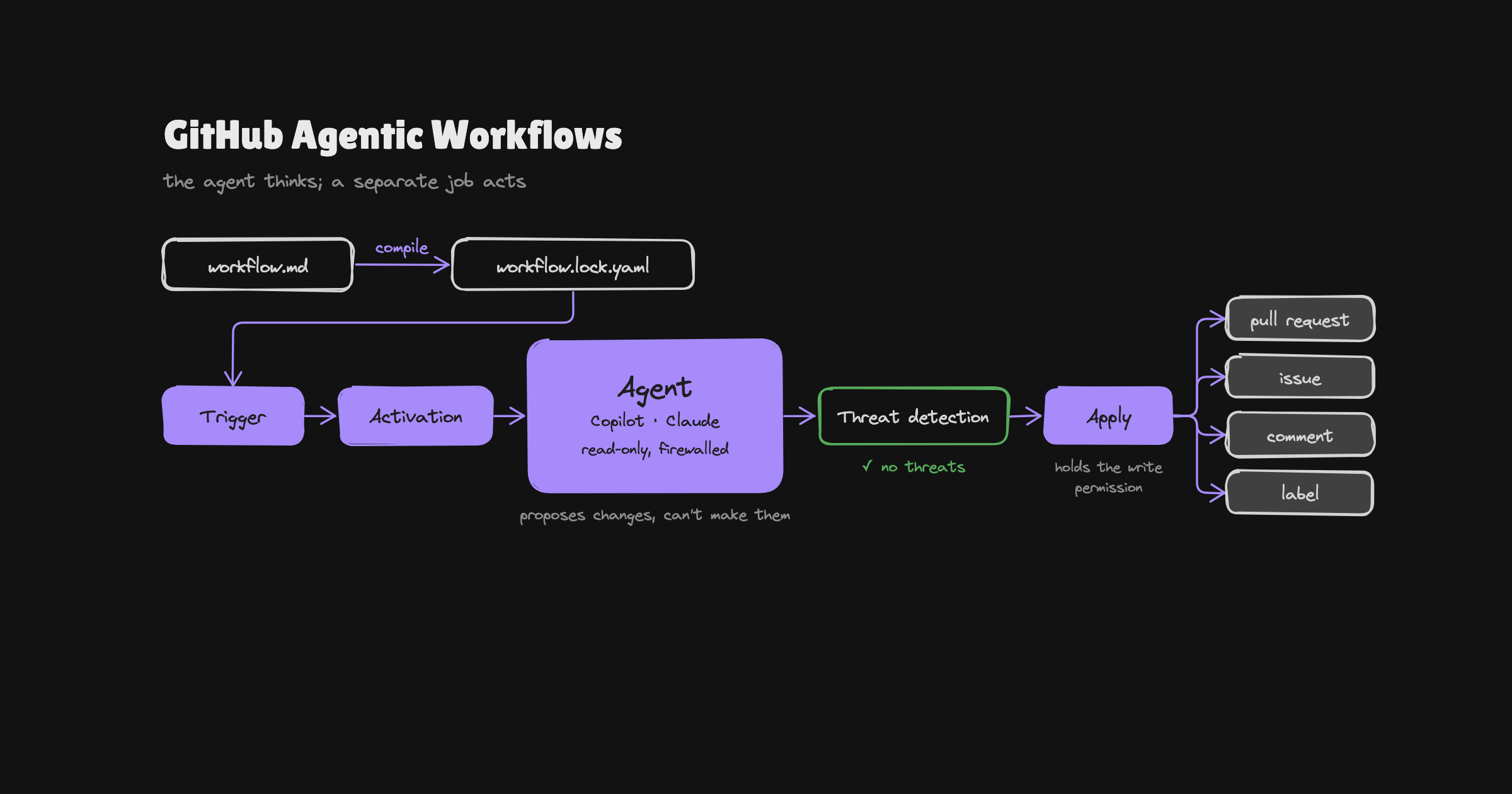
How GitHub Agentic Workflows work
A plain introduction to GitHub Agentic Workflows: how they are written, what happens when one runs, how agents are kept safe, and what they cost to operate.
GitHub Actions workflow governance: one set of rules for runs, agents and deployments
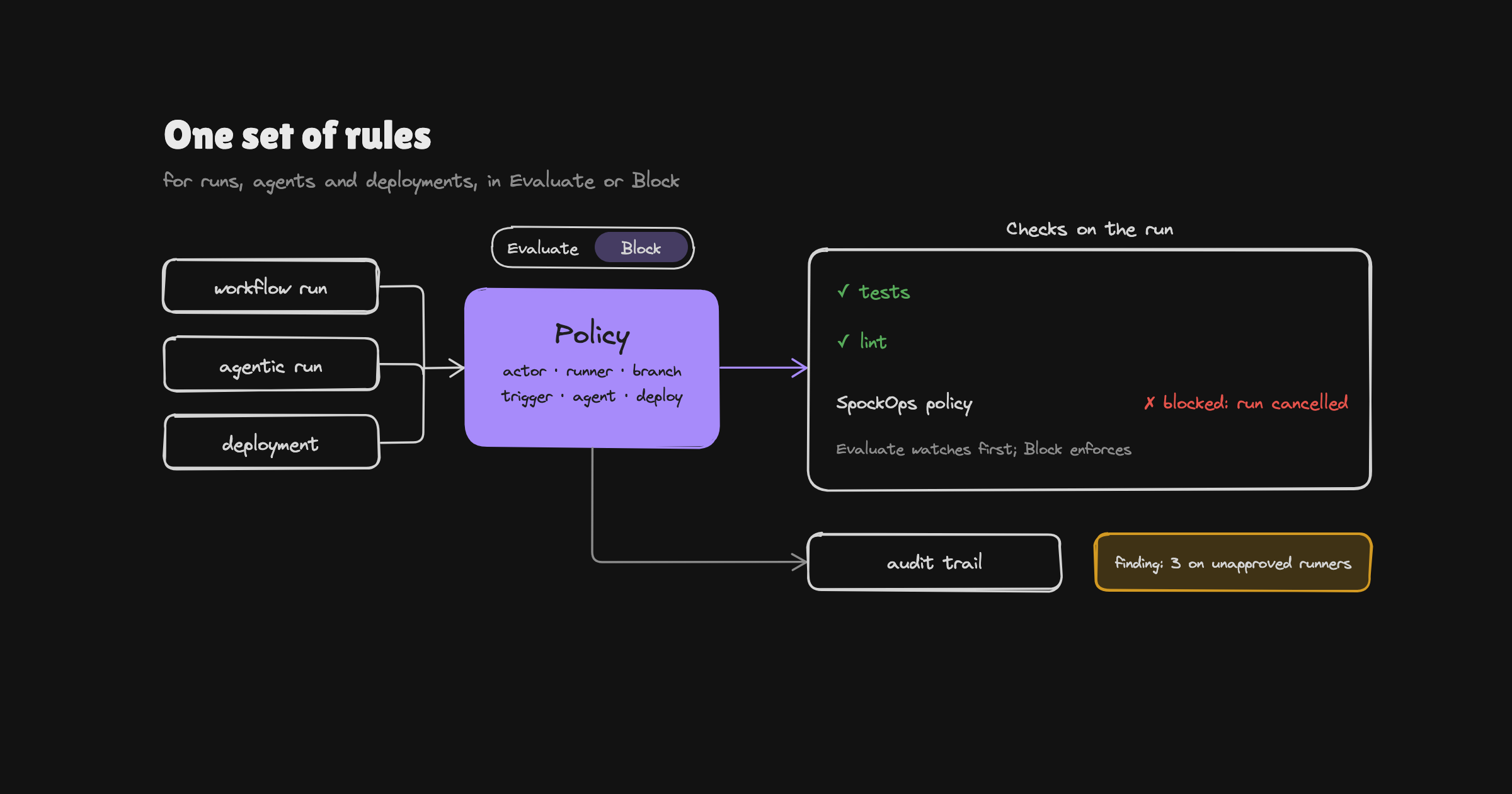
Workflow governance for GitHub Actions: one engine for runs, agentic workflows and deployments, in Evaluate or Block, with findings that say what to fix next.
pull_request_target: why to stop using it, and what to use instead
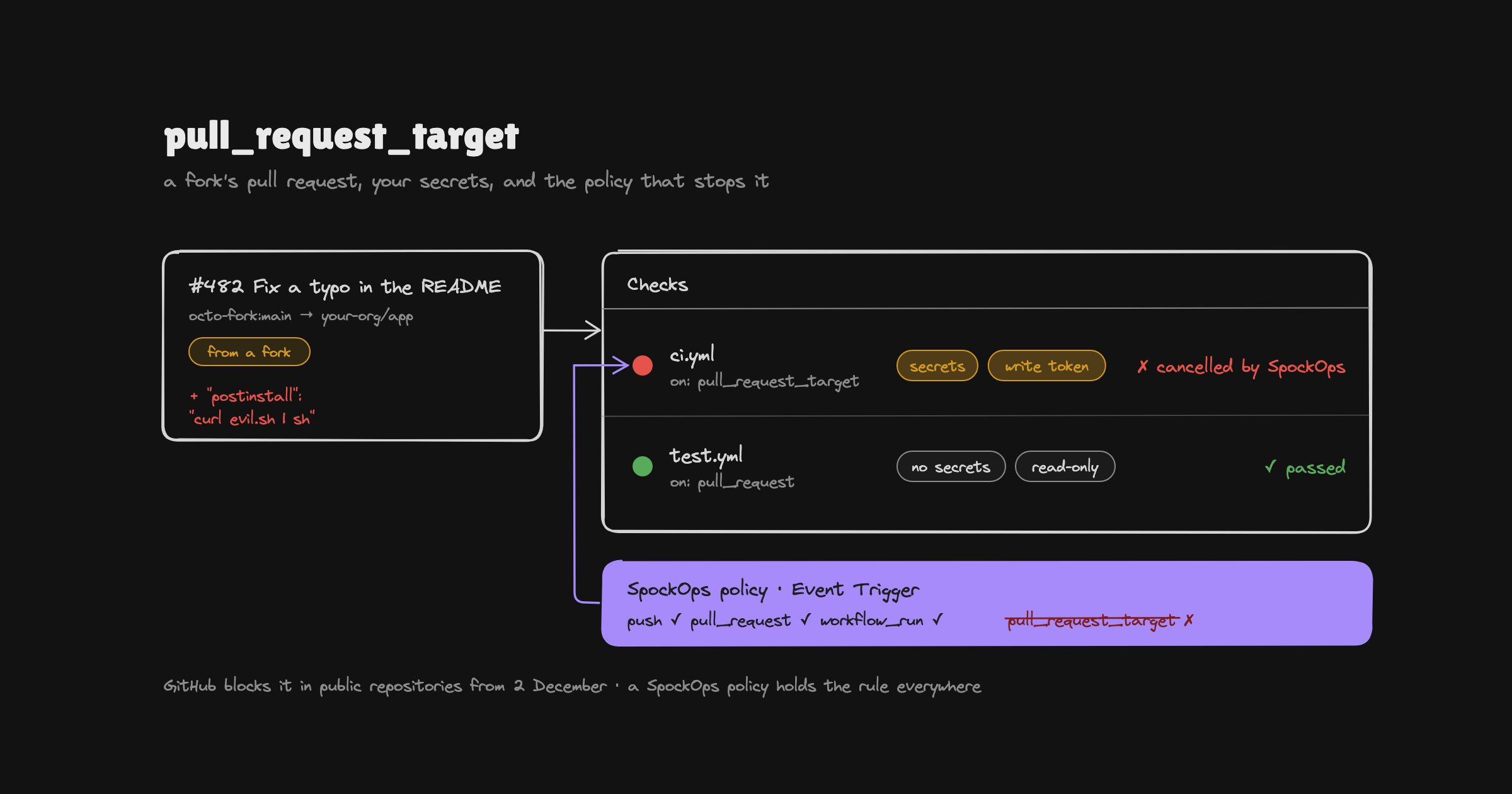
GitHub blocks pull_request_target by default from 2 December. Why the trigger is dangerous, the simple two-workflow pattern to use instead, and how to keep it out of every repository.
The GitHub policy engine: how SpockOps decides what may run, act and deploy
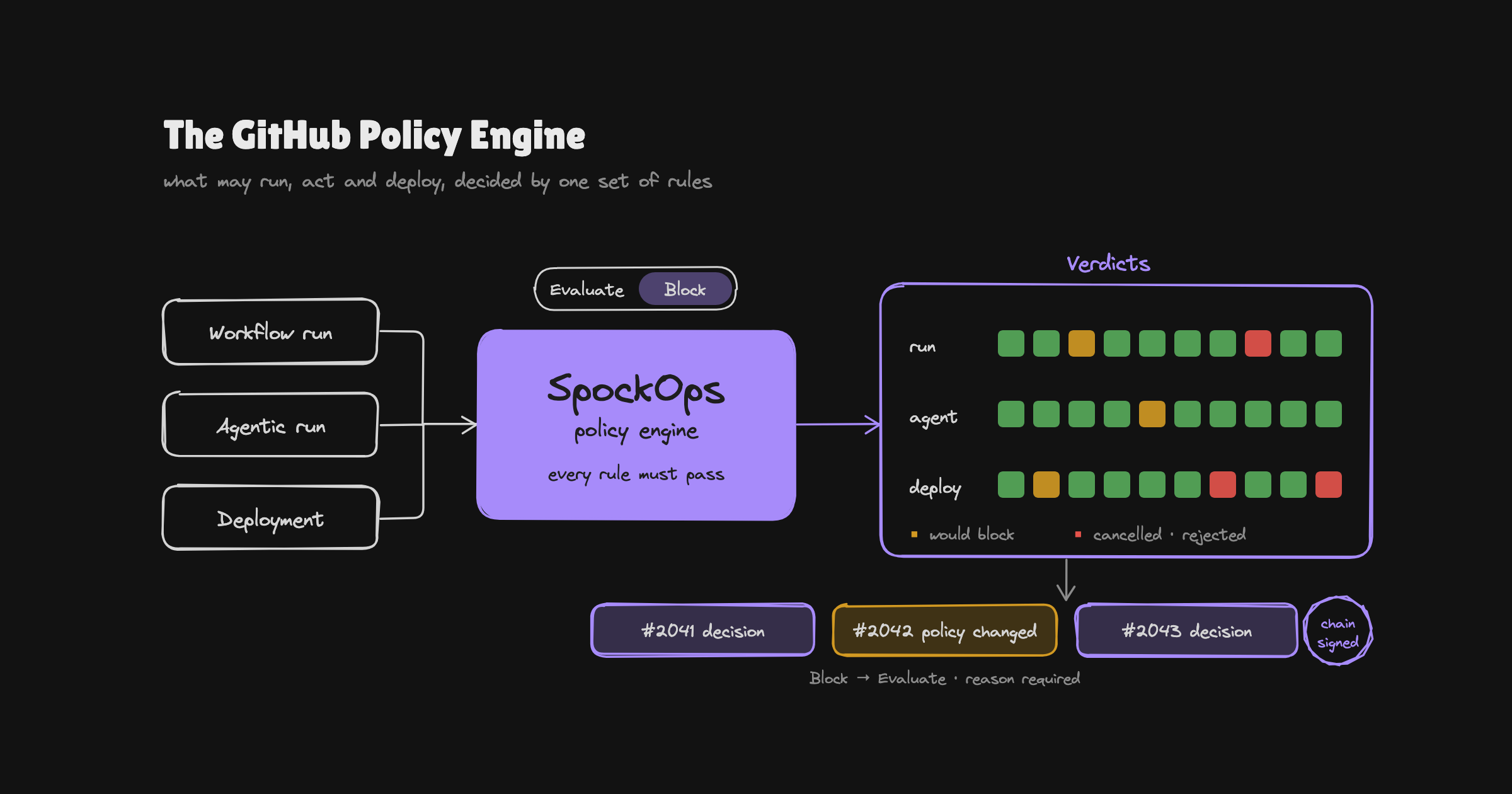
A policy engine for GitHub Actions: one set of rules for workflow runs, agentic workflows and deployments, tried in Evaluate, enforced in Block and recorded.