 SpockOps
Deployment protection rules: what a reviewer's approval cannot see
How GitHub deployment protection rules work, what required reviewers cannot see, and how SpockOps approves each deployment by actor, runner, kind and origin.
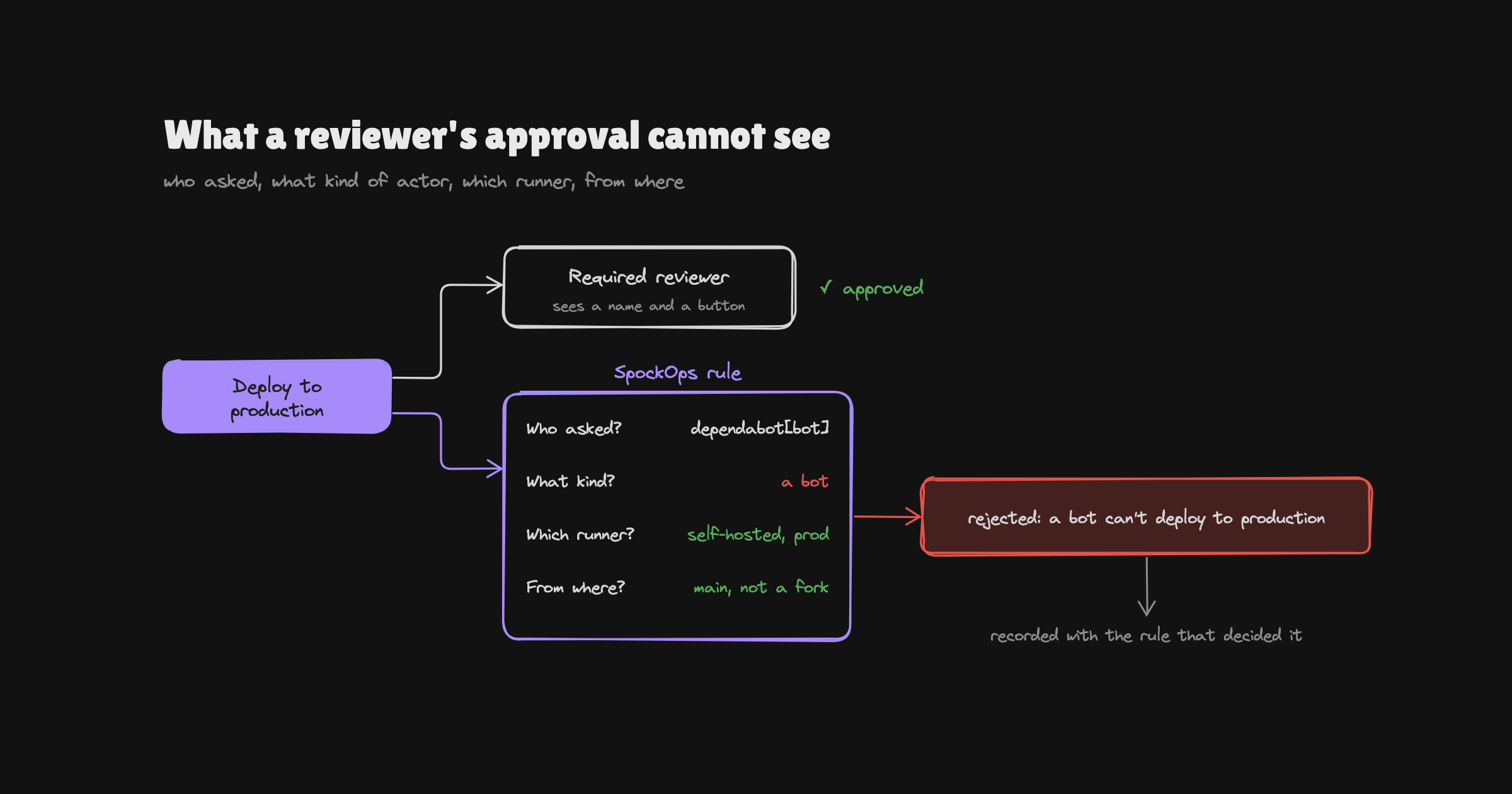

GitHub deployment protection rules are the conditions a workflow job must satisfy before it may deploy to a protected environment such as production. GitHub provides several built in, including required reviewers, and allows a GitHub App to add its own. SpockOps is such an app: it approves or rejects each deployment by who requested it, what ran it, what kind of actor it was and where it came from, and keeps the reason.
The question deserves fresh attention. Deployments are no longer started only by engineers. Bots that update dependencies, release automation and, increasingly, AI agents all trigger workflows that reach production. A rule designed for a person pressing a button now governs a much wider range of actors.
How does GitHub protect a deployment? #
Through environments. An environment is a named target, such as staging or production, that a workflow job declares it will deploy to. Before the job may proceed, every protection rule on that environment must pass. GitHub's documentation describes four built-in options:
- Required reviewers. Up to six people or teams may be listed, and one approval is enough. Self-review can be prevented, so the person who started a deployment cannot approve it.
- A wait timer. The job is held for a set period, up to 30 days, before it may proceed.
- Deployment branches and tags. Only branches or tags that match named patterns may deploy.
- Administrator bypass. By default, administrators can override the rules; this can be turned off.
A fifth option extends the others. A custom deployment protection rule lets a GitHub App take part in the decision. When a job reaches the environment, GitHub notifies the app, which examines the deployment and responds with approval or rejection, optionally with a written explanation. Up to six such rules may be enabled on one environment.
Availability depends on the repository and the plan. On GitHub Free, Pro and Team, required reviewers, wait timers and custom rules are available only in public repositories; private and internal repositories need GitHub Enterprise. GitHub describes custom rules as in public preview and subject to change.
Why is a reviewer's approval not enough? #
Because a reviewer approves a request without seeing most of what makes it safe or unsafe.
Consider what a reviewer actually sees. A notification arrives saying that a workflow is waiting to deploy to production, with a button to approve it. The reviewer knows which workflow it is and who started it. They usually do not know which runner the job is on, whether the run began from a fork, whether the actor was a person, a bot or an AI agent, or whether the same workflow failed its last three deployments. They are asked to judge a deployment from its name.
The difficulty grows with volume. A team that deploys several times a day sends its reviewers several approval requests a day, and approvals given that often tend to become routine. Bots and agents add further requests that no one expected to review. A branch rule helps, but it answers only one question: which branch the code came from.
None of this makes required reviewers less valuable. A human check before production remains a sound practice. The point is that a person's judgment works best when the questions a machine can answer reliably have already been answered.
What should decide whether a deployment proceeds? #
In our experience, four questions settle most deployments before a person needs to look at them.
- Who asked? The person, team or account that triggered the deployment.
- What kind of actor is it? A person, a bot or an AI agent. Each deserves different treatment: a dependency bot may deploy to staging, for example, but not to production.
- What ran it? The runner the job is on. A production deployment should run only on runners trusted with production credentials.
- Where did it come from? The repository and branch of origin, and in particular whether the run began from a fork.
A fifth question applies afterwards: why was it allowed? Each decision, approval or rejection, should be recorded with the rule that produced it, so that an auditor, or the team itself, can reconstruct any deployment later.
What does GitHub provide, and what does SpockOps add? #
GitHub provides the mechanism and the human check. SpockOps uses that mechanism, as a custom deployment protection rule on each environment, to answer the machine-checkable questions automatically and keep the record.
| Question | GitHub built-in protections | SpockOps deployment protection |
|---|---|---|
| Who asked? | Shown to the reviewer; self-review can be prevented | Approved or rejected by actor, with rules per environment |
| What kind of actor is it? | Not distinguished | Person, bot or agent, each with its own rules |
| What ran it? | Not considered | Approved or rejected by runner |
| Where did it come from? | Branch and tag patterns | Origin, including runs from forks |
| Why was it allowed? | The reviewer's approval | Every decision kept with the rule and the reason |
| Every environment in one place | Per repository | Every deployment to every environment, by actor and repository, across organizations |
| Delivery figures | Not provided | Deployment frequency, change failure rate and time to recover |
The two are designed to work together. Required reviewers still apply: SpockOps adds the rule they do not cover, and a deployment proceeds only when every rule on the environment, human and automated, has passed. The same plan limits apply to SpockOps as to any custom rule: it can protect public repositories on any plan, and private repositories on GitHub Enterprise.
What does the record of deployments tell you? #
A protection rule sees every deployment, so its record becomes an accurate history of how a team delivers software.
SpockOps shows every deployment to every environment, by actor and repository, with its outcome and the decision beside it. From the same records it calculates three of the measures popularized by the DORA research program: how often a team deploys, how often a deployment fails and how long recovery takes. Because the figures come from deployments the team already runs, no separate reporting is needed.
The record also shows where rules need attention. A rule that rejects the same bot every day probably needs adjusting; a rule that never matches anything protects nothing. Each such finding comes with a recommended next step, and every change to a rule is recorded in the activity log and in SpockOps' chained audit trail, with who made it, when and why. Audit streaming sends that record to the security team's SIEM.
Agents deserve a final word. An agentic workflow that deploys is governed in two places: its agentic policy, which can be made stricter for workflows that deploy to production, and the environment's protection rule, which applies to every deployment regardless of who or what began it. GitHub Actions workflow governance covers the first.
Where to begin #
Keep your reviewers, and add the rule they do not cover to your most important environment first.
- Confirm that production is a protected environment with required reviewers and, where it fits, a branch rule.
- Sign in to SpockOps with GitHub, name your workspace and install the App on the organization.
- Enable SpockOps as a deployment protection rule on the production environment.
- Start with the rules few teams would dispute: no deployments from forks, and production deployments only on production runners.
- Review the decisions and findings after a week, then extend the rules to staging and to bots and agents.
SpockOps installs in about five minutes and requires no changes to your workflows.
Further reading: GitHub Actions workflow governance.
Questions
What are GitHub deployment protection rules?
They are conditions a workflow job must satisfy before it may deploy to a protected environment. GitHub provides required reviewers, wait timers and branch rules, and allows GitHub Apps to add custom rules of their own.
How does a custom deployment protection rule work?
When a job reaches a protected environment, GitHub notifies the GitHub App behind the rule. The app examines the deployment and responds with approval or rejection, optionally with an explanation. Up to six custom rules can be enabled on one environment.
Does SpockOps replace required reviewers?
No. Required reviewers still apply. SpockOps adds an automated rule that checks the actor, the kind of actor, the runner and the origin, and a deployment proceeds only when every rule has passed.
Can deployment rules treat bots and AI agents differently from people?
With SpockOps, yes. Each deployment is approved or rejected according to whether it was started by a person, a bot or an agent, with separate rules for each.
Which repositories can use custom deployment protection rules?
Public repositories on every GitHub plan, and private or internal repositories on GitHub Enterprise. GitHub describes the feature as in public preview.
Can SpockOps report DORA metrics?
Yes. From the deployments it records, SpockOps calculates deployment frequency, change failure rate and time to recover.
Related posts
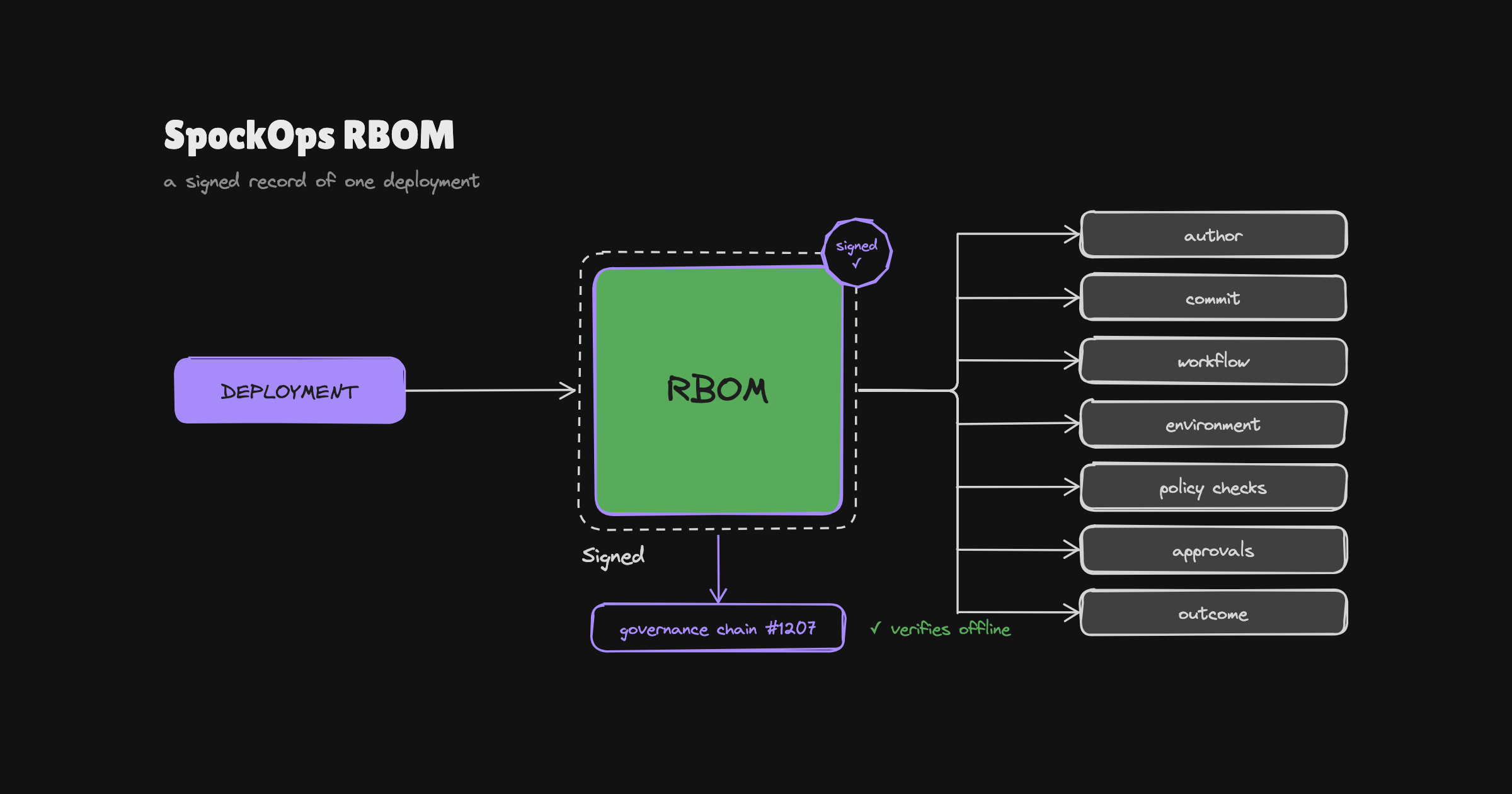
The Release Bill of Materials: a signed record of every deployment
An RBOM is a signed, chained record of one deployment: what shipped, who asked, which rules were checked, who approved it and how it ended.
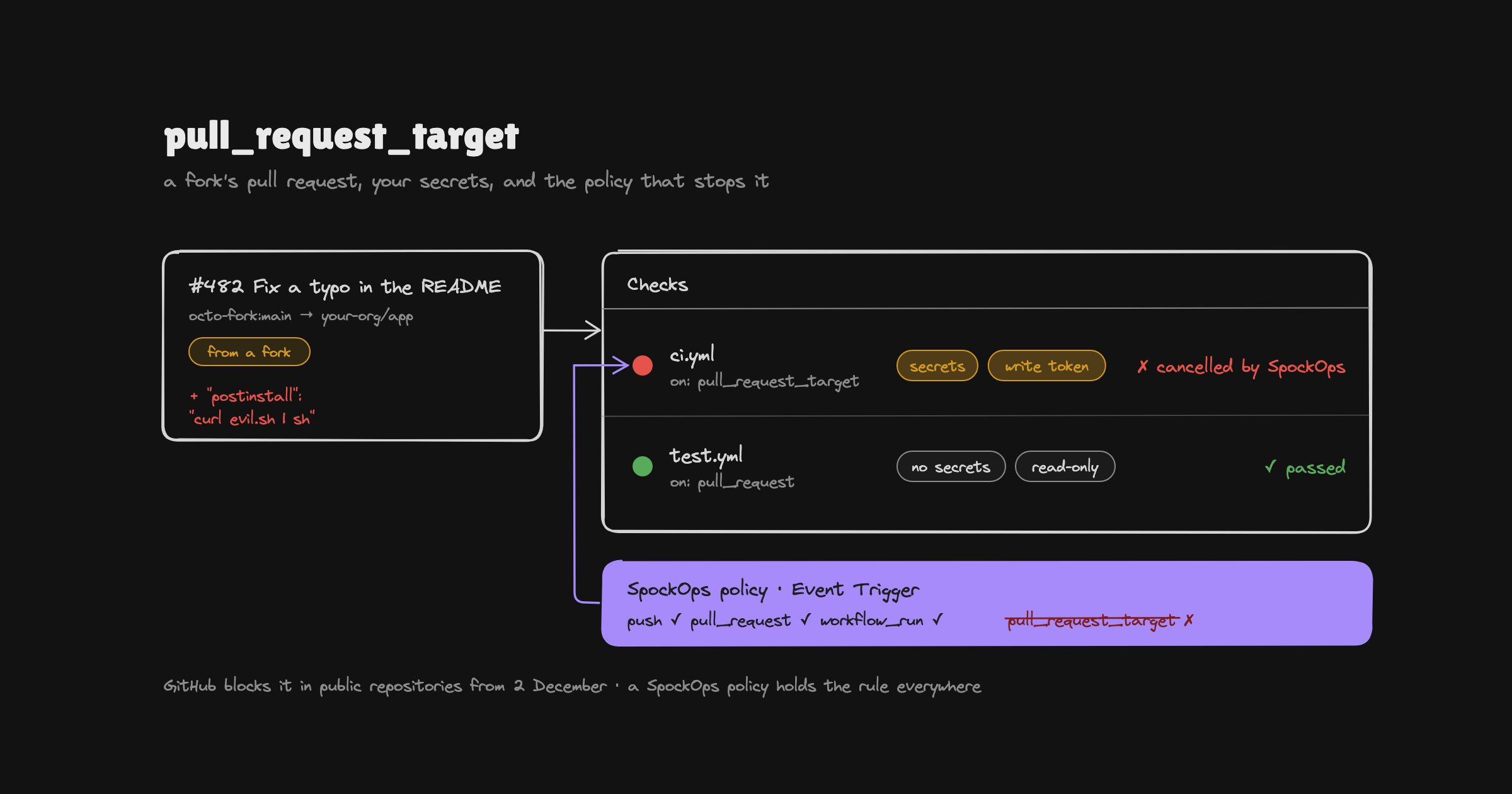
pull_request_target: why to stop using it, and what to use instead
GitHub blocks pull_request_target by default from 2 December. Why the trigger is dangerous, the simple two-workflow pattern to use instead, and how to keep it out of every repository.
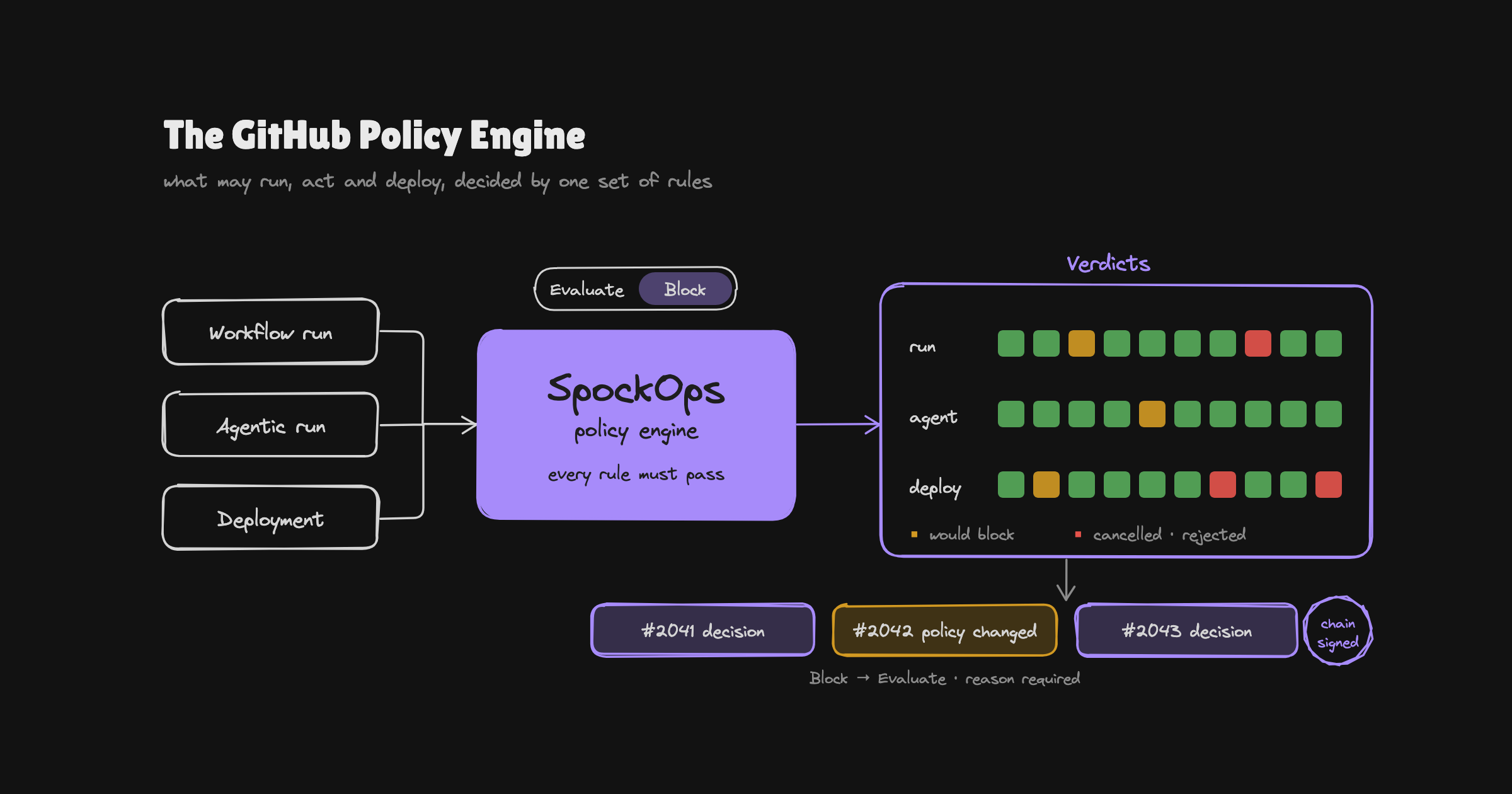
The GitHub policy engine: how SpockOps decides what may run, act and deploy
A policy engine for GitHub Actions: one set of rules for workflow runs, agentic workflows and deployments, tried in Evaluate, enforced in Block and recorded.
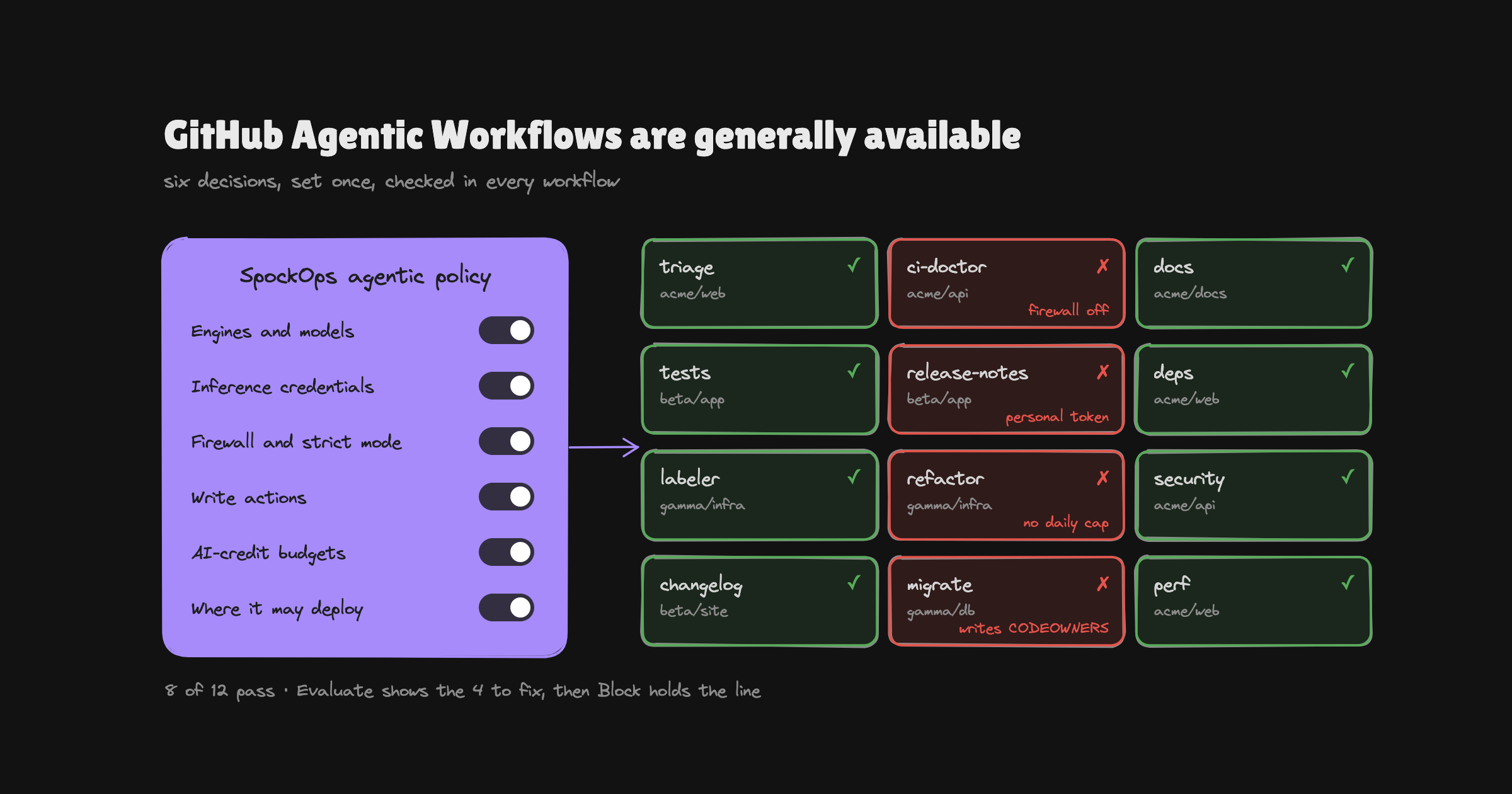
GitHub Agentic Workflows are generally available: six decisions before your teams turn them on
GitHub Agentic Workflows are generally available. The six decisions an enterprise should make first: engines, credentials, isolation, writes, spend and deployments.
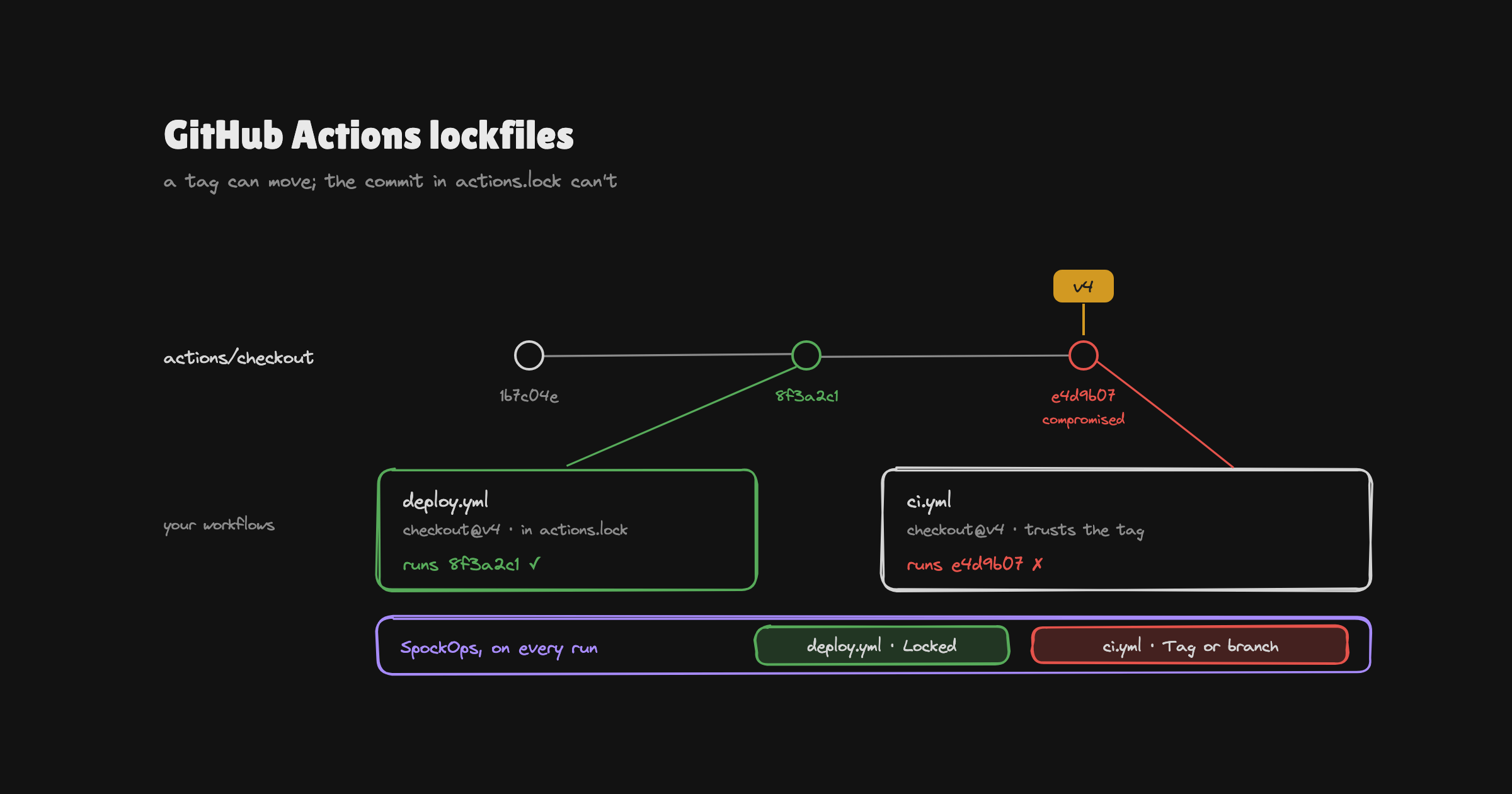
GitHub Actions lockfiles are generally available: what they fix, and what to watch across every repository
GitHub Actions workflow lockfiles pin every action, transitive dependency and reusable workflow to a commit. What they fix, what they don't, and how to start using one today.
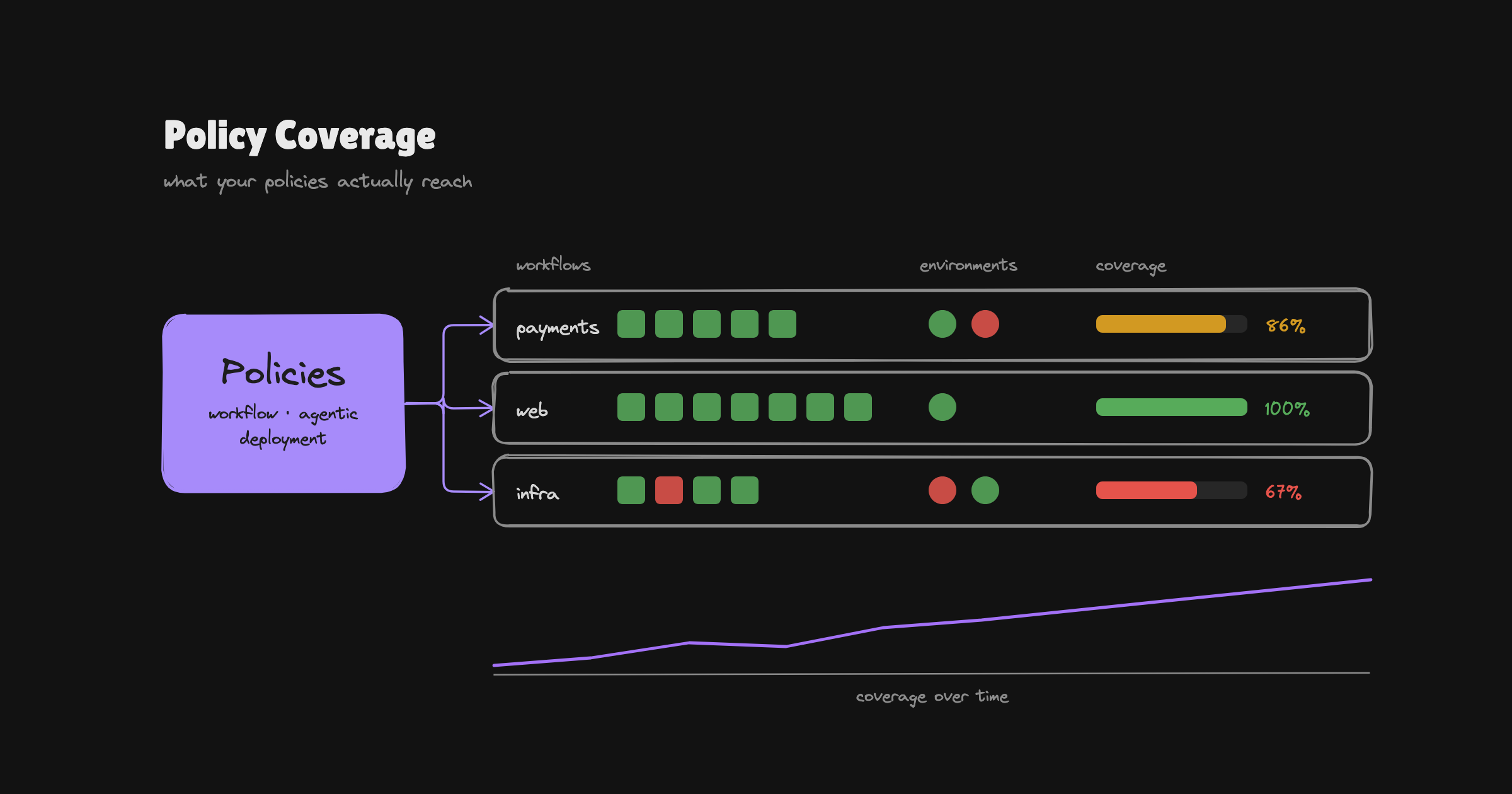
Policy coverage: what your GitHub Actions policies actually reach
Policies only govern what they match. SpockOps' coverage shows every workflow that ran and every environment, and whether a policy would check it.