 SpockOps
pull_request_target: why to stop using it, and what to use instead
GitHub blocks pull_request_target by default from 2 December. Why the trigger is dangerous, the simple two-workflow pattern to use instead, and how to keep it out of every repository.
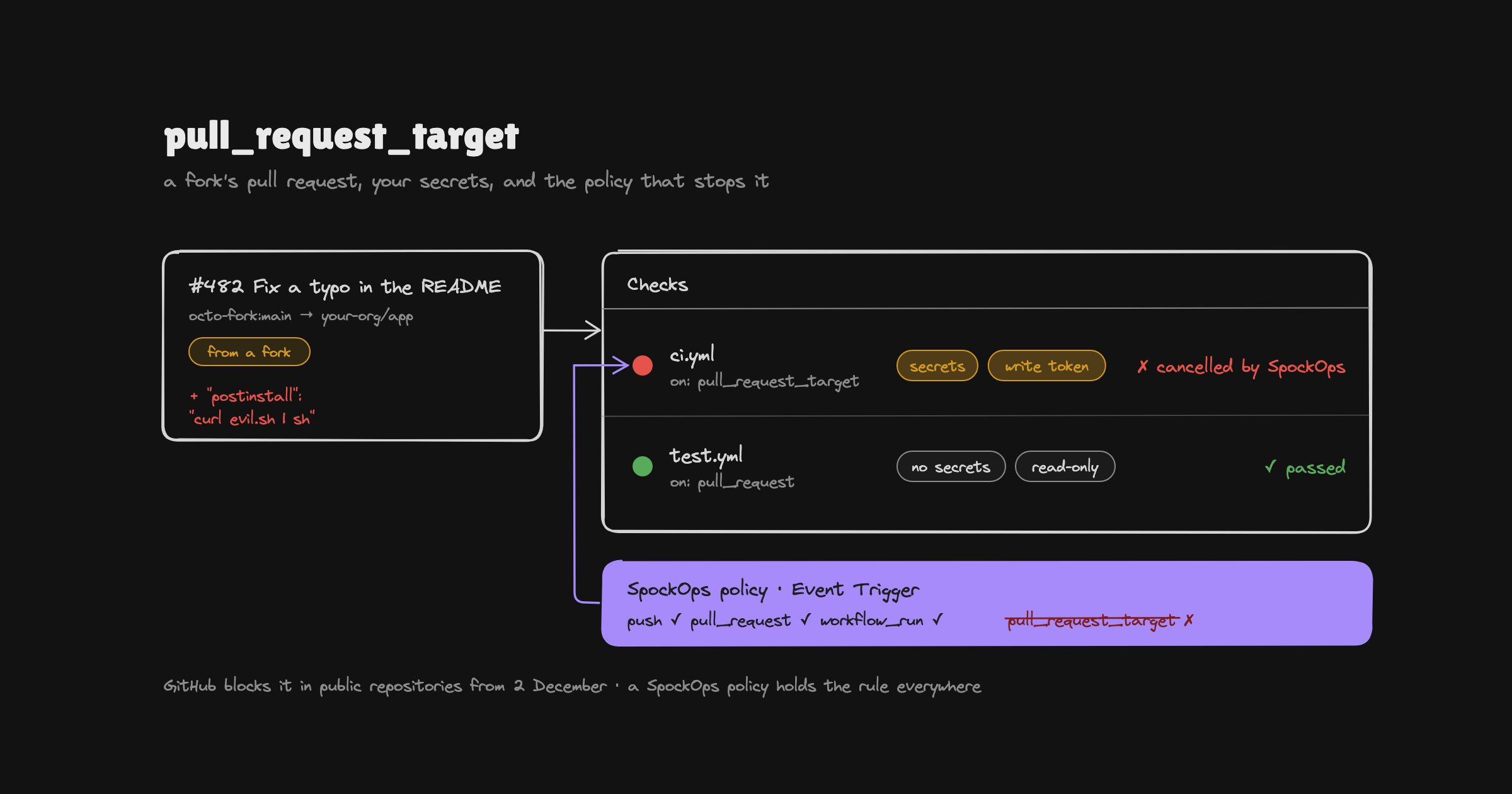

On 2 December 2026 GitHub starts blocking pull_request_target by default in public repositories. If one of your workflows uses it, here is what it does, why it's being shut off, and the simple pattern to move to.
What's happening? #
Two changes, six months apart:
- June 2026:
actions/checkoutv7 refuses to check out a fork's pull request in apull_request_targetworkflow, and the protection was backported to older major versions in July. - 2 December 2026: GitHub blocks the trigger itself, by default, in public repositories on GitHub Free, Team and Enterprise Cloud, unless an event policy allows it. GitHub scheduled brownouts for 9 and 16 November.
That block is for public repositories only. In private and internal repositories, and on GitHub Enterprise Server, pull_request_target keeps running unless you add an event policy yourself. Move off it there too: the danger isn't being public, it's who can open a pull request. A private repository that allows forks, or an internal one any colleague in the enterprise can fork, hands that person your secrets the same way.
Why move off it? #
Because it hands a stranger's code your keys. pull_request_target runs on a pull request like pull_request does, but with the base repository's secrets and a token that can write, even when the pull request comes from a fork.
pull_request |
pull_request_target |
|
|---|---|---|
| Secrets, for a pull request from a fork | None | Yes |
GITHUB_TOKEN |
Read-only | Can write |
That's safe only while the workflow never runs anything from the pull request, and the line is easy to cross:
on: pull_request_target
jobs:
  test:
    runs-on: ubuntu-latest
    steps:
      - uses: actions/checkout@v4
        with:
          ref: ${{ github.event.pull_request.head.sha }}   # the fork's code
      - run: npm ci && npm test                           # runs it, with your secrets
        env:
          NPM_TOKEN: ${{ secrets.NPM_TOKEN }}
npm ci runs the install scripts in the pull request's package.json. Whoever opened it can now publish your package or push to your repository. GitHub's security lab calls these Pwn Requests. The checkout change closes this exact path, but not a workflow pinned to an older commit of checkout (a lockfile keeps that commit honest, not safe), one that fetches the code with git itself, or one that pastes a pull request's title into a run: step.
What should you use instead? #
For most workflows, one word. If it builds and tests the pull request, change the trigger to pull_request. It runs the same code with no secrets and a read-only token, which is all a test needs:
# .github/workflows/test.yml
name: Test
on: pull_request
permissions:
  contents: read
jobs:
  test:
    runs-on: ubuntu-latest
    steps:
      - uses: actions/checkout@v5
      - run: npm ci && npm test
If it also writes back, a comment or a label, add a second workflow that starts when the first one finishes. workflow_run is how one workflow depends on another. It runs from your default branch, with a token that can write, and it never touches the pull request's code:
# .github/workflows/comment.yml
name: Comment
on:
  workflow_run:
    workflows: [Test]
    types: [completed]
permissions:
  pull-requests: write
jobs:
  comment:
    runs-on: ubuntu-latest
    steps:
      - run: gh pr comment "$(gh pr list --search "$SHA" --json number --jq '.[0].number')" --body "Tests: $RESULT"
        env:
          GH_TOKEN: ${{ github.token }}
          GH_REPO: ${{ github.repository }}
          SHA: ${{ github.event.workflow_run.head_sha }}
          RESULT: ${{ github.event.workflow_run.conclusion }}
Why not one workflow with two jobs joined by needs:? Because a pull request from a fork gets a read-only token for the whole run, so the second job couldn't write. The write has to live in a workflow the fork can't change. The pull request is found by its commit and the values arrive through env:, so nothing the contributor wrote is ever run.
Where do you use it? #
Search your code on GitHub. Signed in, these find every workflow that names the trigger, private repositories included. Replace your-org or your-name first:
- An organization:
org:your-org path:.github/workflows pull_request_target - A personal account:
user:your-name path:.github/workflows pull_request_target
Code search reads default branches only, so it finds today's files, not the ones written next month. That is what a policy is for.
How does SpockOps govern triggers? #
With a workflow policy's Event Trigger rule: the list of events that may start a workflow. It's one rule in the SpockOps policy engine. Every run is checked against it as it starts, in public and private repositories alike, across every organization connected to your workspace. Leave pull_request_target off the list and it can't be used anywhere:
| Field | Value |
|---|---|
| Name | Allowed triggers |
| Applies To | * (every workflow) |
| Event Trigger | push, pull_request, workflow_run, merge_group, workflow_dispatch, schedule, release |
| Enforcement Mode | Evaluate, then Block |
Keep workflow_run on the list, since the pattern above depends on it, and name events in full: pull_request* also matches pull_request_target.
Run it in Evaluate for a week. Nothing is stopped, and Recommendations lists every event that failed the rule with how many runs it started: your inventory of who still uses the trigger, from real runs rather than a search. Then switch to Block. A run started by pull_request_target is cancelled and its SpockOps check fails, naming the policy, the rule and the event. Adding the trigger back later is a widening change, recorded on the governance chain and streamed to your SIEM, and it can't be saved without a reason. Policy coverage shows any workflow the rule doesn't reach yet.
One honest limit: SpockOps cancels a run as it starts, so its first steps may already have begun, and with this trigger the first steps are where the harm is done. Keep GitHub's own block as the gate, extend it to private repositories with an event policy, and let SpockOps hold the rule across every organization, find the stragglers and keep the record.
Where to begin #
- Keep GitHub's default block on, and add an event policy that blocks
pull_request_targetin private repositories too. - Search your organizations for the trigger. Move test workflows to
pull_request, and anything that writes to a secondworkflow_runworkflow. - Add a SpockOps workflow policy with an Event Trigger rule, in Evaluate, across every workflow.
- After a week, read Recommendations, then switch the policy to Block and require its check.
Further reading: The GitHub policy engine, GitHub Actions workflow governance and Policy coverage: what your GitHub Actions policies actually reach.
Questions
Does GitHub's 2 December change affect private repositories?
No. GitHub's default block applies to public repositories on GitHub Free, Team and Enterprise Cloud. Private and internal repositories, and GitHub Enterprise Server, keep the old behavior unless you set an event policy.
Is pull_request_target ever safe?
Only when the workflow never runs anything from the pull request, such as adding labels from the list of changed files. Most workflows that use it can move to the two-workflow pattern instead.
Can SpockOps block pull_request_target in private repositories?
Yes. Leave it off a workflow policy's Event Trigger rule, and every run it starts fails the policy, in any repository of any organization connected to your workspace.
Related posts
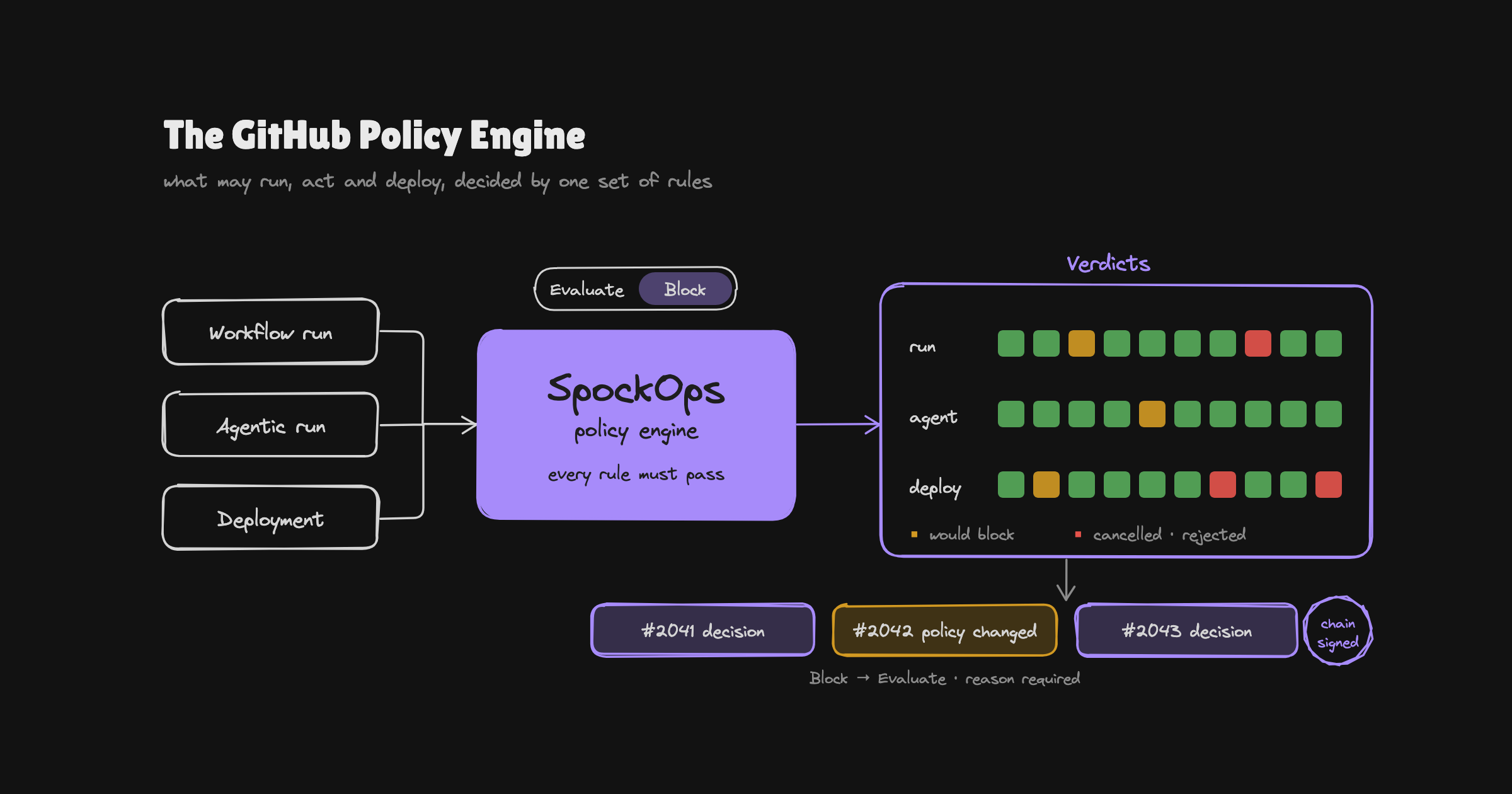
The GitHub policy engine: how SpockOps decides what may run, act and deploy
A policy engine for GitHub Actions: one set of rules for workflow runs, agentic workflows and deployments, tried in Evaluate, enforced in Block and recorded.
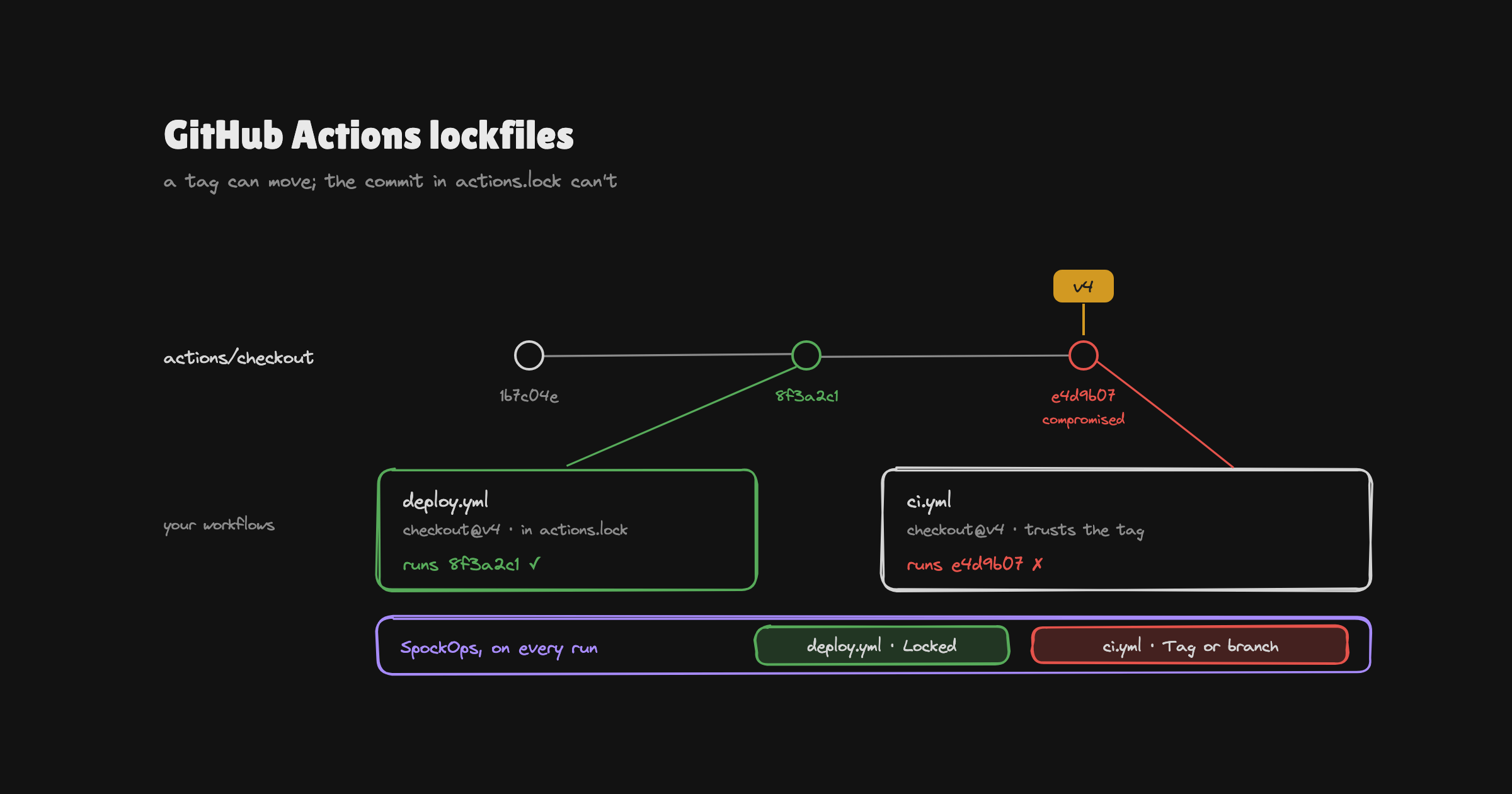
GitHub Actions lockfiles are generally available: what they fix, and what to watch across every repository
GitHub Actions workflow lockfiles pin every action, transitive dependency and reusable workflow to a commit. What they fix, what they don't, and how to start using one today.
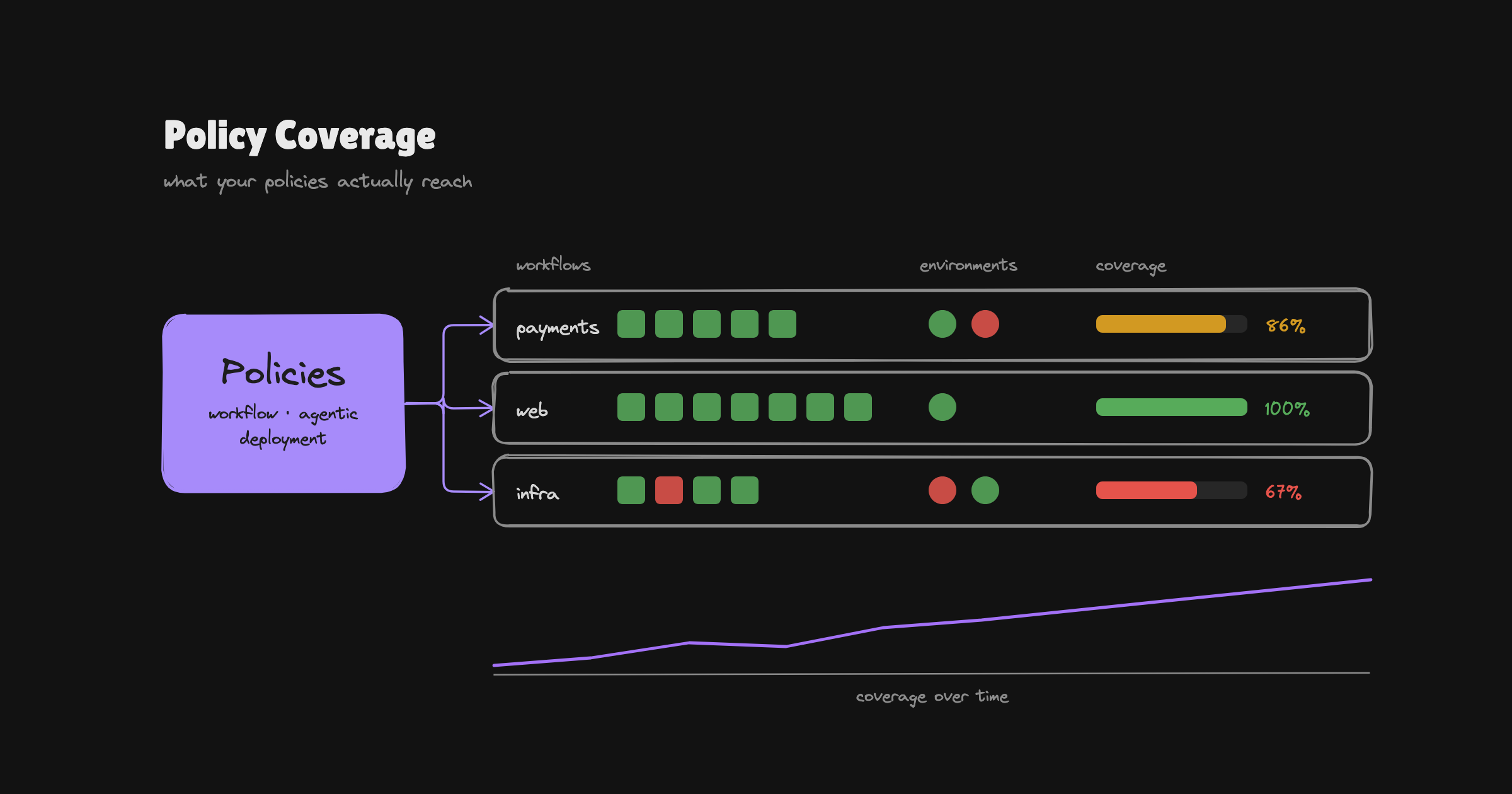
Policy coverage: what your GitHub Actions policies actually reach
Policies only govern what they match. SpockOps' coverage shows every workflow that ran and every environment, and whether a policy would check it.
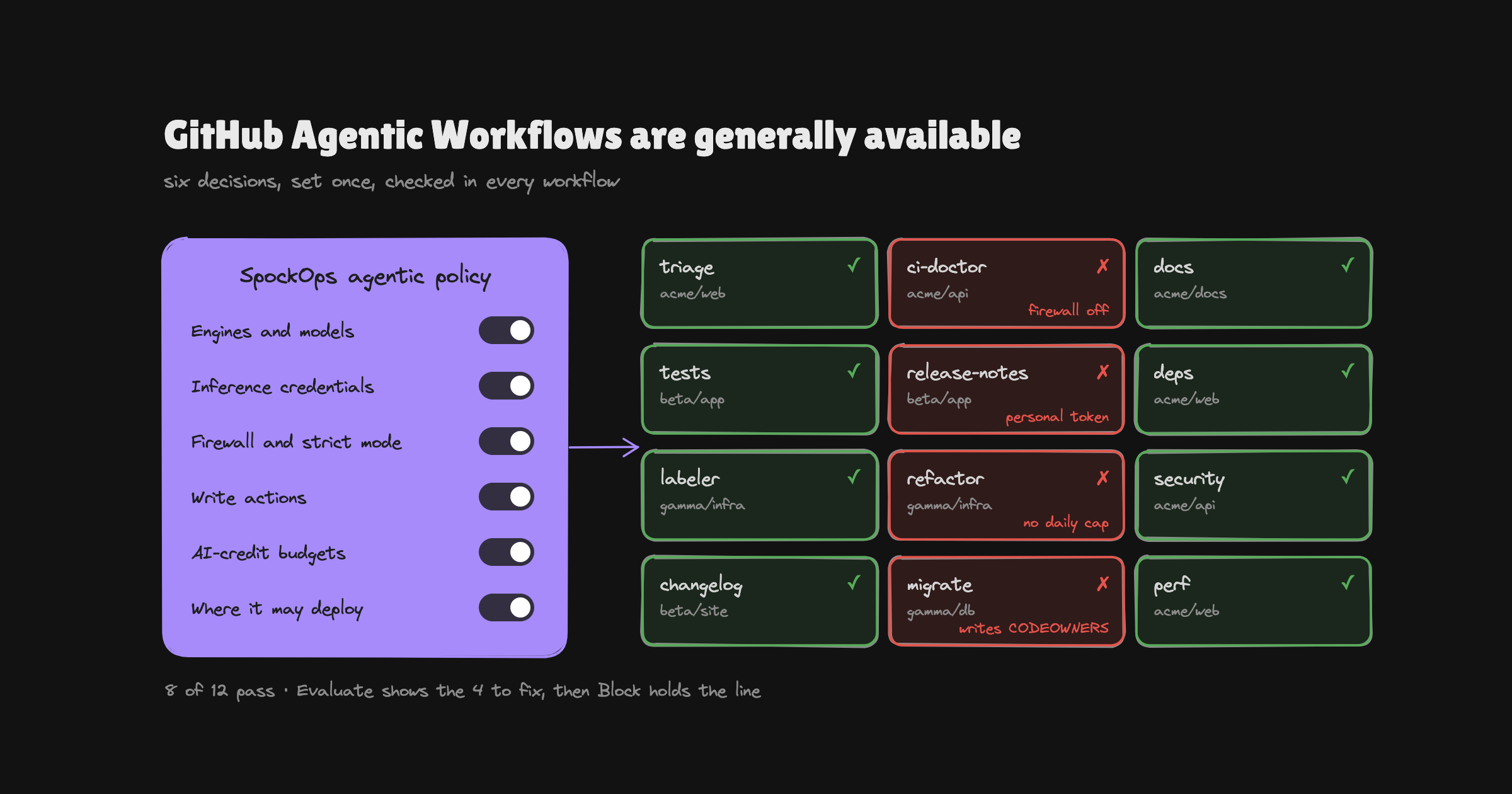
GitHub Agentic Workflows are generally available: six decisions before your teams turn them on
GitHub Agentic Workflows are generally available. The six decisions an enterprise should make first: engines, credentials, isolation, writes, spend and deployments.
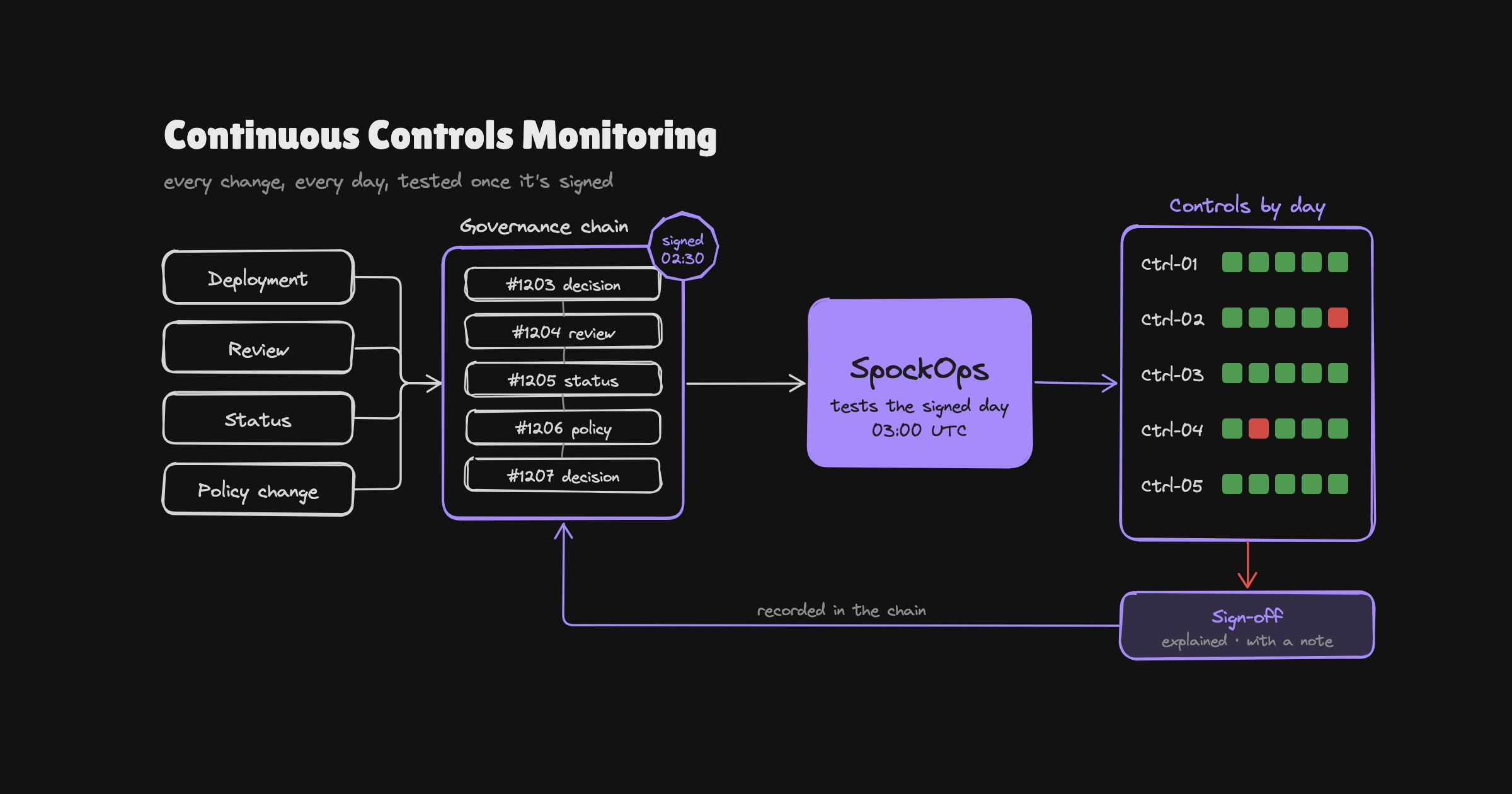
Continuous controls monitoring: testing every change, every day
Change management is usually tested once a year on a sample. SpockOps tests seven change controls every day over every production deployment, from a signed record an auditor can check.
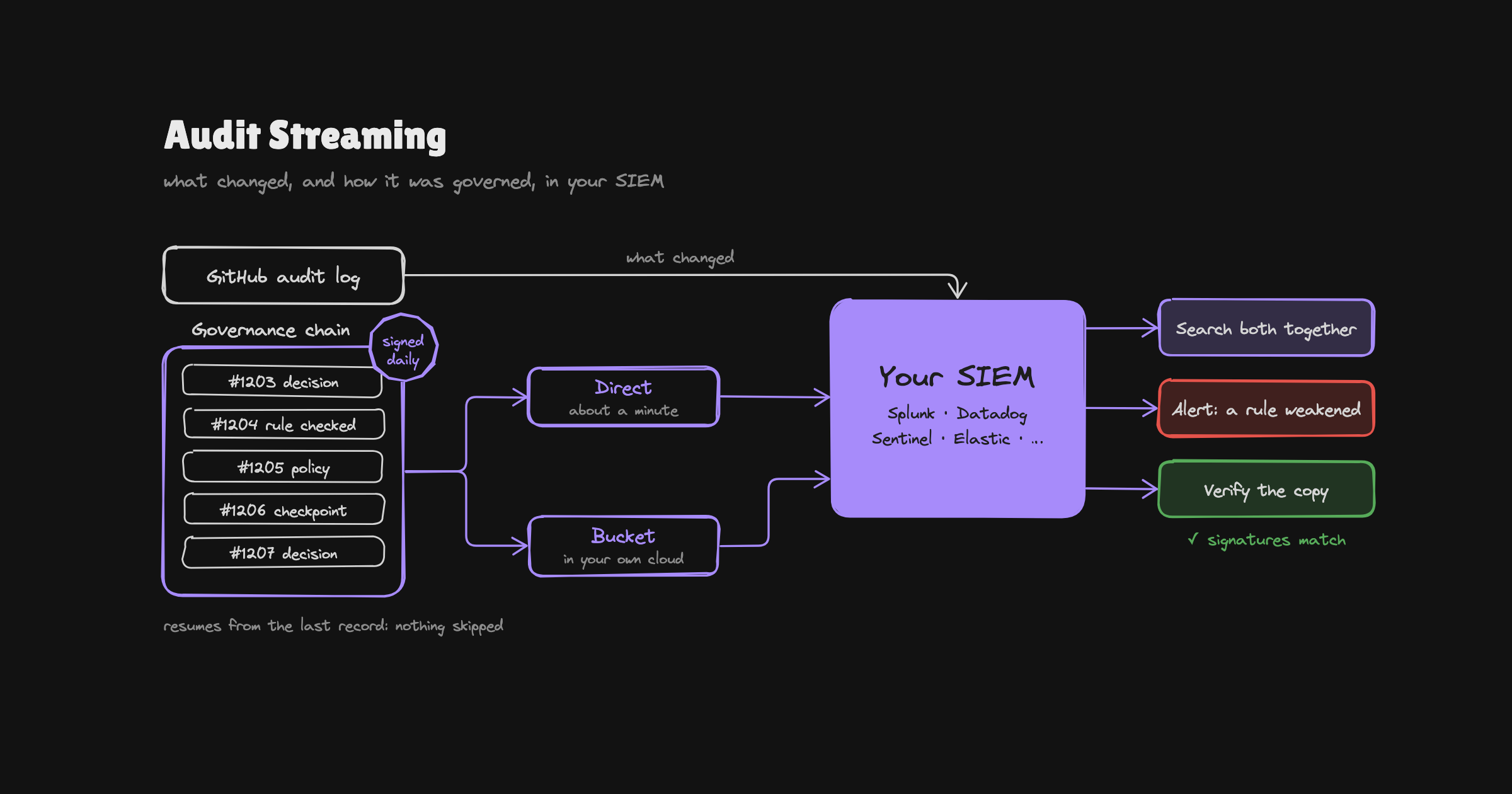
Audit streaming: what GitHub's audit log cannot tell your SIEM
GitHub's audit log shows what changed. The governance chain shows how that change was governed, and audit streaming sends it to your SIEM in the same format, with a copy you can verify.