 SpockOps
GitHub Actions lockfiles are generally available: what they fix, and what to watch across every repository
GitHub Actions workflow lockfiles pin every action, transitive dependency and reusable workflow to a commit. What they fix, what they don't, and how to start using one today.
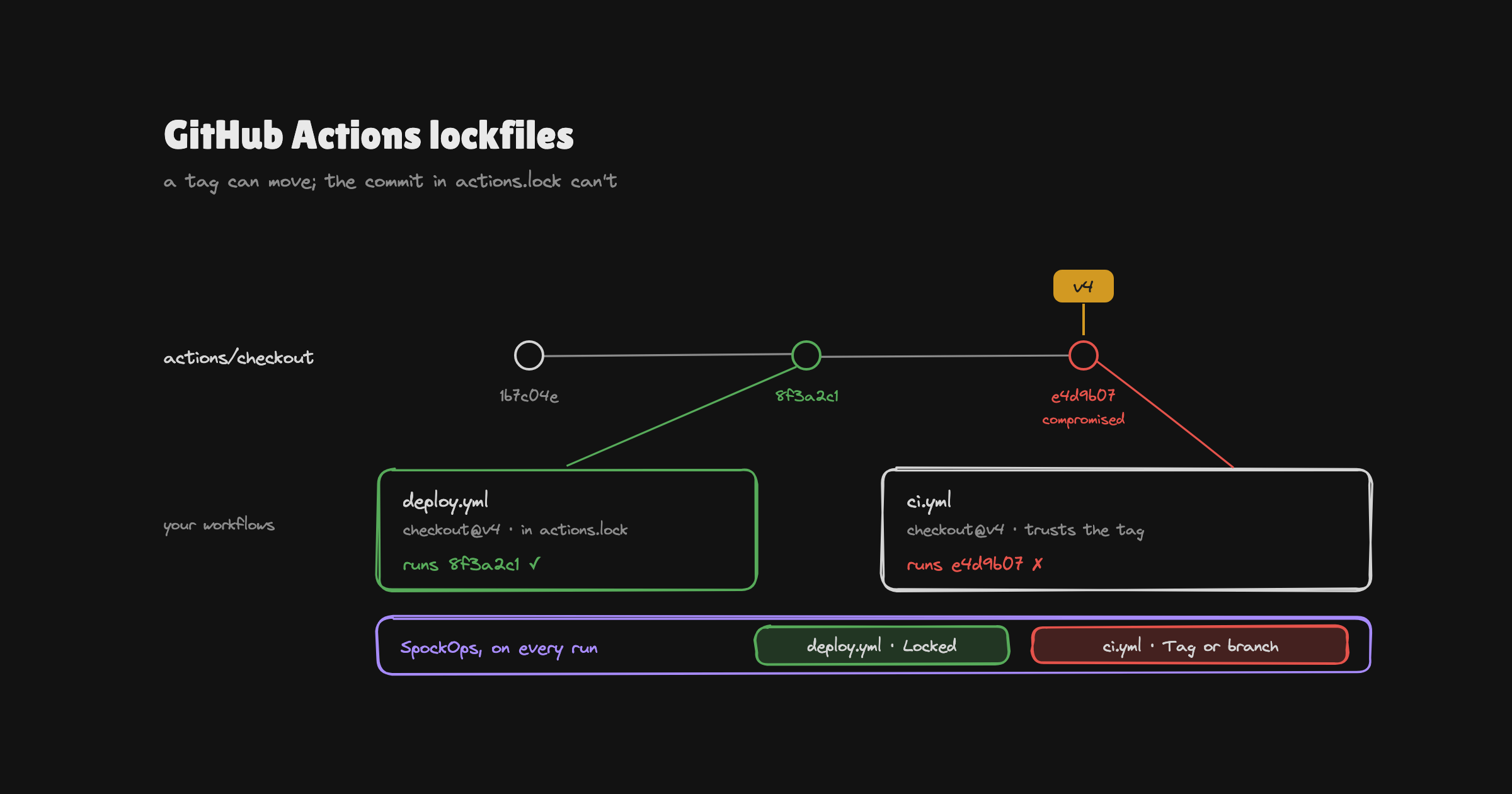

For years the advice for GitHub Actions has been to pin every action to a full commit SHA, and for years most workflows haven't. On 28 October 2026 GitHub made workflow lockfiles generally available, which fixes the problem the way package managers did long ago. This post covers what they do, how to start using one today and what they leave open. SpockOps supports them fully, across every repository you connect, so you can see where you stand.
What is a workflow lockfile? #
A workflow lockfile records the exact commit behind every action a workflow uses, including the actions those actions call and its reusable workflows. It lives at .github/workflows/actions.lock. When the workflow runs, GitHub runs the recorded commits, even if a tag has since moved. Workflows keep readable references such as @v4.
Lockfiles are generally available on GitHub Enterprise Cloud, Enterprise Cloud with data residency, Team and Free. They're made with the gh actions-lock extension for the GitHub CLI, which writes the file and can verify it in CI without changing it. Adoption can go one workflow at a time, and Dependabot regenerates the matching lockfile entry in the same pull request when it updates an action.
How do you start using one today? #
Five minutes for a first repository. Install the extension:
gh extension install github/gh-actions-lock
Then, from the repository, lock one workflow to start with, the one that deploys:
gh actions-lock .github/workflows/deploy.yml --migrate-local-actions
--migrate-local-actions is the flag that makes most real repositories work. A workflow that uses an action from its own repository, uses: ./.github/actions/setup, is an error under a lockfile. The flag rewrites those references from ./ to $/, in your workflows and in your own action.yml files, so they're locked like everything else. Leave out the path to onboard every workflow at once.
Review the diff before you commit. Besides the new .github/workflows/actions.lock, the first run narrows partial tags (@v4 becomes @v4.2.1, the same commit) and makes the ./ → $/ change. Commit it all together.
Then make CI fail when the lockfile goes stale:
# .github/workflows/lockfile.yml
name: Lockfile
on: pull_request
permissions:
  contents: read
jobs:
  verify:
    runs-on: ubuntu-latest
    env:
      GH_TOKEN: ${{ github.token }}
    steps:
      - uses: actions/checkout@v5
      - run: gh extension install github/gh-actions-lock
      - run: gh actions-lock --verify
From then on, a tag that moves upstream doesn't change what runs. When you've reviewed a new release and want it, gh actions-lock --relock moves the lock to the tag's current commit, and Dependabot does the same in its own pull requests. If you use GitHub Agentic Workflows, run gh actions-lock again after every gh aw compile, in the same commit, because compiling changes the pins the lockfile recorded.
What problem do they solve? #
A tag is a pointer, and pointers move. actions/checkout@v4 names whatever commit v4 points to when the run starts. If an action's repository is compromised and its tags are moved, every workflow that trusts the tag runs the new code. That's how several of the largest attacks on GitHub Actions spread.
Pinning by hand to a SHA fixed this for direct references, but it was tedious, hard to read and blind to the actions an action calls itself. A lockfile covers all of them, records them in one reviewable file and turns every update into a diff in a pull request.
What don't lockfiles fix? #
They make dependencies fixed, not safe. A lockfile records a bad commit as faithfully as a good one, so an update that pulls in a compromised release still needs someone to read the diff. Advisories still matter. And a lockfile protects only the workflows that have one.
Three things are left to each team:
- Adoption. Lockfiles arrive one workflow at a time. Across hundreds of repositories and several organizations, someone has to know which workflows have one.
- Review. Each update is a diff. Somebody has to read it, the way a team reads a dependency update for its application.
- Tooling versions. The
gh actions-lockextension is pre-1.0, and its flags and file format can change between releases. Pin the version you run in CI.
GitHub also offers a Require lockfile policy, generally available with lockfiles, which blocks runs of targeted workflows that aren't onboarded yet, across an enterprise, organization or repository. Pilot it before you switch it on.
How do you roll lockfiles out across an organization? #
Start where the risk is highest: workflows that deploy, publish packages or hold production secrets. Generate their lockfiles, add --verify to CI so a stale lockfile fails the build, and let your dependency bot propose updates as pull requests. (Those updates have a CI bill of their own: what Dependabot and Renovate really cost.) Then work outward, repository by repository, and require lockfiles once most workflows have one.
The hard part isn't any single repository. It's knowing, at any moment, which workflows are locked, which are pinned by hand and which still trust a tag, and which of them deploy to production, where a deployment protection rule can hold them to a higher bar.
Does SpockOps support lockfiles? #
Yes, fully. A workflow onboarded to a lockfile is recognised from its first run, in every organization you connect, and it shows where you'd look:
- Locked, pinned or on a tag. The Dependencies page marks every action Locked, Pinned to a SHA, or Tag or branch, so you can see how far adoption has come and what's left.
- What actually ran. A workflow line that reads
@v4shows as locked when the lockfile decides the commit, whatever the tag points at today. - In the release record. Each deployment's Release Bill of Materials notes whether its workflow was locked.
- Pinning that respects lockfiles. For workflows not yet onboarded, Pin all opens one pull request that pins every action to a full commit SHA, and leaves locked workflows alone.
Two things stay with GitHub's own tools: generating lockfiles (gh actions-lock, or Dependabot) and requiring them (the Require lockfile policy).
How do you know a locked action is safe? #
A lockfile answers "which commit runs?". It can't answer "is that commit any good?". That's the other half of the Dependencies page.
SpockOps flags every action your workflows use that has a known vulnerability: it turns red in the dependency graph and appears under Security Advisories Found, with its severity, the advisory and CVE, a summary, the version that fixes it and when it was published. Compare "Fixed in" with the version your lockfile records, and you know whether the next --relock is a chore or urgent.
Each action also gets a health score, so the quieter risks surface too: an action that isn't pinned, has fallen behind, comes from an unmaintained repository or still runs on an end-of-life runtime.
Where to begin #
- Generate lockfiles for the workflows that deploy or publish, and add
--verifyto their CI. - Pin the
gh actions-lockversion you run in CI. - Use SpockOps' Dependencies page to see which actions run locked, pinned or on a tag, and which have advisories, and work through the rest.
- Turn on GitHub's Require lockfile policy once adoption is high.
Further reading: The Release Bill of Materials, The GitHub policy engine and pull_request_target: why to stop using it, and what to use instead.
Questions
Do workflow lockfiles replace SHA pinning?
For workflows that adopt one, yes. The lockfile records the commit for each reference, so a workflow can keep readable tags while running exactly the commits recorded.
Does a lockfile make an action safe?
No. It makes it fixed. A lockfile can record a bad commit as faithfully as a good one, so updates still need review and advisories still matter.
Does SpockOps support workflow lockfiles?
Yes, fully. SpockOps recognises a workflow onboarded to a lockfile from its first run, shows every action as locked, pinned or on a tag, and notes it in each deployment's Release Bill of Materials.
Related posts
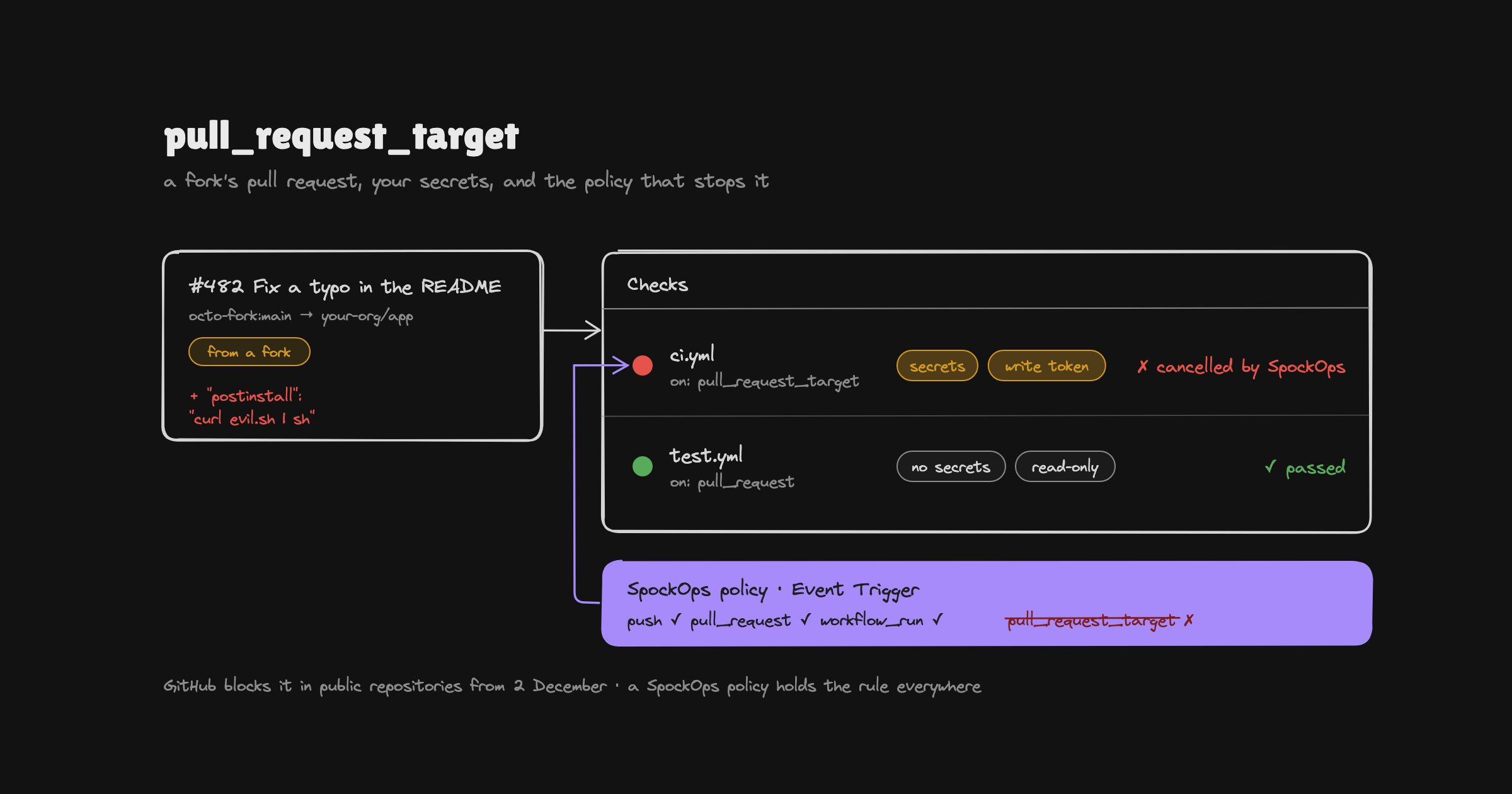
pull_request_target: why to stop using it, and what to use instead
GitHub blocks pull_request_target by default from 2 December. Why the trigger is dangerous, the simple two-workflow pattern to use instead, and how to keep it out of every repository.
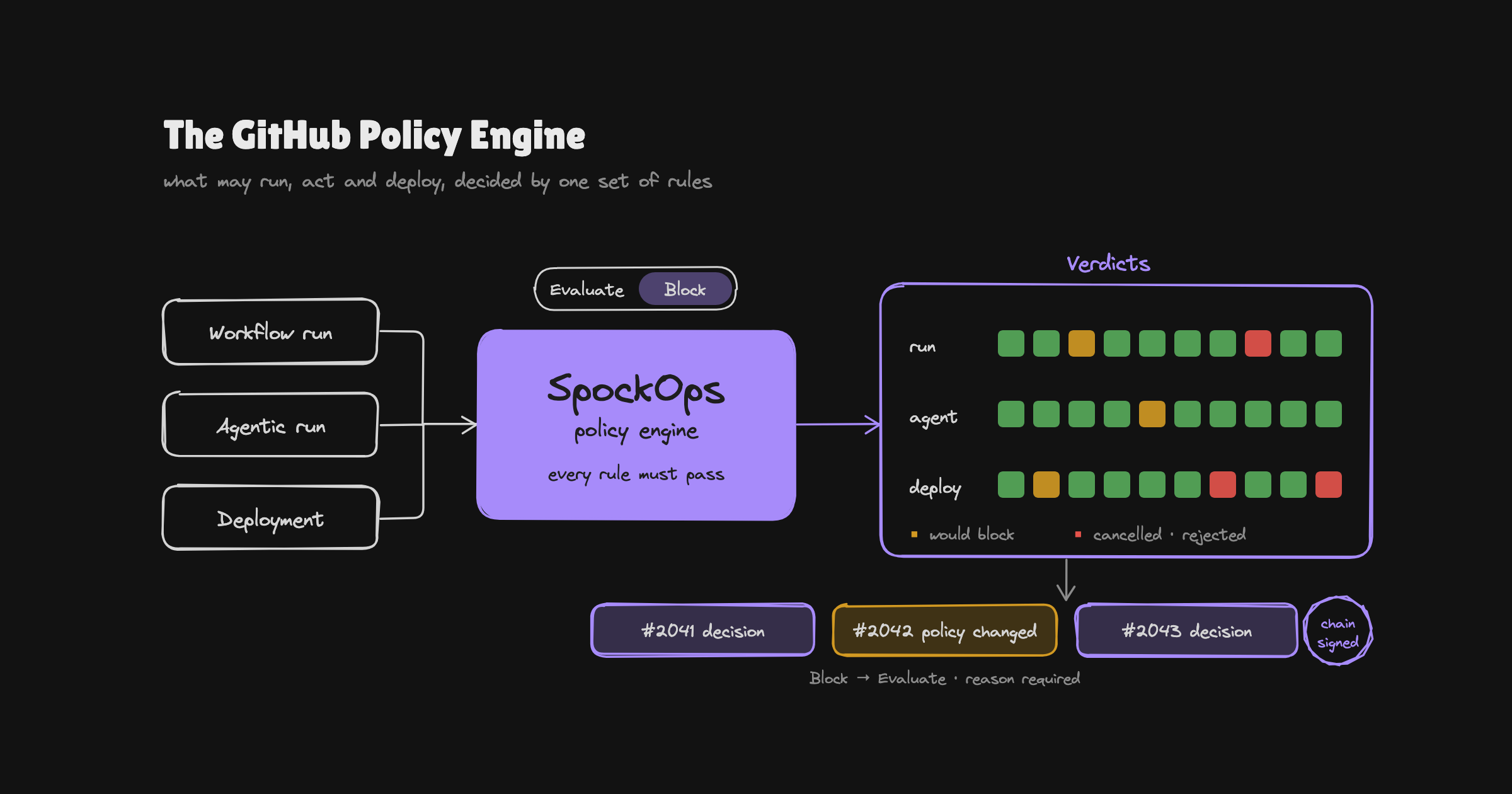
The GitHub policy engine: how SpockOps decides what may run, act and deploy
A policy engine for GitHub Actions: one set of rules for workflow runs, agentic workflows and deployments, tried in Evaluate, enforced in Block and recorded.
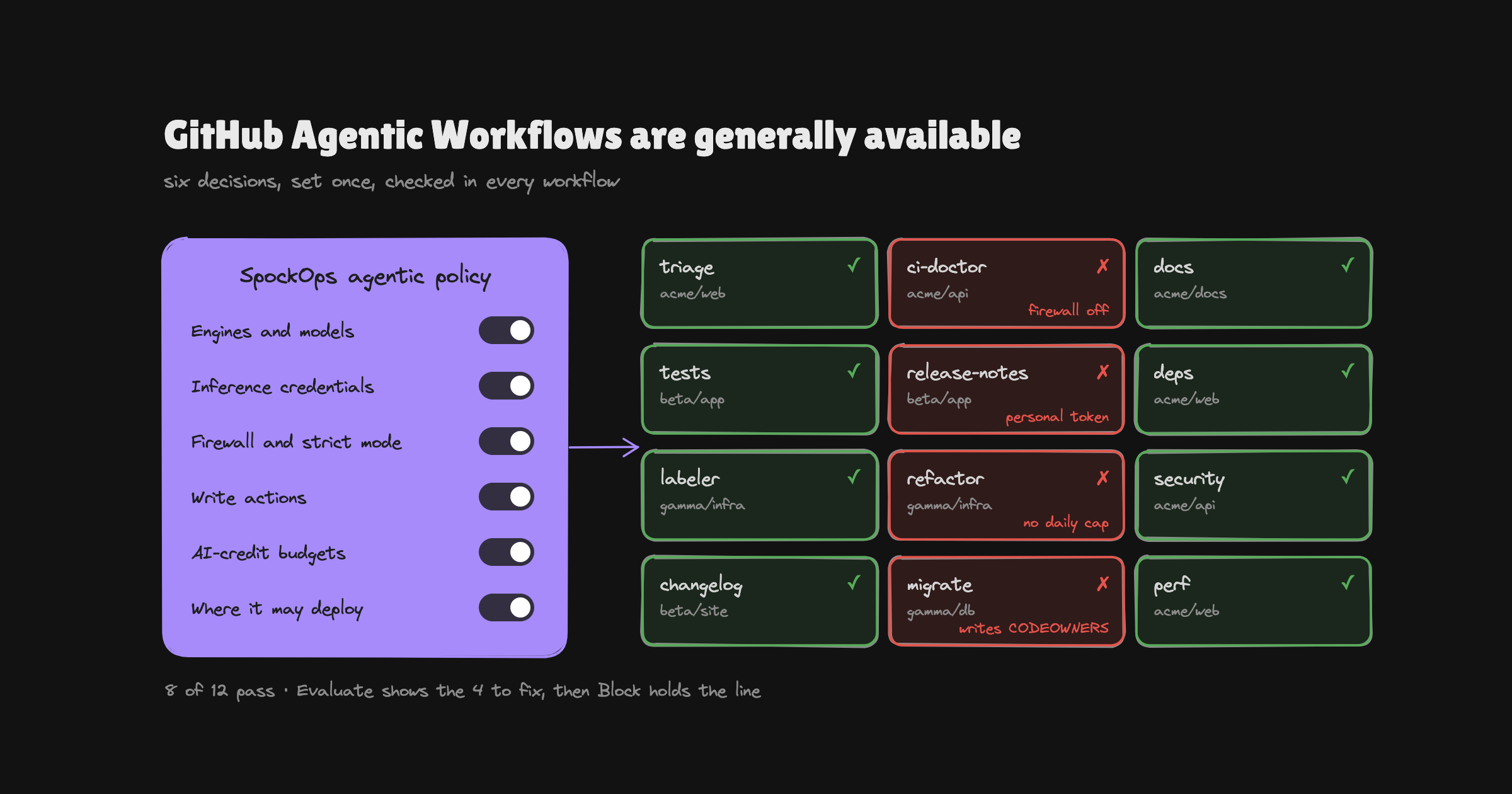
GitHub Agentic Workflows are generally available: six decisions before your teams turn them on
GitHub Agentic Workflows are generally available. The six decisions an enterprise should make first: engines, credentials, isolation, writes, spend and deployments.
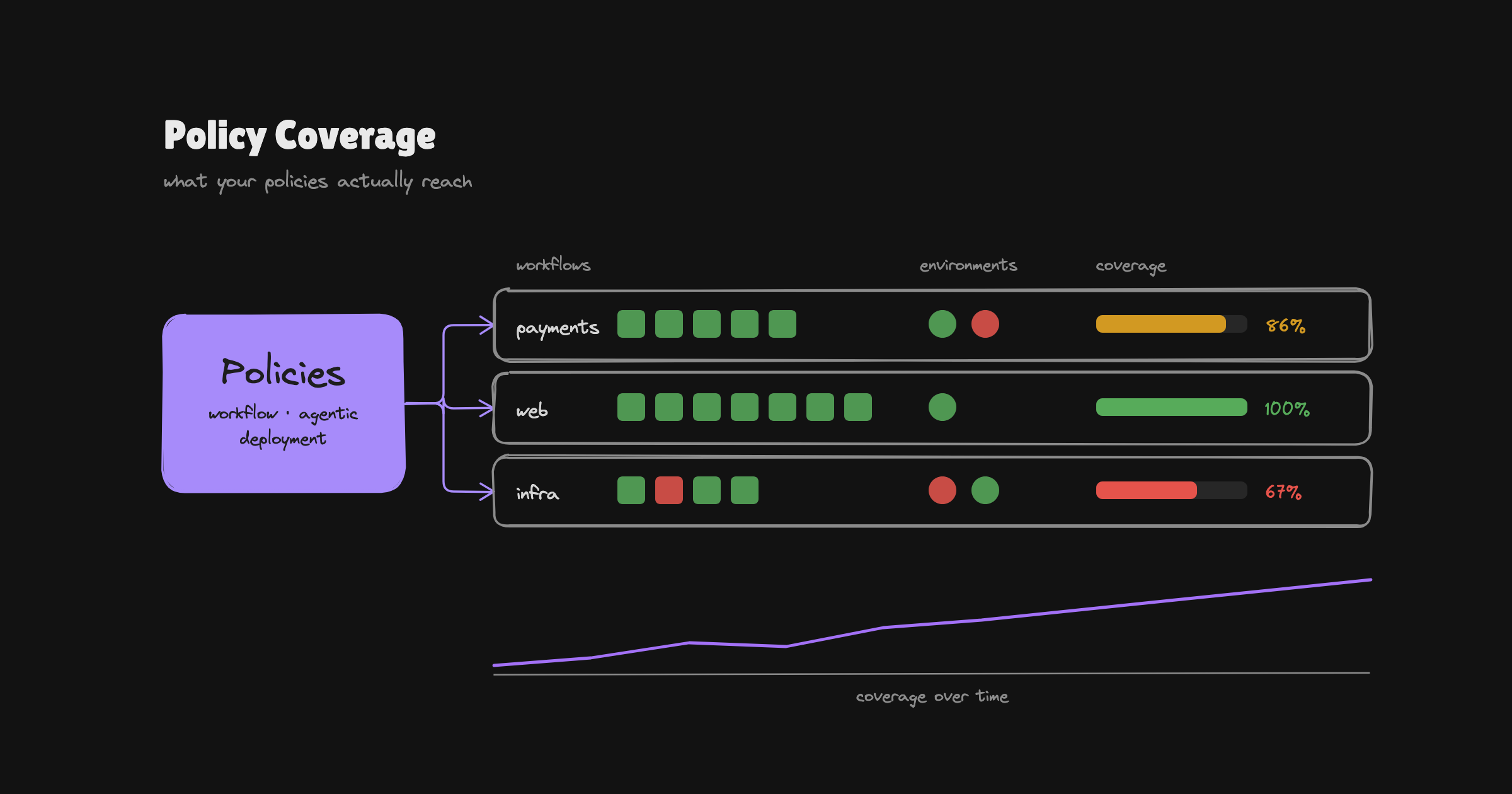
Policy coverage: what your GitHub Actions policies actually reach
Policies only govern what they match. SpockOps' coverage shows every workflow that ran and every environment, and whether a policy would check it.
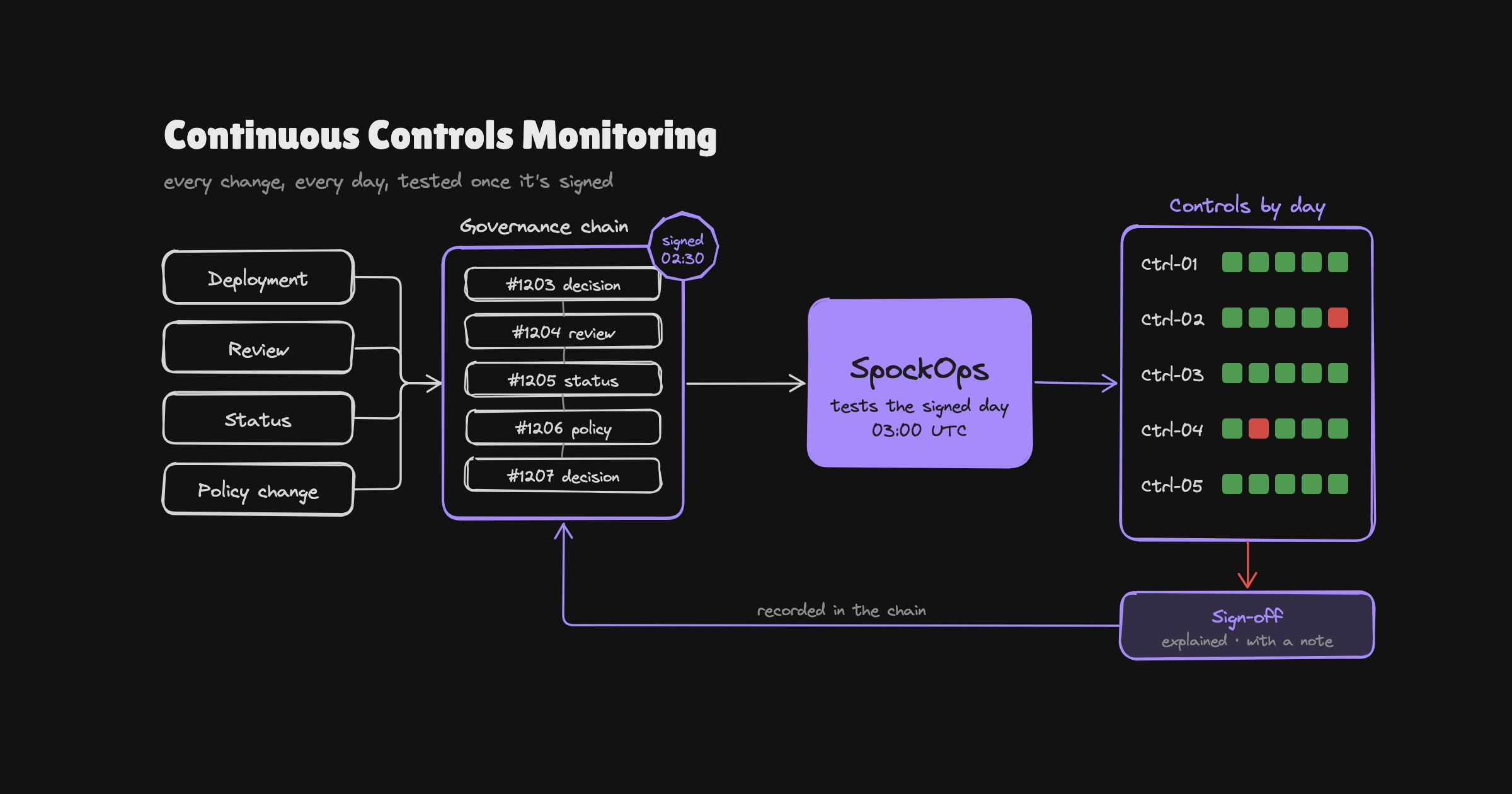
Continuous controls monitoring: testing every change, every day
Change management is usually tested once a year on a sample. SpockOps tests seven change controls every day over every production deployment, from a signed record an auditor can check.
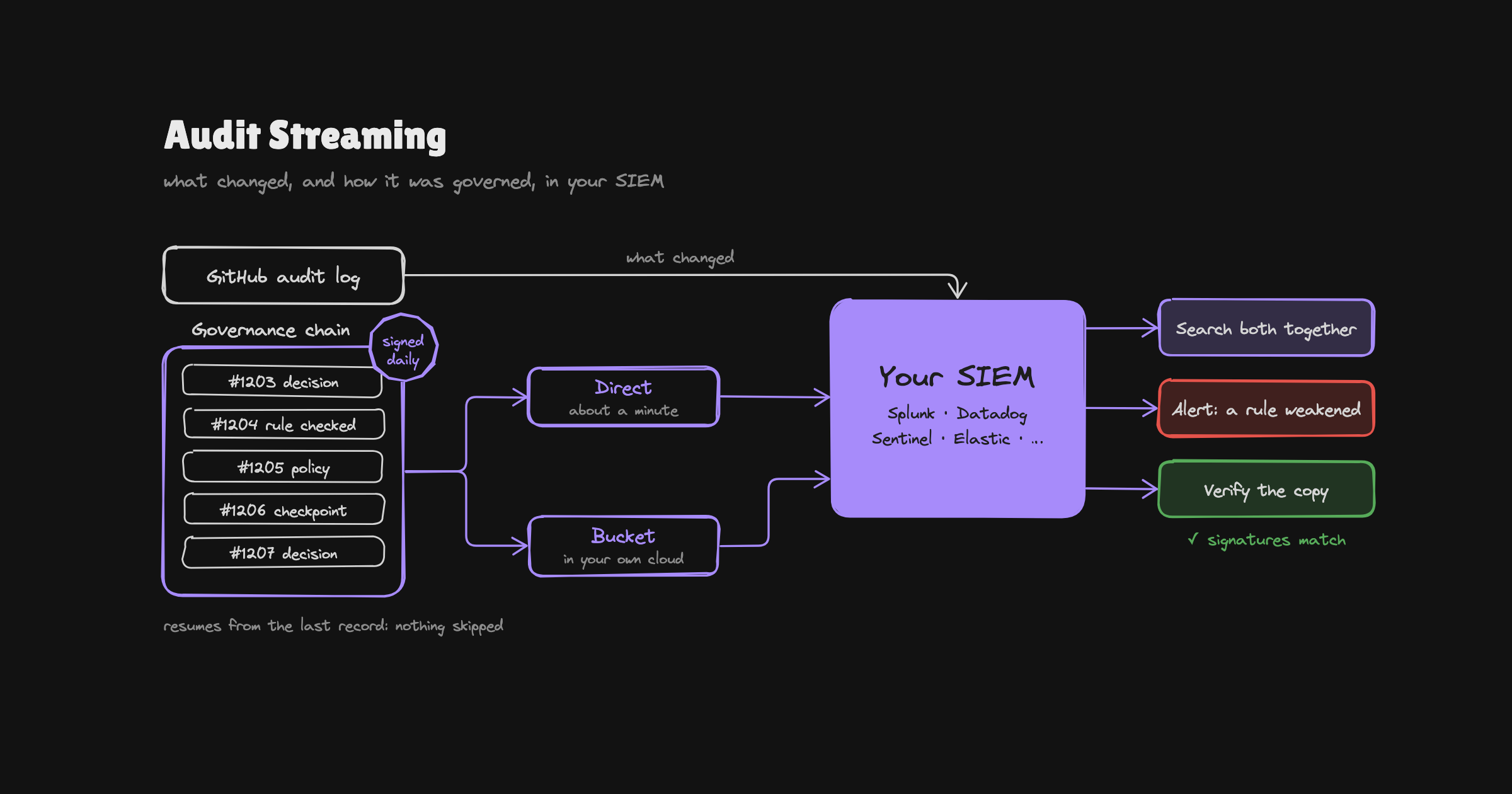
Audit streaming: what GitHub's audit log cannot tell your SIEM
GitHub's audit log shows what changed. The governance chain shows how that change was governed, and audit streaming sends it to your SIEM in the same format, with a copy you can verify.