 SpockOps
Policy coverage: what your GitHub Actions policies actually reach
Policies only govern what they match. SpockOps' coverage shows every workflow that ran and every environment, and whether a policy would check it.
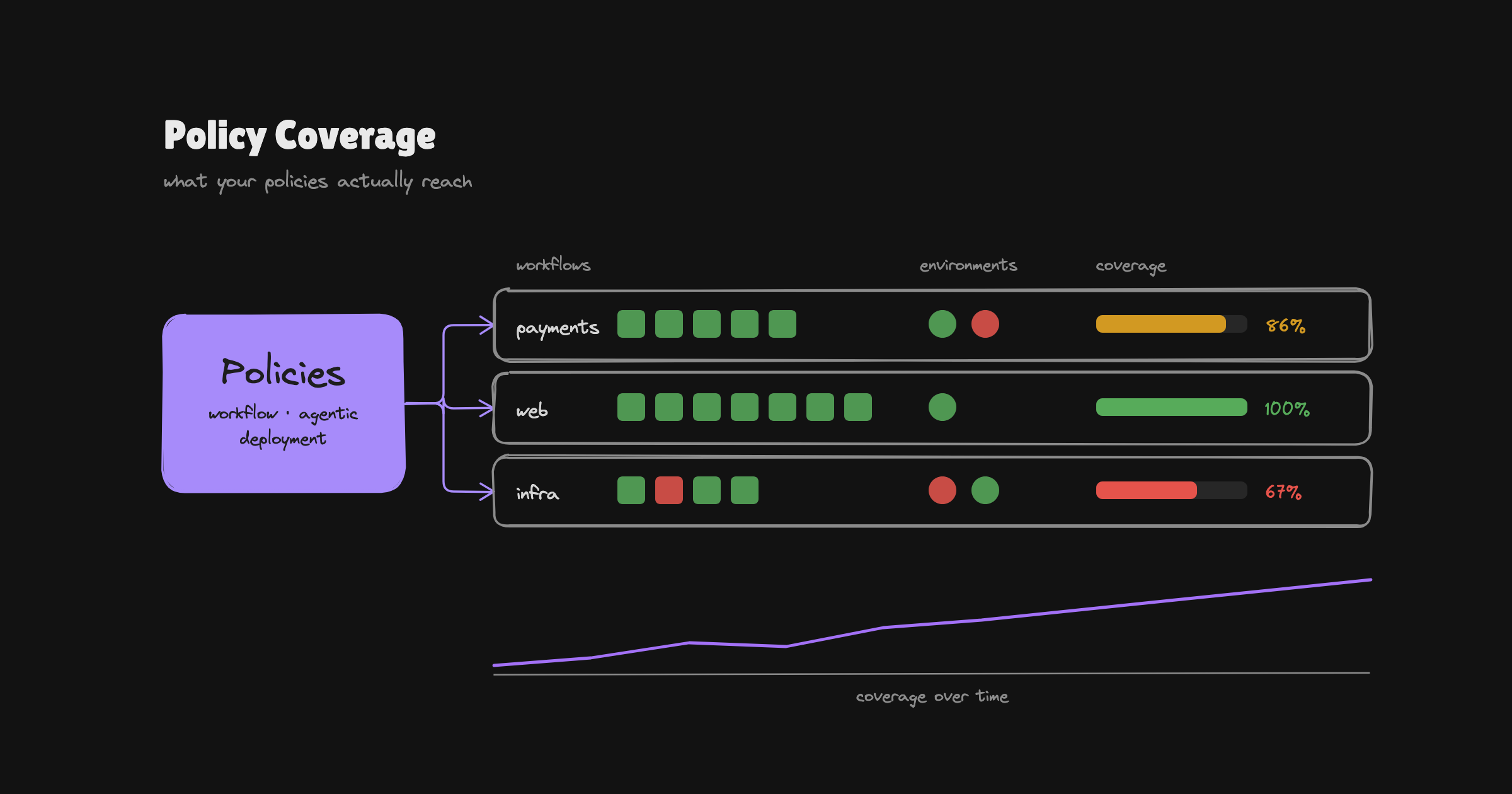

A policy only governs what it matches. Write one for .github/workflows/deploy.yml and a new release.yml goes around it. Name production and prod-eu goes around it. Nobody chooses these gaps. They arrive with new repositories, renamed files and new regions. Policy coverage is how you see them.
What is policy coverage? #
Policy coverage is the share of your GitHub Actions estate that a policy would check. SpockOps measures two things: the workflows that ran in a period and the environments in your repositories. Each is covered or not, and the page shows both, from each organization down to a single file.
It borrows its shape from code coverage. A test suite can pass while half the code goes untested. A set of policies can pass while half the workflows go unchecked.
Why isn't a list of policies enough? #
Because a list shows what you wrote, not what it reaches. A policy can match no workflow at all and still look healthy, since it never fails. Gaps also open on their own: a new repository, a renamed workflow, a new environment created by someone who never thought of policy.
GitHub keeps environments in each repository, and a protection rule is attached to each one separately. Across dozens of repositories and several organizations, nobody can hold the whole picture in their head.
What does SpockOps count? #
Every workflow that ran in the period and every environment in a repository that isn't archived. A workflow is covered when a workflow or agentic policy that isn't turned off would check it. An environment is covered when a deployment policy names it and SpockOps' protection rule is attached in GitHub.
A few details decide the numbers:
- Only workflows that ran. A workflow with no run in the period isn't counted either way.
- GitHub's own runs are left out. Dependabot's updates, Copilot's coding agent and CodeQL's default setup run without a workflow file in your repository, so there's nothing for a policy to check.
- Agentic workflows count by their lock file. A policy that names the
.mdsource covers its compiled.lock.yml. - Evaluate and Block both count. A policy turned Off doesn't, and nor does one with no rules switched on.
- Repository-scoped policies count only for their repository.
Why does an environment need two things? #
Because either one alone leaves a gap. A deployment policy that names production does nothing if SpockOps' protection rule isn't attached to that environment: GitHub never asks. And a rule attached with no policy naming the environment approves every deployment, since no policy applies.
The page says which half is missing. "No deployment policy names it" means the rule is there but no policy is. "Production deploys names it, but SpockOps' rule isn't attached in GitHub, so it's never asked" means the opposite. When an environment's rules can't be read, it shows as unknown and doesn't count as covered.
How do you read the page? #
From the top down. A chart shows coverage over time for organizations, repositories, workflows and environments. Below it, a table opens from each organization to its repositories, then to each workflow and environment, with a percentage, a count and one line saying why each item is covered or not.
The chart shows coverage as it actually was on each day, from the record of every policy change, not today's policies applied to the past. Days before your policies were first recorded are shaded as an estimate. An organization or repository counts as covered only on days when every workflow that ran in it was.
In the table, a percentage is green at 90% or more, amber from 75% to 90% and red below 75%. Each item carries its reason and its activity:
deploy.yml· Covered by Production runners · 42 runsrelease.yml· No workflow policy covers it · 6 runs
How does a team use it? #
As a weekly check, the way an engineering team reads a coverage report. A platform lead opens the tab, expands anything amber or red and closes each gap at its source, usually by widening a policy's path pattern or attaching SpockOps' rule to an environment in GitHub.
Say the payments repository shows four of five workflows covered and one of two environments. The table gives the reasons. release.yml was added last month and no policy names it, so it's added to the release policy's Applies to. prod-eu was created for a new region, and the deployment policy names only production, so prod-eu is added and SpockOps' rule is attached to it in GitHub.
Workflows update as soon as the policy is saved. Environments update the next day. Then the chart's line rises, and stays risen, which is the point.
Coverage pairs with Recommendations. Coverage says where a policy doesn't reach. Recommendations say where a policy reaches but keeps failing, and what to change.
How does coverage reach an auditor? #
Each day SpockOps records a coverage snapshot on the governance chain: every environment, whether SpockOps' rule guards it, and every workflow that ran with no policy. That night's signed checkpoint covers it, so coverage on any past day can be shown, and shown not to have changed since.
The snapshot streams to your SIEM with the rest of the chain, and continuous controls monitoring reads the same snapshot. It answers the auditor's second question. The first is whether the controls held. The second is whether they saw everything.
What does coverage not tell you? #
Whether your rules are good. Covered means a policy would check a workflow, not that its rules are strict or that it's in Block. A workflow covered by a policy in Evaluate is covered, and still runs whatever the result. Read coverage beside each policy's mode and its Recommendations.
A few more limits:
- Environments can be up to a day old.
- An item names the first policy that covers it, not every one.
- Environments that exist but never deploy still count.
- Releases that don't use a GitHub environment, such as an
npm publishordocker pushstraight from a workflow, never reach a deployment rule and don't appear as environments. - Whether administrators can bypass an environment's rules, or reviewers can approve their own deployments, are questions for continuous controls monitoring, not for this page.
Where to begin #
- Open Policies, then Coverage, for the last 30 days.
- Expand anything red and read each item's reason.
- Widen the policy, or attach SpockOps' rule in GitHub, and check environments again the next day.
- Make it a weekly habit, and watch the chart.
Further reading: The GitHub policy engine, Continuous controls monitoring: testing every change, every day and Deployment protection rules: what a reviewer's approval cannot see.
Questions
Does a policy in Evaluate count as coverage?
Yes. Coverage asks whether a policy would check a workflow or environment, not whether it enforces. Only a policy turned Off doesn't count.
How current is the page?
Workflows reflect a policy change as soon as it's saved. Environments are checked daily, so a new environment appears the next day.
Related posts
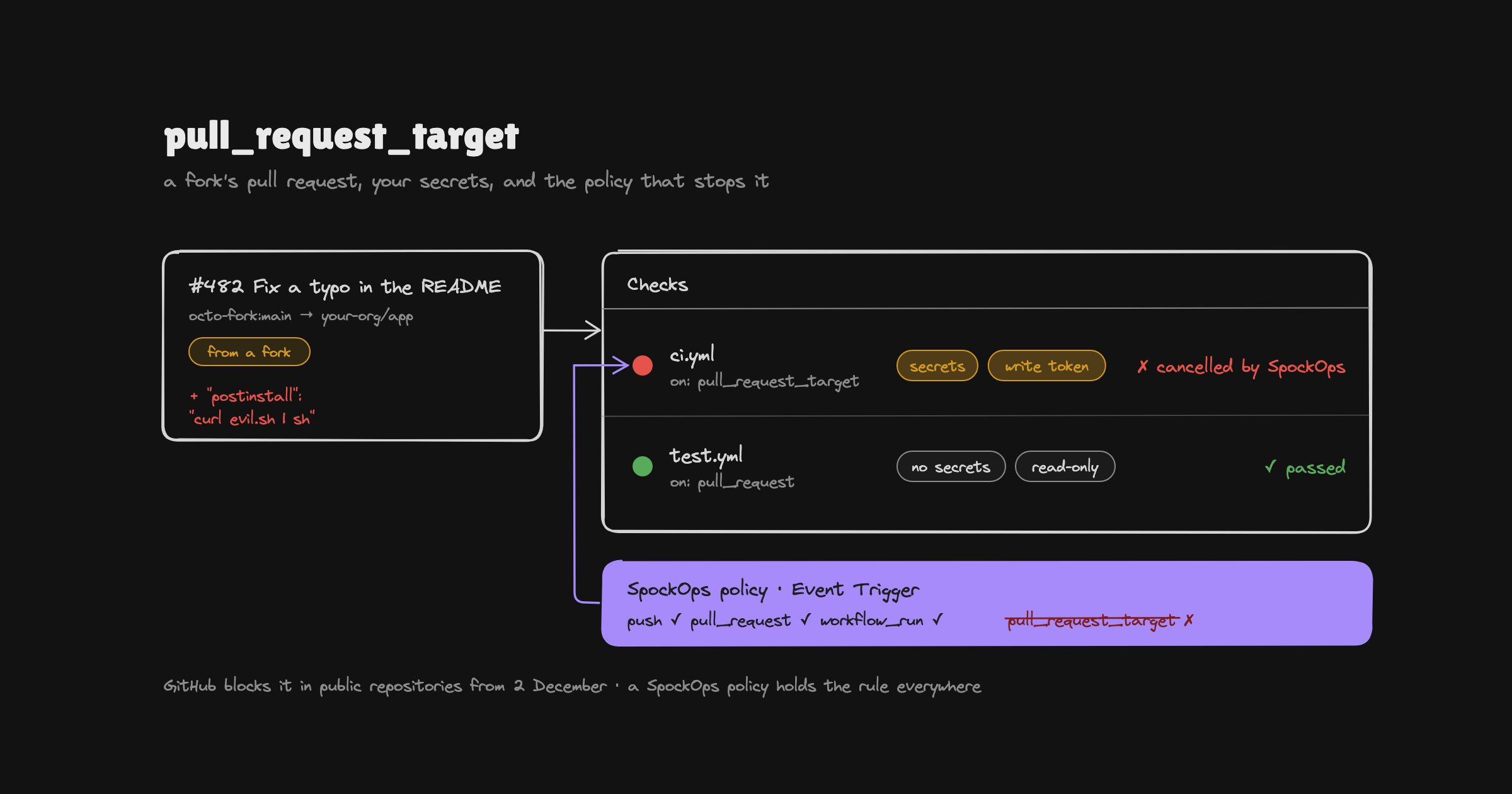
pull_request_target: why to stop using it, and what to use instead
GitHub blocks pull_request_target by default from 2 December. Why the trigger is dangerous, the simple two-workflow pattern to use instead, and how to keep it out of every repository.
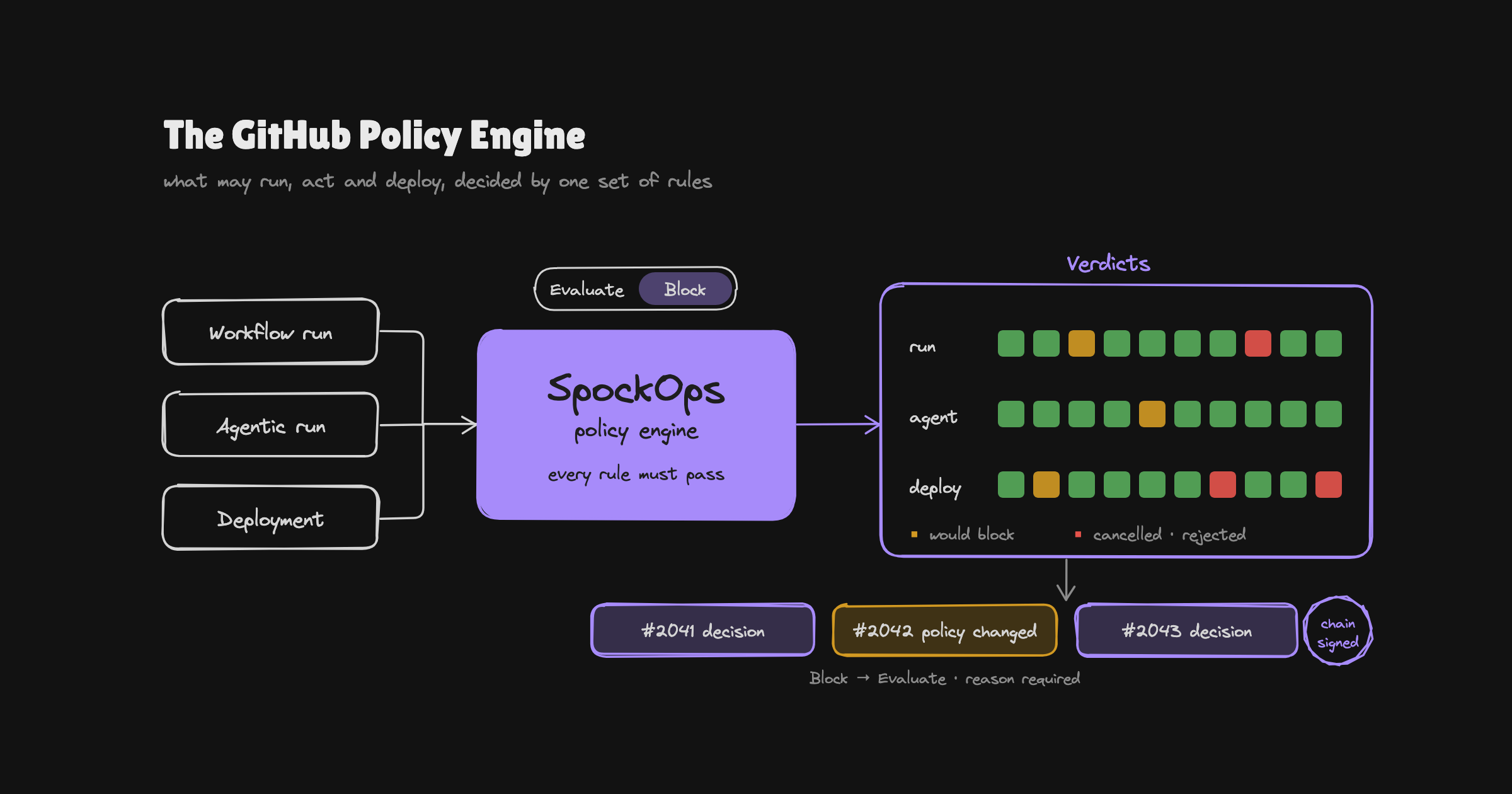
The GitHub policy engine: how SpockOps decides what may run, act and deploy
A policy engine for GitHub Actions: one set of rules for workflow runs, agentic workflows and deployments, tried in Evaluate, enforced in Block and recorded.
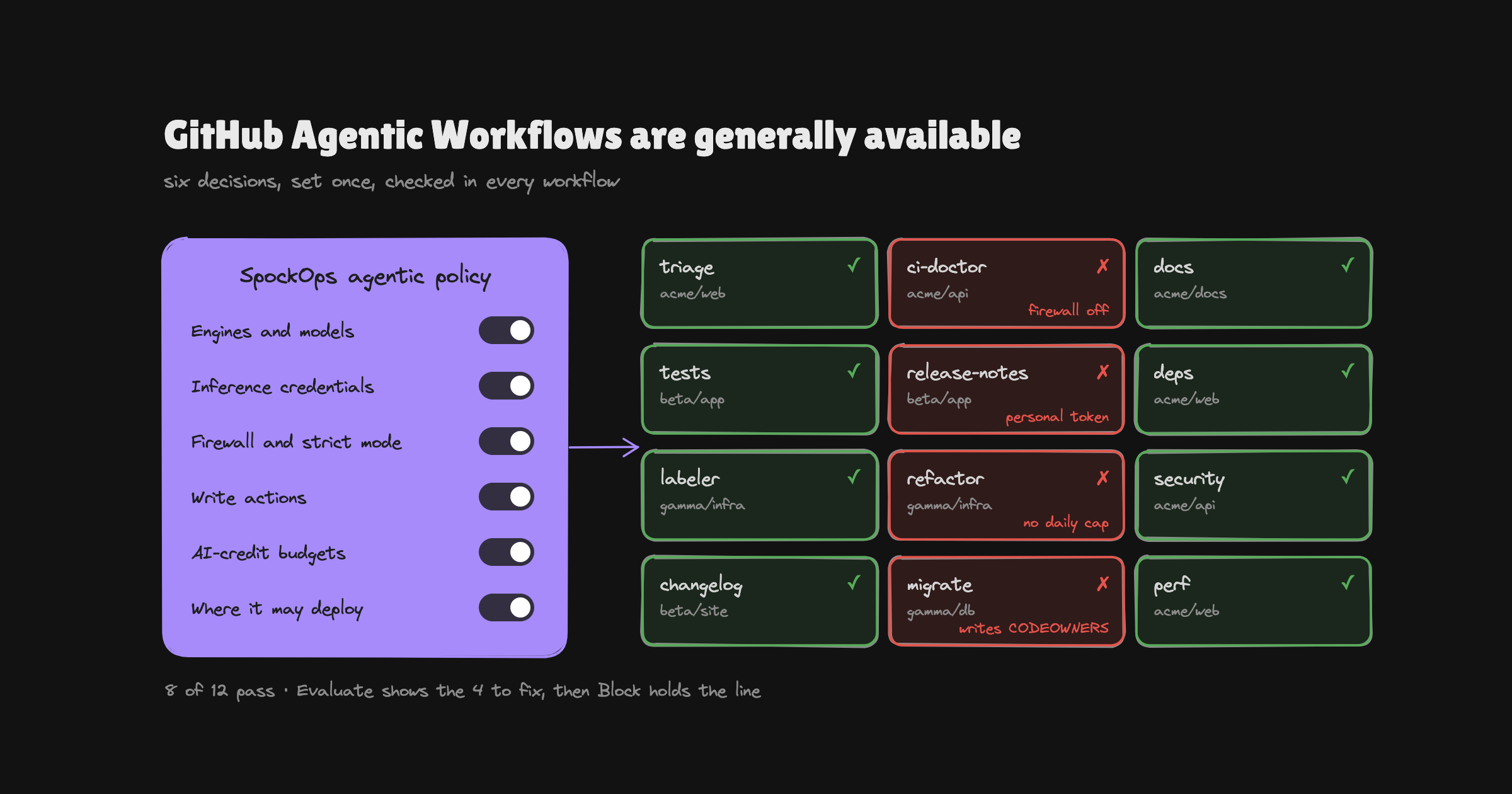
GitHub Agentic Workflows are generally available: six decisions before your teams turn them on
GitHub Agentic Workflows are generally available. The six decisions an enterprise should make first: engines, credentials, isolation, writes, spend and deployments.
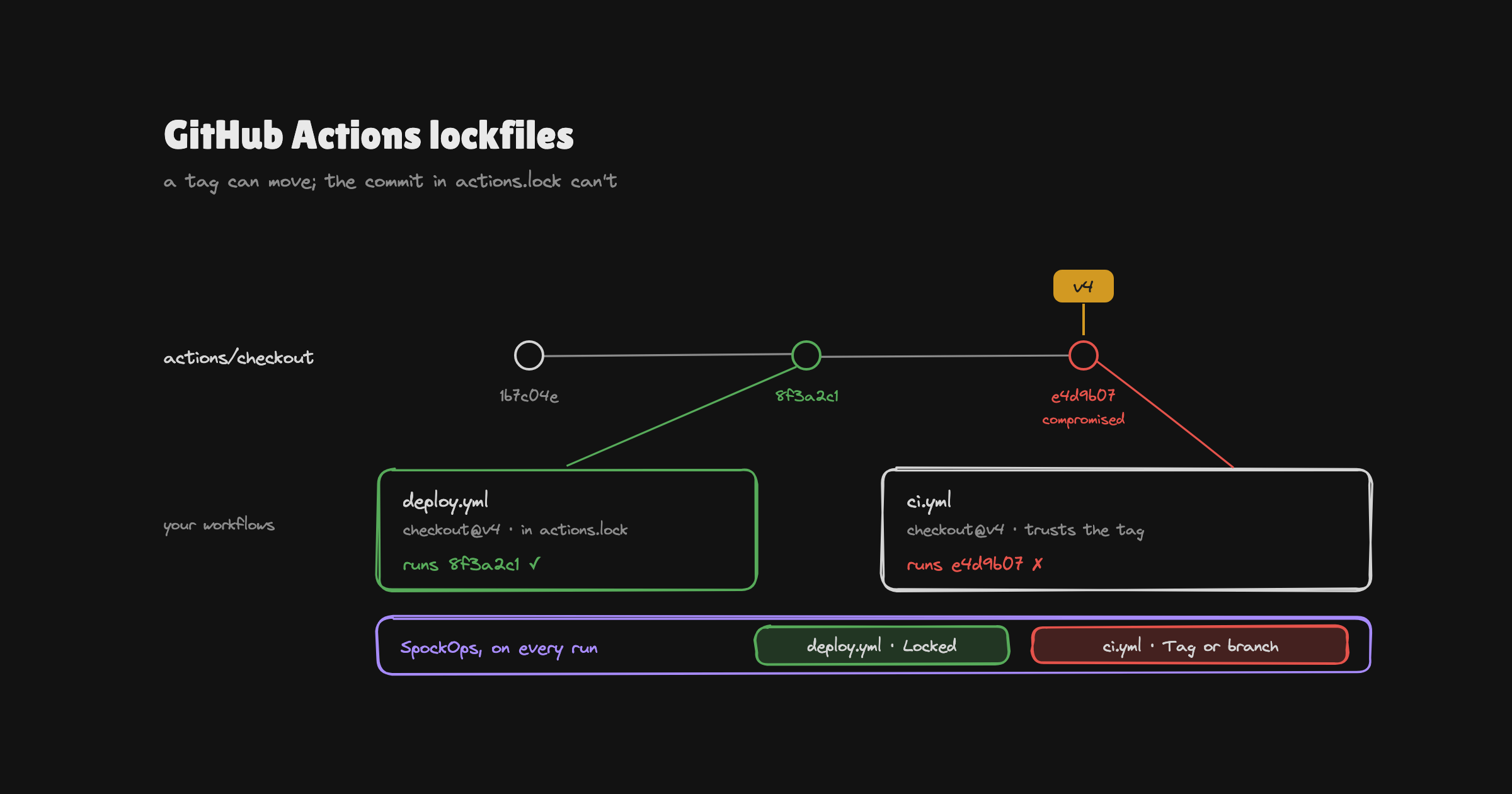
GitHub Actions lockfiles are generally available: what they fix, and what to watch across every repository
GitHub Actions workflow lockfiles pin every action, transitive dependency and reusable workflow to a commit. What they fix, what they don't, and how to start using one today.
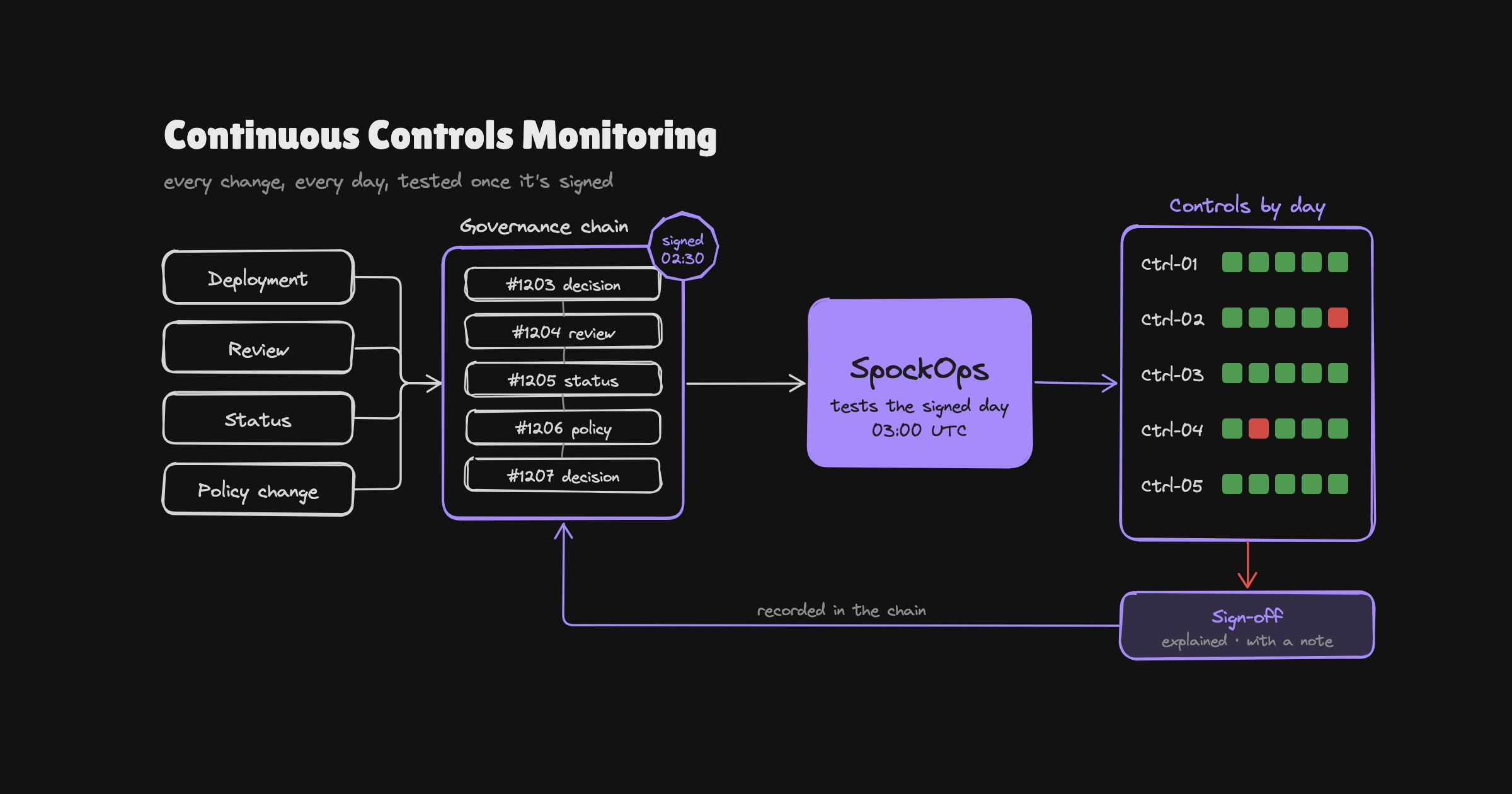
Continuous controls monitoring: testing every change, every day
Change management is usually tested once a year on a sample. SpockOps tests seven change controls every day over every production deployment, from a signed record an auditor can check.
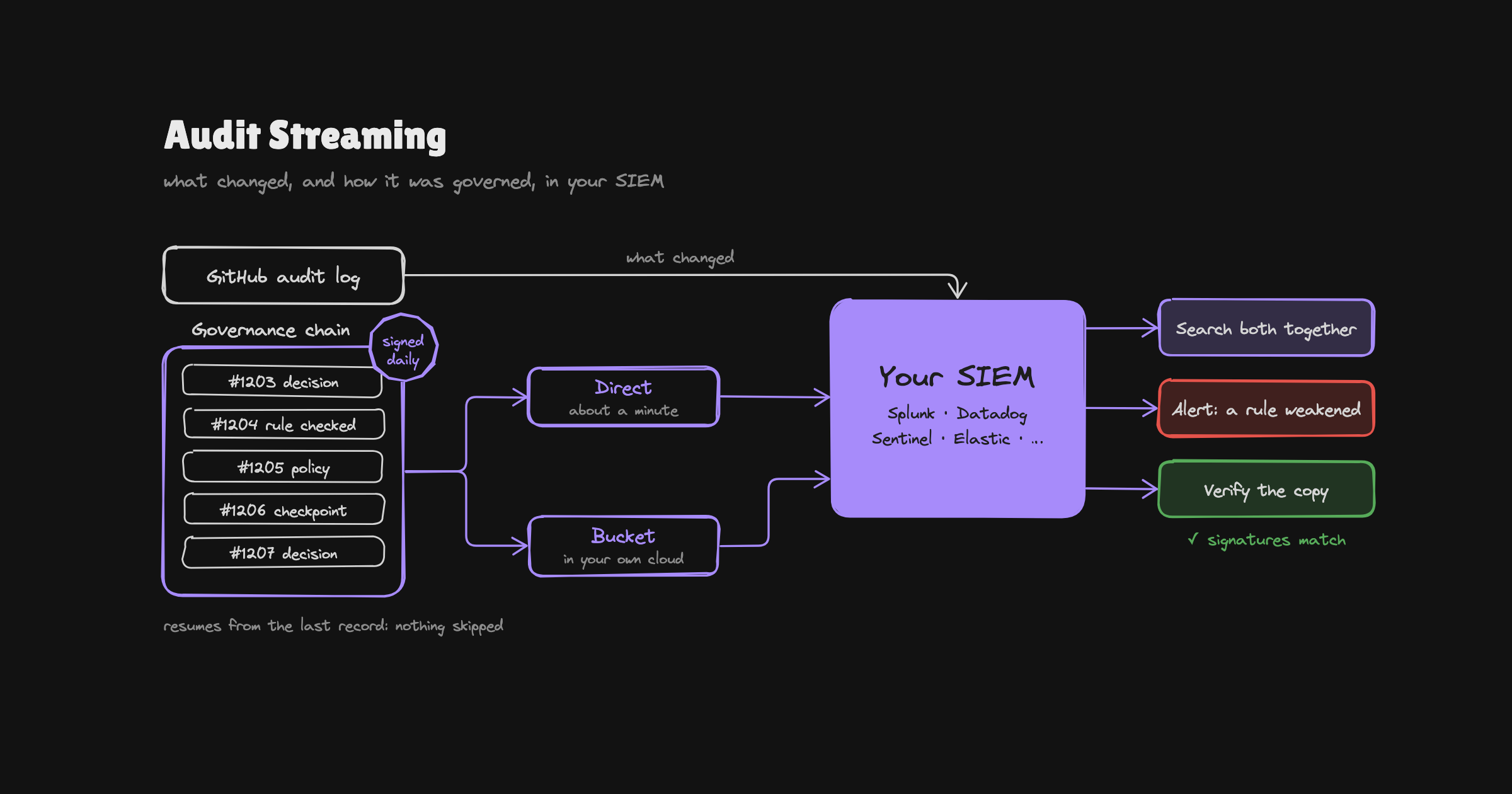
Audit streaming: what GitHub's audit log cannot tell your SIEM
GitHub's audit log shows what changed. The governance chain shows how that change was governed, and audit streaming sends it to your SIEM in the same format, with a copy you can verify.