 SpockOps
 now governs GitHub Agentic Workflows
SpockOps now governs GitHub Agentic Workflows. Approve engines, models and credentials, record every agent deployment and see what each run costs.
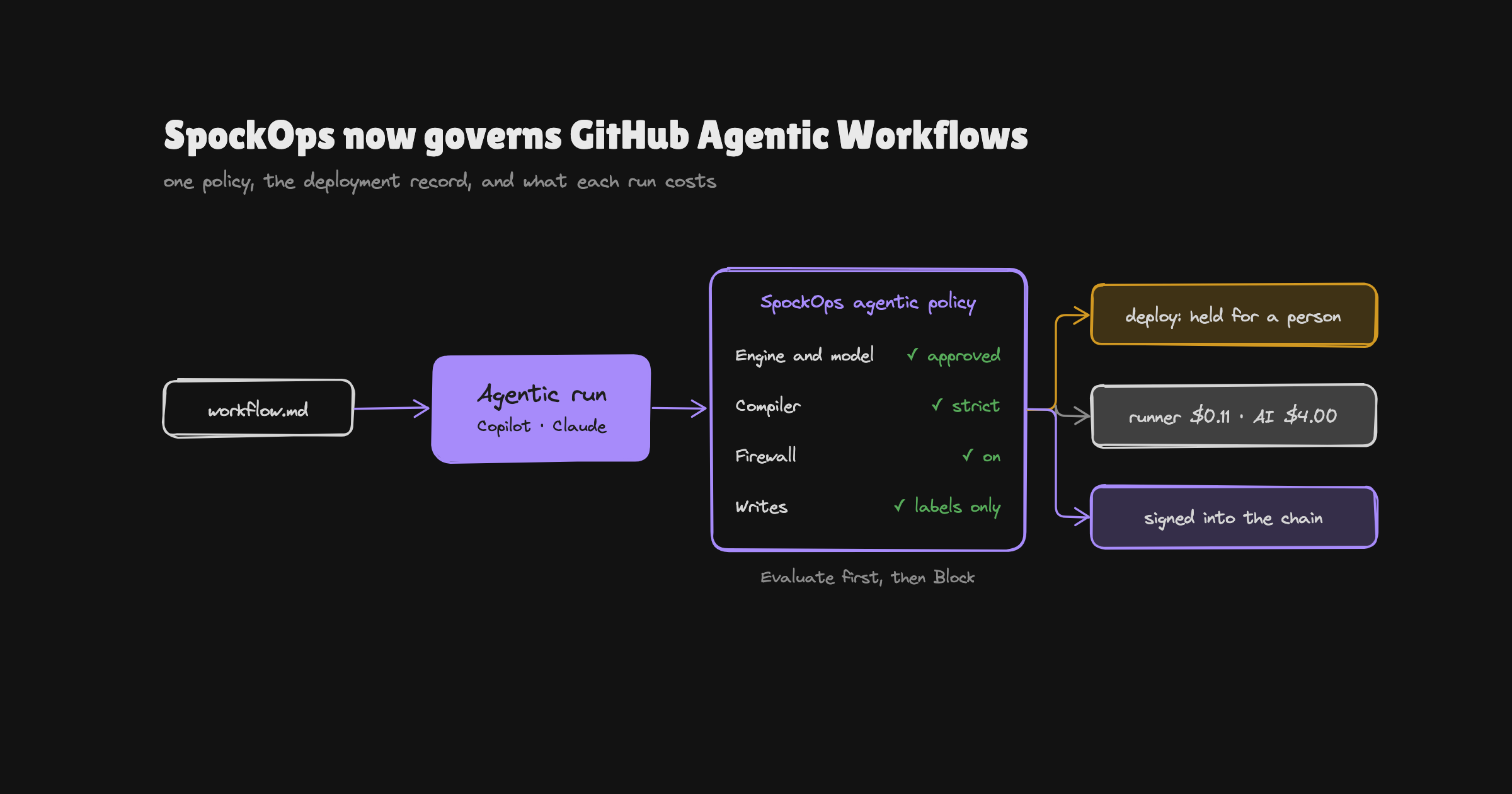

GitHub Agentic Workflows let a team write a task in plain Markdown and have an AI agent carry it out in GitHub Actions: triaging issues, fixing a failing test, keeping documentation current. GitHub has built them with care. Each workflow compiles to a locked YAML file, the agent runs in a sandbox behind a network firewall and anything it wants to change goes through safe outputs that a separate job applies.
What GitHub leaves to each team is the wider question: which agents may run, under which settings, what they deploy and what they cost across every repository. Starting today, SpockOps answers it. Agentic workflows get the same policies, record and cost view as every other workflow run and deployment, from one GitHub App.
Policies for every agentic run #
Agentic policies check each run against the settings you approve. Start a policy in Evaluate to see what it would catch, then switch it to Block when you're ready.
- Engine and model. Only the agent engines and AI models you approve.
- Compiler. Only approved versions of the gh-aw compiler, with strict mode on.
- Credentials. Inference runs on the credentials you approve, not someone's personal token.
- Firewall. The agent firewall is on, so the agent reaches only the domains it's allowed.
- Writes. Threat detection checks the agent's output before anything is written, and only the write actions you approve are allowed.
- Spending limit. A daily limit on the AI credits an agent may spend.
A policy applies to lock files by path pattern. Name the Markdown file instead and SpockOps matches it to its lock file, so you write rules about the workflow you actually edit.
Agents in the deployment record #
When an agent's run leads to a deployment, SpockOps records the actor as an agent, not a person or a bot. Deployment policies can apply to agentic runs alone, so production can hold agents to stricter rules than people.
Each deployment decision, and each change to an agentic policy, is written to the governance chain: the append-only, signed record of everything SpockOps decided. An auditor can verify it without trusting SpockOps, and it streams to your SIEM with the rest of the chain.
What each run costs #
An agentic run has two bills: the runner minutes GitHub charges and the AI tokens the agent spends. SpockOps prices both and shows them side by side for each run, workflow and repository, so the cost of a busy agent is visible before the invoice arrives. What does an agentic workflow cost? works through an example.
One view of agent activity #
The Agentic activity view lists every agentic run across your organization: which workflow ran, on which engine and model, what each policy found and what the run cost. It's the place to start when someone asks what the agents did this week.
Getting started #
- Talk to us about an enterprise plan for your organization.
- Install SpockOps and add an agentic policy in Evaluate.
- Review what it finds in Agentic activity, then switch it to Block.
Learn more #
- How GitHub Agentic Workflows work
- What does an agentic workflow cost?
- GitHub Actions workflow governance
- Bots and agents in SpockOps
Live long and deploy.
Related posts
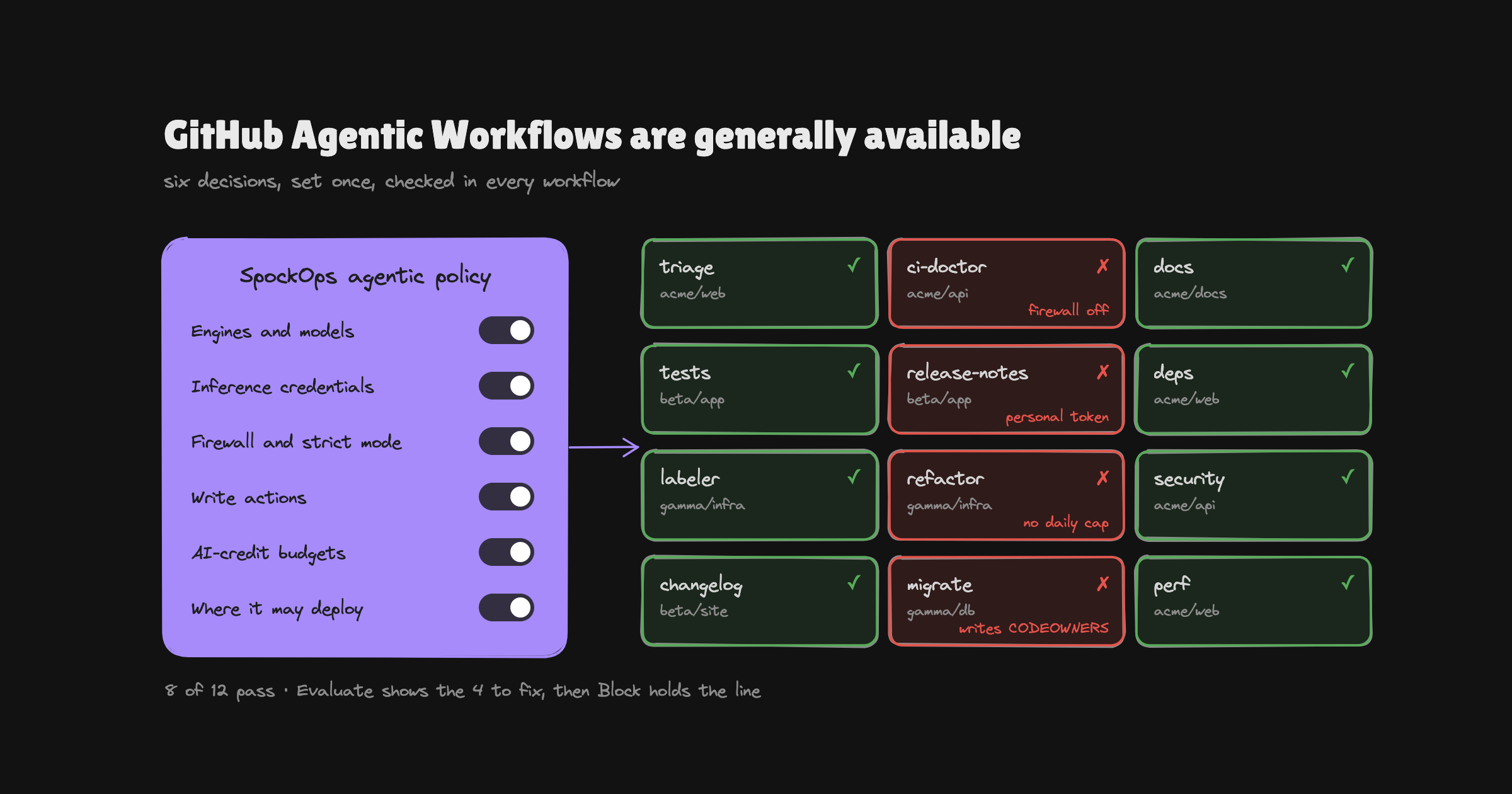
GitHub Agentic Workflows are generally available: six decisions before your teams turn them on
GitHub Agentic Workflows are generally available. The six decisions an enterprise should make first: engines, credentials, isolation, writes, spend and deployments.
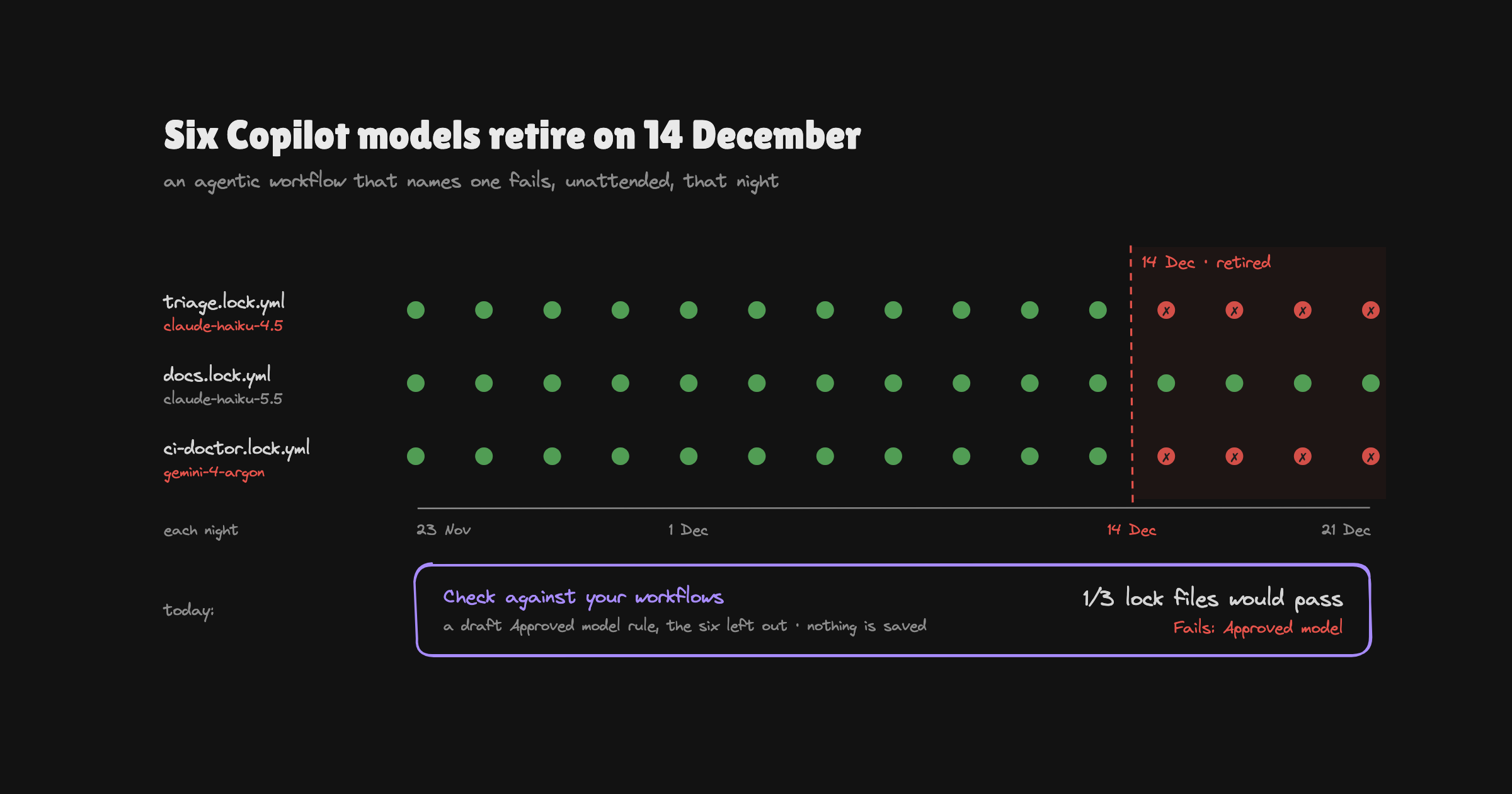
Six Copilot models retire on 14 December: which of your agentic workflows use one?
GitHub retires six Copilot models on 14 December 2026. An agentic workflow that names one will fail unattended. How to find them, switch safely and keep your model policy in step.
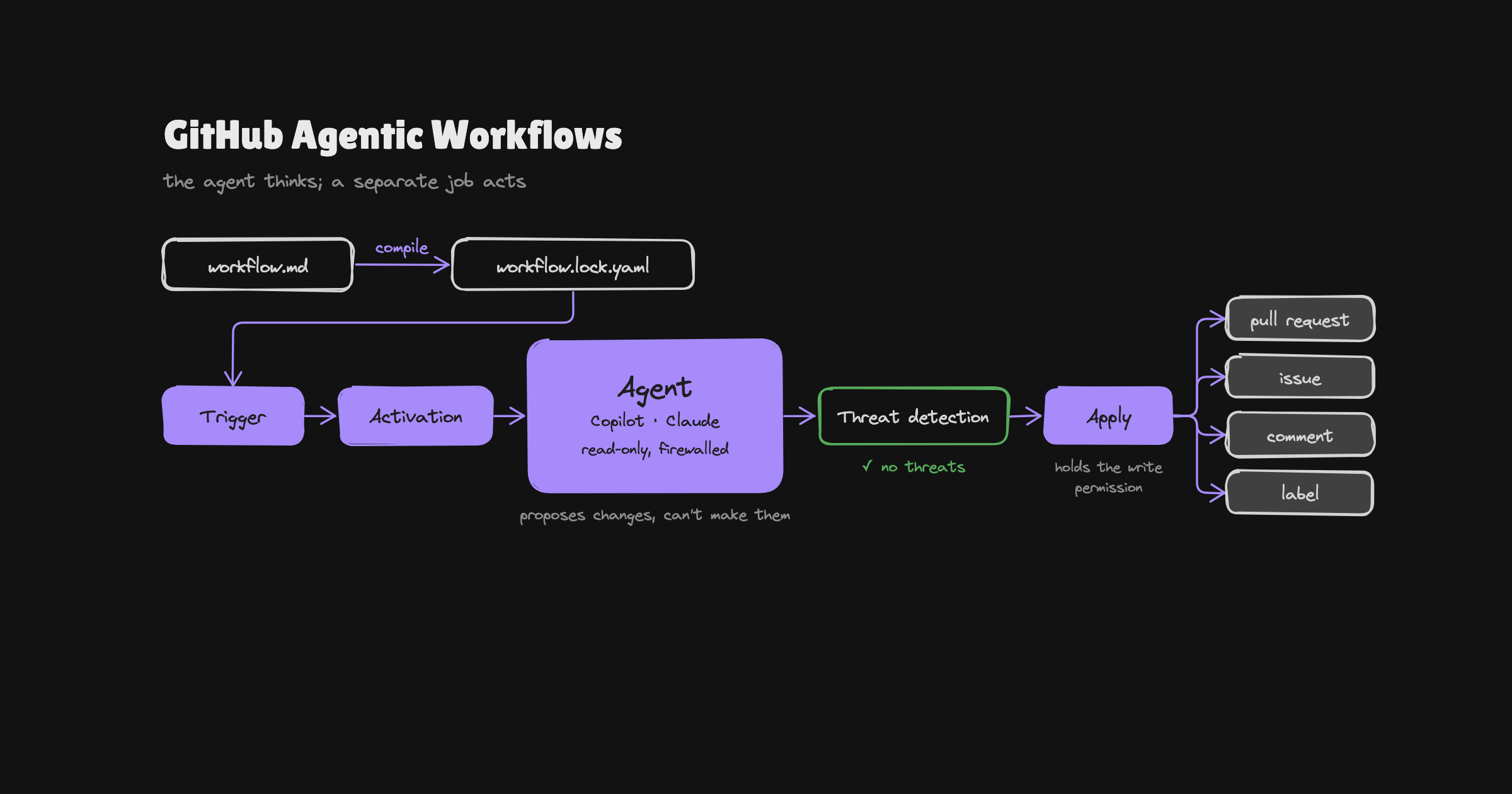
How GitHub Agentic Workflows work
A plain introduction to GitHub Agentic Workflows: how they are written, what happens when one runs, how agents are kept safe, and what they cost to operate.
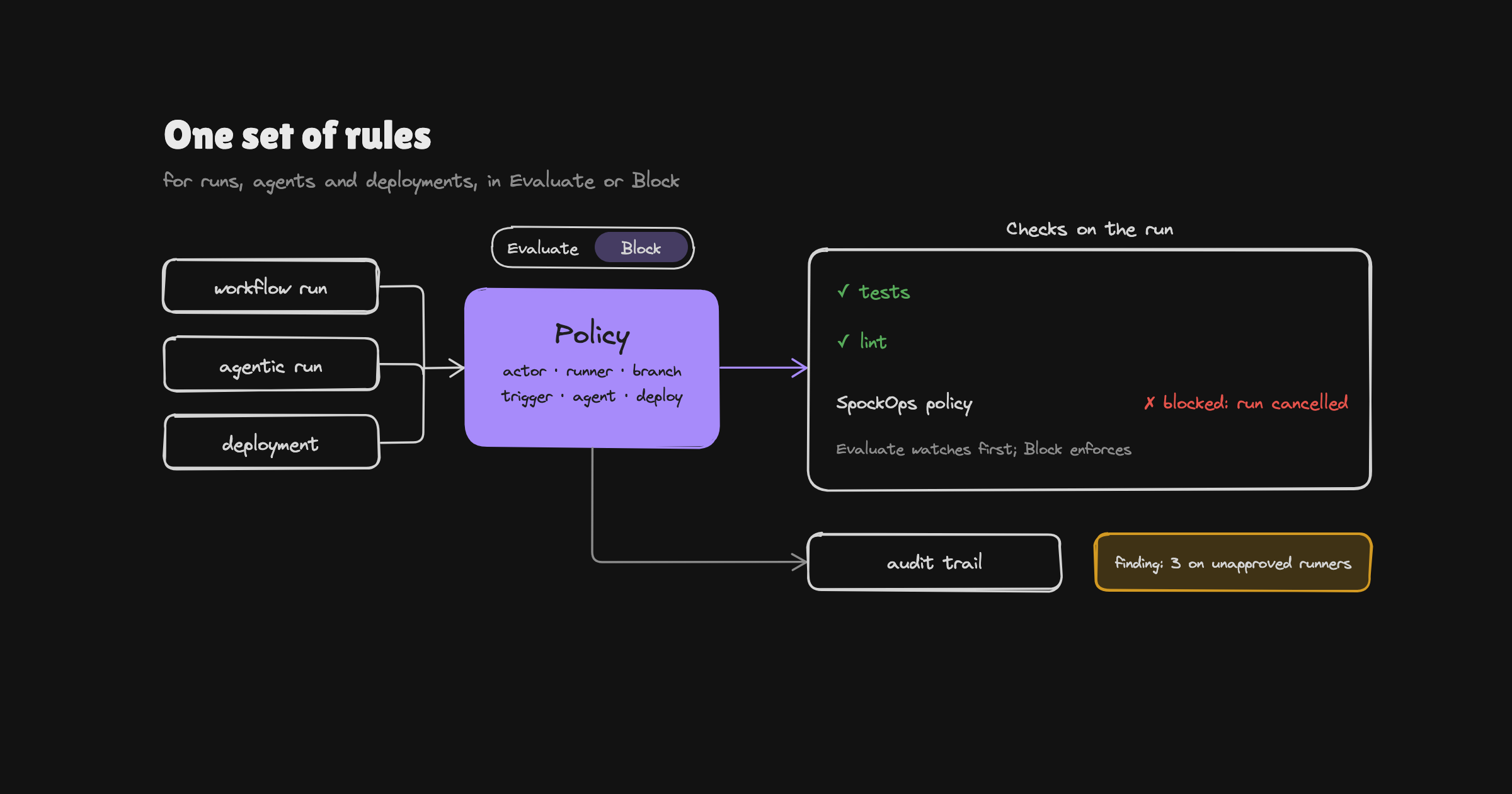
GitHub Actions workflow governance: one set of rules for runs, agents and deployments
Workflow governance for GitHub Actions: one engine for runs, agentic workflows and deployments, in Evaluate or Block, with findings that say what to fix next.
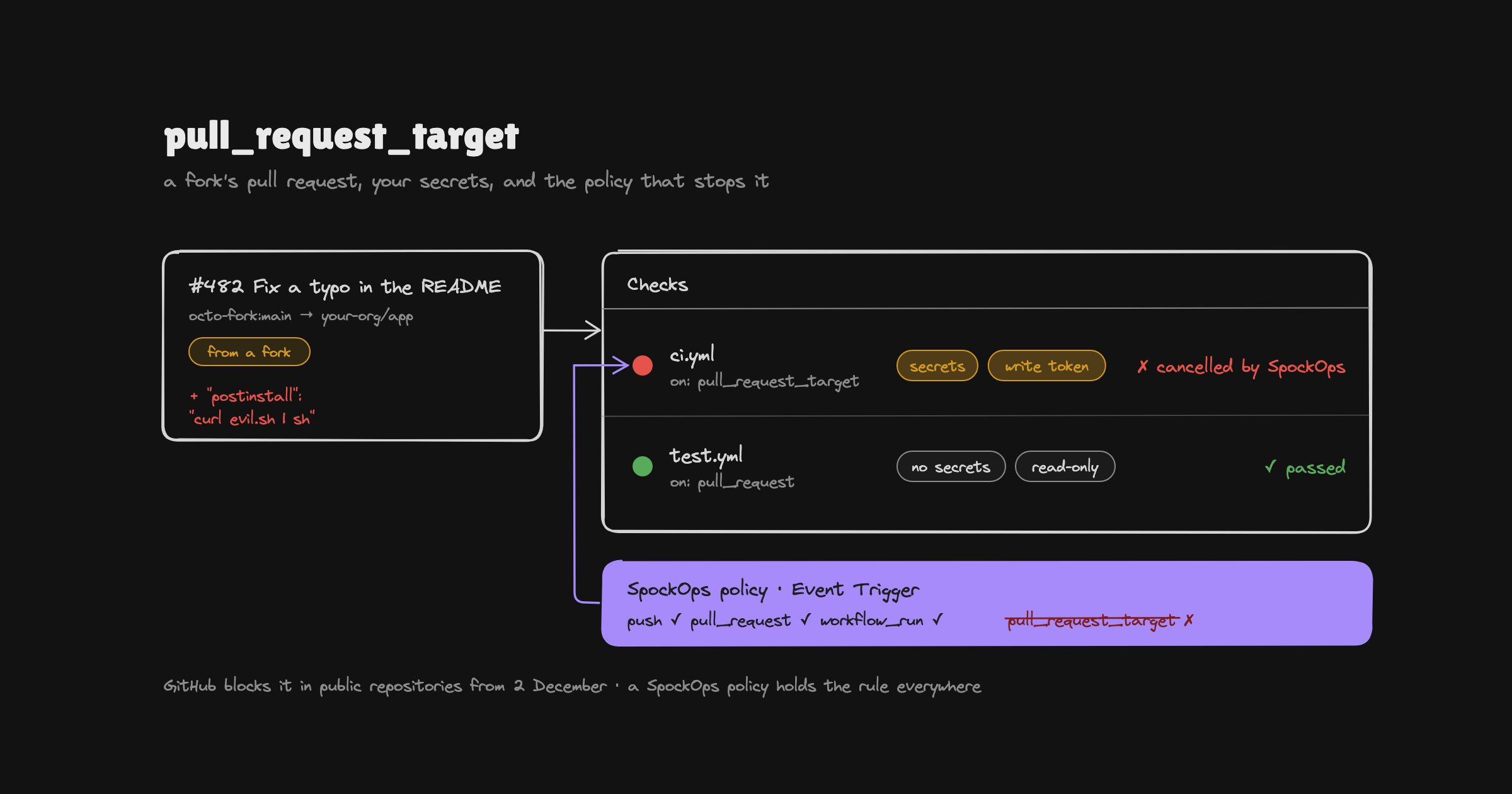
pull_request_target: why to stop using it, and what to use instead
GitHub blocks pull_request_target by default from 2 December. Why the trigger is dangerous, the simple two-workflow pattern to use instead, and how to keep it out of every repository.
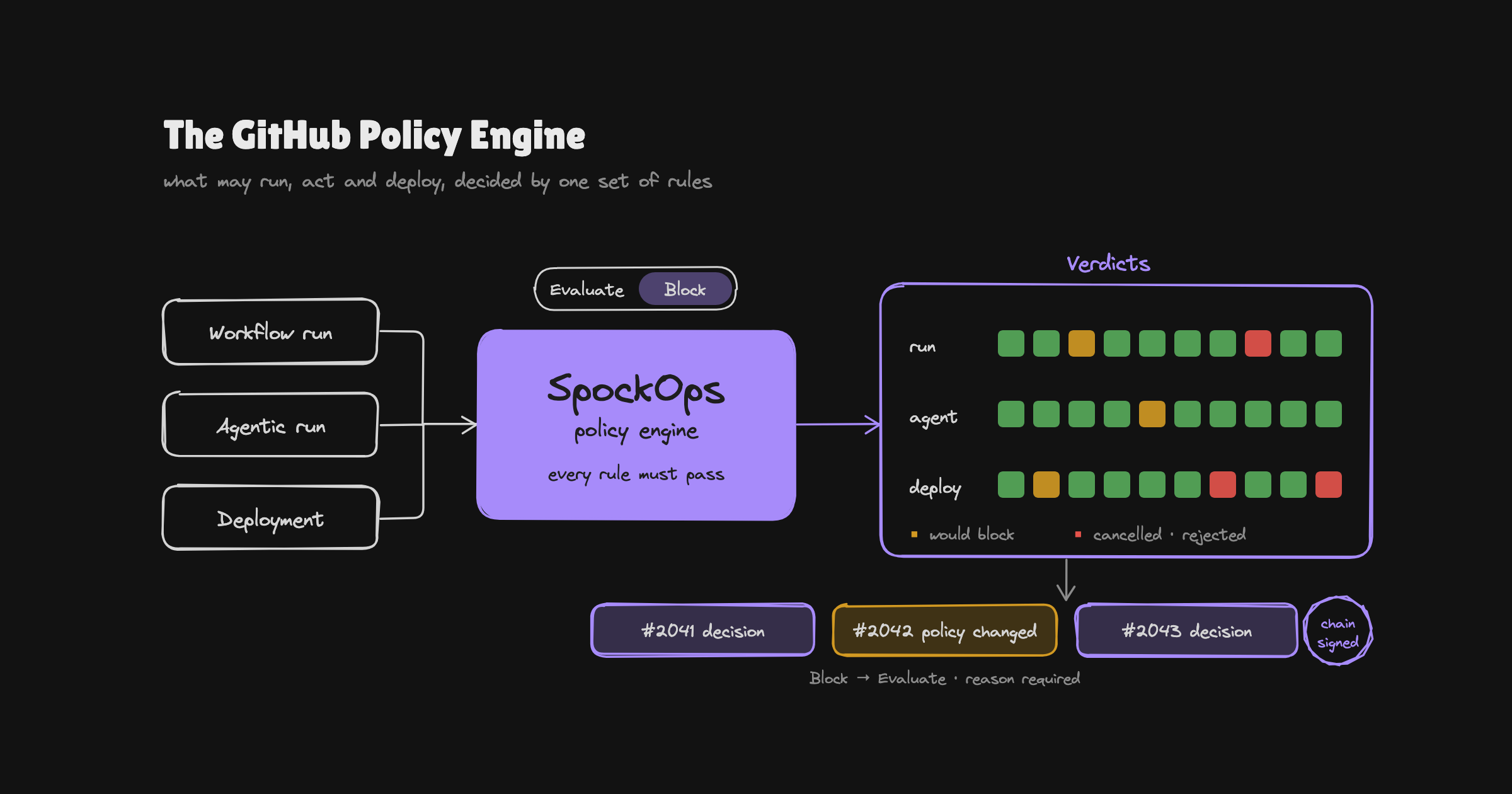
The GitHub policy engine: how SpockOps decides what may run, act and deploy
A policy engine for GitHub Actions: one set of rules for workflow runs, agentic workflows and deployments, tried in Evaluate, enforced in Block and recorded.