 SpockOps
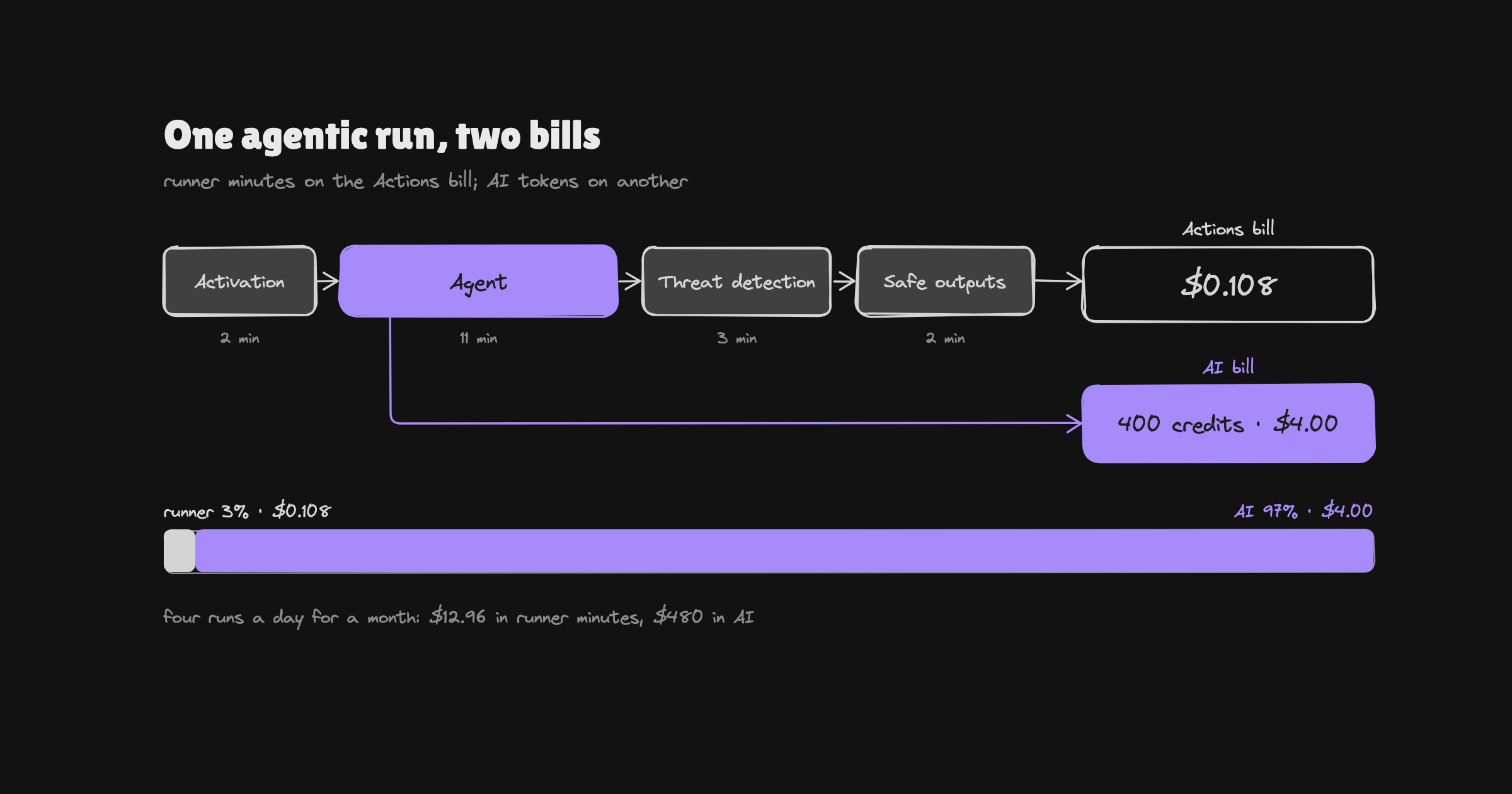

Every GitHub agentic workflow run incurs two costs: the GitHub Actions minutes its jobs use, billed by GitHub, and the AI usage of its agent, billed by whichever provider runs the model. The AI usage is usually the larger share by a wide margin, and when the provider is Anthropic, OpenAI or Google, that bill does not come from GitHub at all.
The distinction matters more each month. Since 1 June 2026, GitHub Copilot has billed AI usage by the amount consumed rather than by the number of requests, and agentic workflows are moving from experiments into daily operations. Teams that could once ignore the cost of a few agents now need to know what each one spends, and why.
How is an agentic workflow billed? #
An agentic workflow is an ordinary GitHub Actions workflow with an AI agent working inside it, and each part is billed separately. The gh-aw cost guide describes the total as "the sum of two components: GitHub Actions minutes consumed by the workflow jobs, and inference costs charged by the AI provider for each agent run."
The first part is familiar. Each run executes a few short jobs on a runner, and GitHub charges for the minutes at its standard rates: $0.006 a minute for a standard Linux runner. Many teams never see this charge, because the minutes included in their GitHub plan absorb it.
The second part is the agent's AI usage, measured in tokens and billed by the provider of the model. According to gh-aw's billing reference, Copilot usage is billed by GitHub as AI Credits, while Claude is billed by Anthropic, Codex by OpenAI and Gemini by Google, each on the organization's own account with that provider. gh-aw values one AI Credit at $0.01. Since Copilot moved to usage-based billing, a long agent session costs correspondingly more than a short one.
What does a single run cost? #
In the example below, AI usage accounts for 97% of the cost of a run. The figures are illustrative: an issue triage agent on a standard Linux runner, using 400 AI Credits per run. Readers can substitute their own figures from gh-aw's gh aw logs command, which reports minutes and AI Credits for each run.
| Part of the run | Usage | Rate | Cost |
|---|---|---|---|
| Activation job | 2 billed minutes | $0.006 a minute | $0.012 |
| Agent job | 11 billed minutes | $0.006 a minute | $0.066 |
| Threat detection job | 3 billed minutes | $0.006 a minute | $0.018 |
| Safe outputs job | 2 billed minutes | $0.006 a minute | $0.012 |
| Runner, total | 18 minutes | $0.108 | |
| AI usage | 400 AI Credits | $0.01 a credit | $4.00 |
| One run | $4.108 |
Run four times a day for a month, the same workflow costs $12.96 in runner minutes and $480 in AI usage. The runner is the smaller and more visible part of the bill; the agent is the larger and less visible one.
Why is the total so hard to see? #
Because it is divided between invoices, estimated rather than reported, and visible only one workflow at a time.
Consider where the two figures from the example arrive. If the plan's included minutes cover the $12.96, GitHub's bill shows nothing for the workflow at all. If the agent uses Claude, the $480 appears on an Anthropic invoice that does not name the workflow, the repository or the team. The cost is real, but no single document shows it.
gh-aw offers good tools for an individual workflow. Its cost guide provides a per-run cap, with a default of 1,000 AI Credits, and a daily cap of 5,000 per workflow, after which the agent is skipped. Command-line reports show the minutes and credits for each run. The same guide is candid about their limits: its figures "are computed on a best-effort basis using pricing data sourced from the models.dev catalog and may not exactly match your provider's actual billing."
These controls are well suited to one workflow. With thirty agentic workflows across several repositories, they become thirty separate reports and thirty separate caps, with no single total and no indication of which team is responsible for which cost.
What does gh-aw provide, and what does SpockOps add? #
gh-aw controls and reports the cost of each workflow. SpockOps brings those costs together, prices them consistently and makes budgets an organizational decision.
| Need | What gh-aw provides | What SpockOps adds |
|---|---|---|
| Seeing the cost of a run | Minutes and AI Credits per run, from the command line, as estimates | Runner cost and AI cost side by side for every agentic workflow, on one dashboard |
| Seeing the total | Per workflow only | Totals by workflow, repository and organization, alongside the rest of your CI spend |
| Pricing runner minutes | Standard rates, left to the reader | GitHub's rates and operating-system multipliers for each job, net of your included minutes |
| Limiting spend | Per-run and daily caps, set in each workflow | The AI-credit budget check in an agentic policy, which confirms every workflow has a budget and stays within it; budgets per organization that alert at a chosen threshold |
| Knowing what agents are doing | Logs for each workflow | Agentic activity, showing what agents and bots are doing across every organization |
| Acting on what you find | Not provided | Findings such as the silent agent and the agent paid for by a personal token |
The two work well together. gh-aw's caps remain the immediate safeguard on each run. SpockOps answers the questions a team lead or finance partner will ask: what agents cost in total, which workflows account for most of it and whether each one is worth what it spends. It does so without changes to any workflow.
Where to begin #
Keep gh-aw's per-run and daily caps in place, then add the organization-wide view.
- Sign in to SpockOps with GitHub, name your workspace and install the App on the organizations where your agentic workflows run.
- Open the cost dashboard and sort agentic workflows by AI cost. Review the three most expensive first.
- Add an agentic policy with the AI-credit budget check in Evaluate mode, and switch it to Block once the limits reflect what each workflow should spend.
SpockOps installs in about five minutes.
Further reading: GitHub Actions workflow governance.
Questions
How much does a GitHub agentic workflow cost per run?
It's the Actions minutes for its jobs plus the AI tokens its agent uses. Minutes are cheap: about $0.11 for 18 minutes on a Linux 2-core runner. Tokens usually dominate. At 400 AI Credits a run, tokens cost $4.00.
Who bills the AI tokens in gh-aw?
It depends on the engine. Copilot is billed by GitHub as AI Credits. Claude is billed by Anthropic, Codex by OpenAI and Gemini by Google, each on your own account with that provider.
What is an AI Credit worth?
gh-aw values one AI Credit at $0.01. Since 1 June 2026, Copilot counts usage in AI Credits priced at each model's API rates.
Are gh-aw's cost figures exact?
No. gh-aw computes them on a best-effort basis from public model pricing and says they may not match your provider's billing. Check the provider's dashboard for the real charge.
How do I cap agentic workflow spending?
Set `max-ai-credits` for each run and `max-daily-ai-credits` for each workflow in gh-aw. To enforce budgets across an organization, use a SpockOps agentic policy with the AI-credit budget check.
Does SpockOps need changes to my workflows?
No. SpockOps is a GitHub App, so nothing runs inside your pipelines.
Related posts
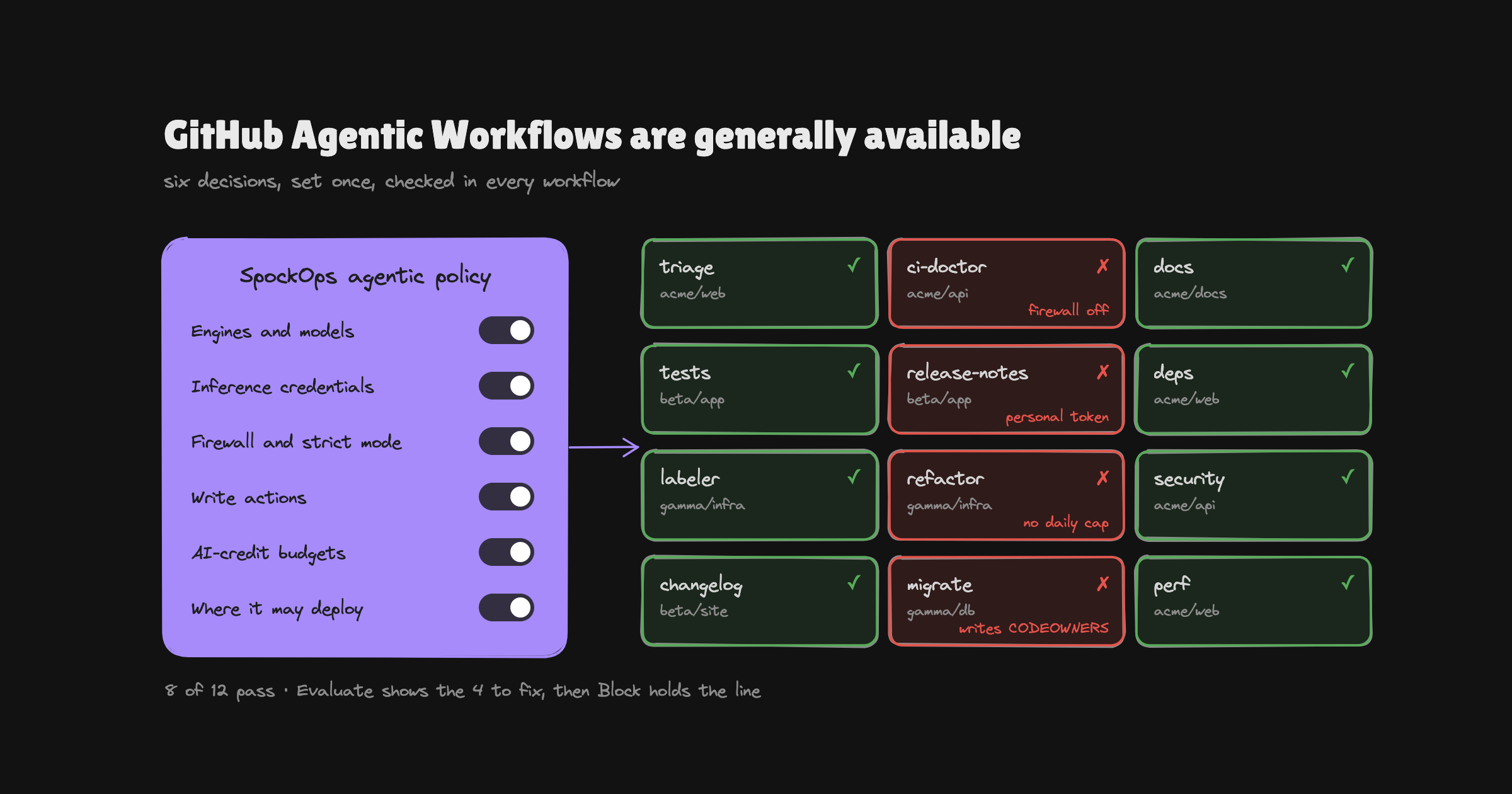
GitHub Agentic Workflows are generally available: six decisions before your teams turn them on
GitHub Agentic Workflows are generally available. The six decisions an enterprise should make first: engines, credentials, isolation, writes, spend and deployments.
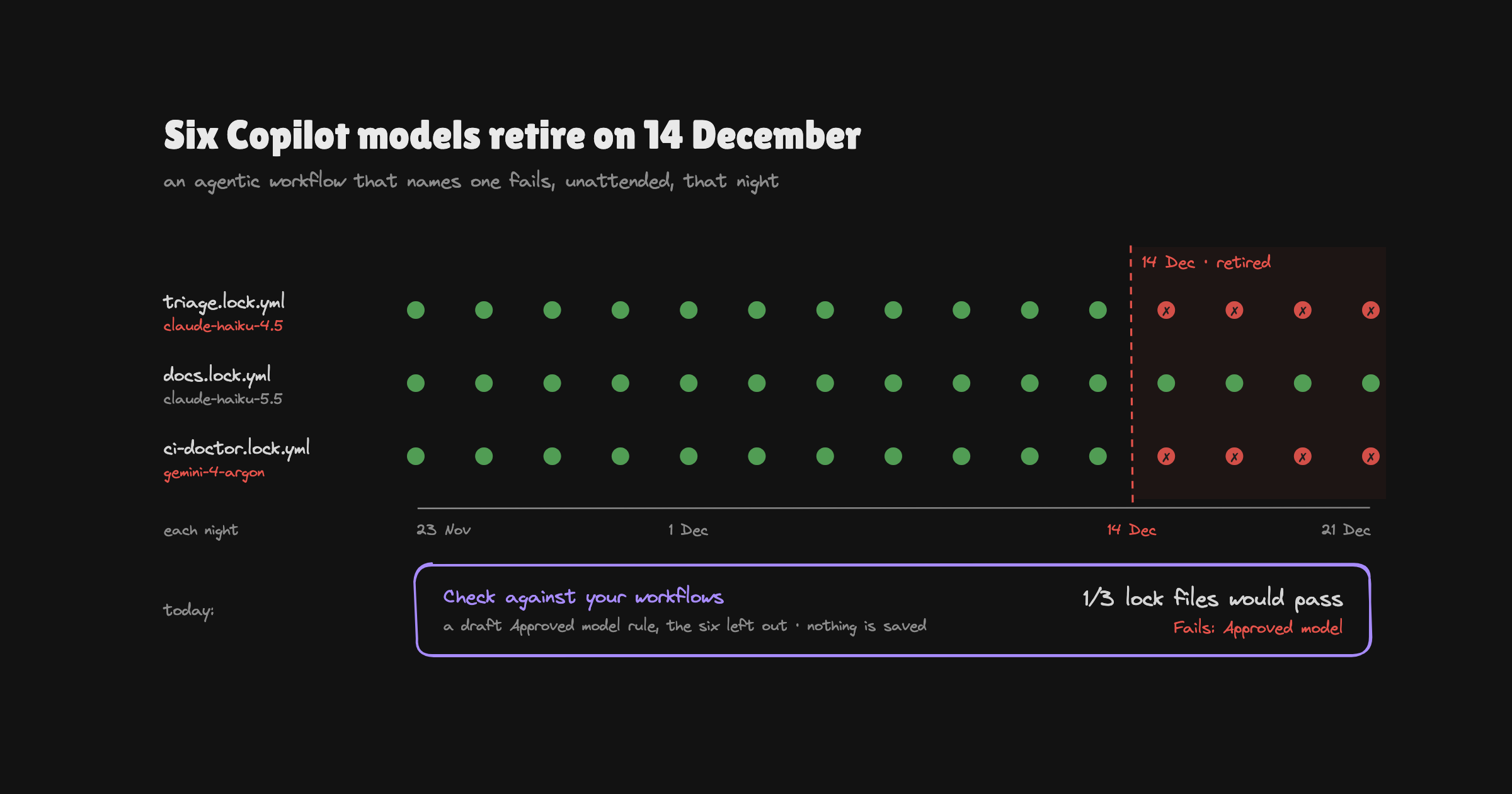
Six Copilot models retire on 14 December: which of your agentic workflows use one?
GitHub retires six Copilot models on 14 December 2026. An agentic workflow that names one will fail unattended. How to find them, switch safely and keep your model policy in step.
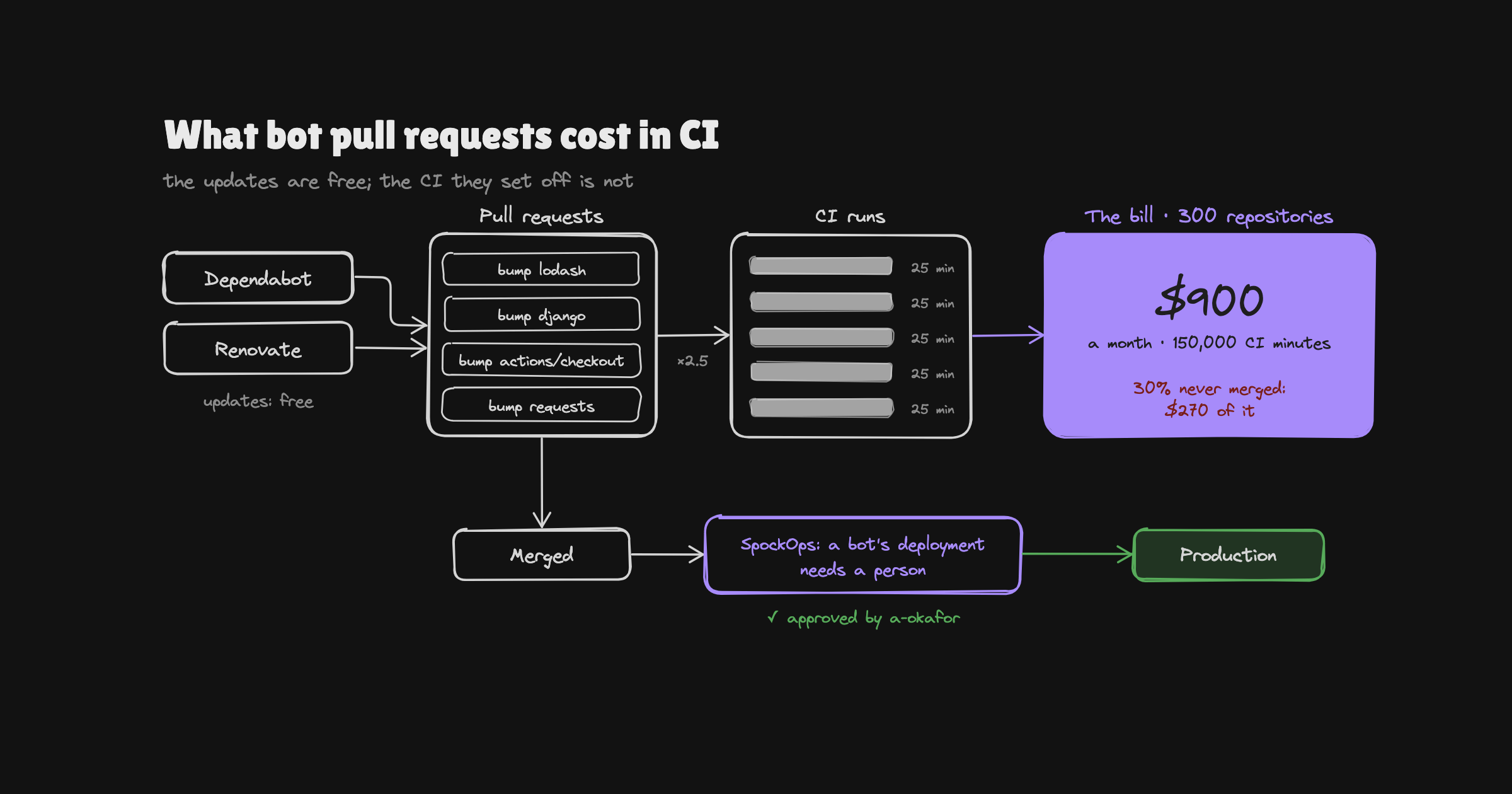
What do Dependabot and Renovate really cost in CI?
Dependabot and Renovate are free. The CI their pull requests set off is not. What dependency bots cost in GitHub Actions, and how to govern what they deploy.
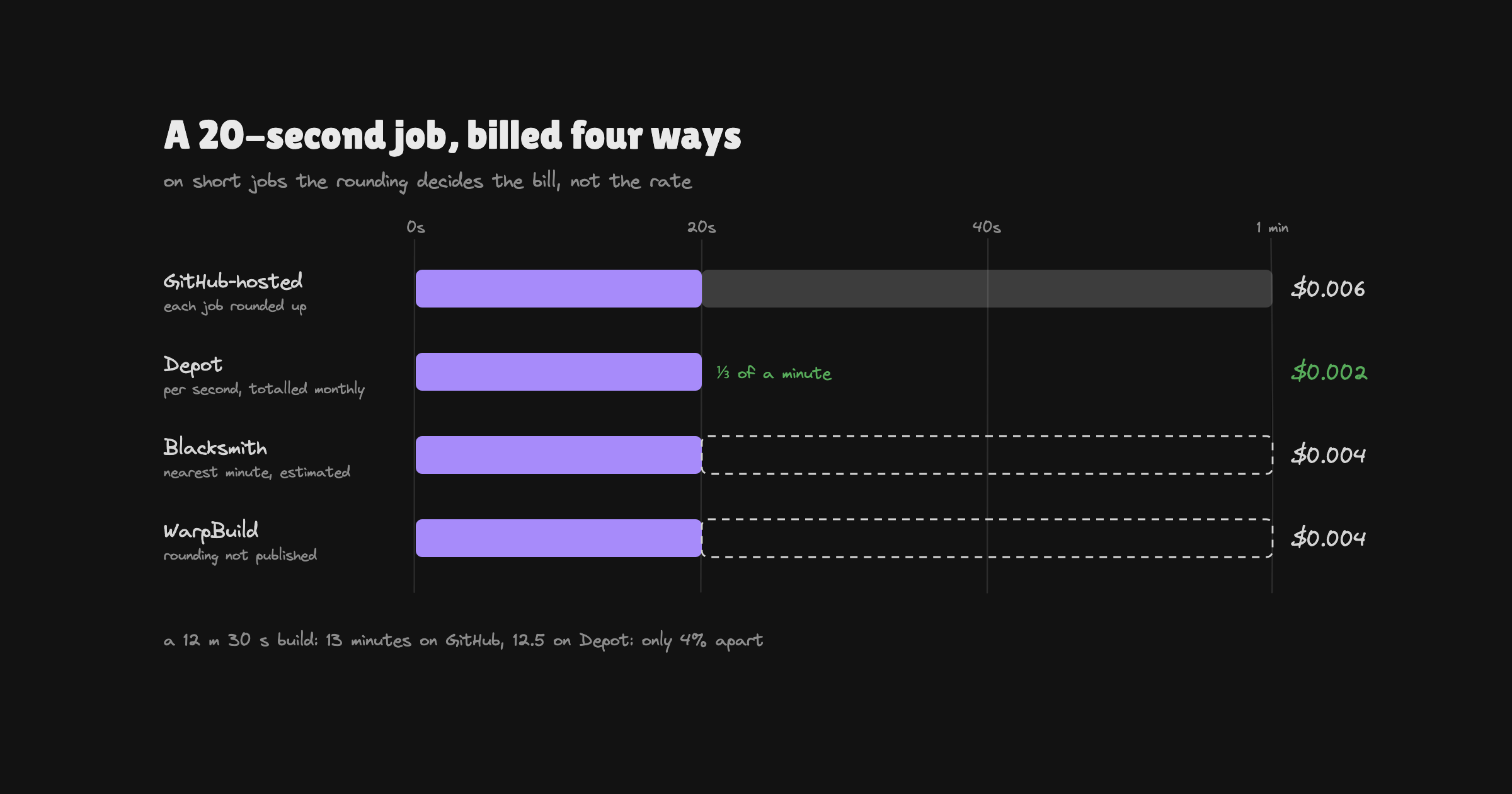
What a GitHub Actions minute really costs on Blacksmith, Depot and WarpBuild
The rate per minute is only part of a GitHub Actions bill. How each provider rounds a job, how far its free minutes go and how long your jobs run decide the rest.
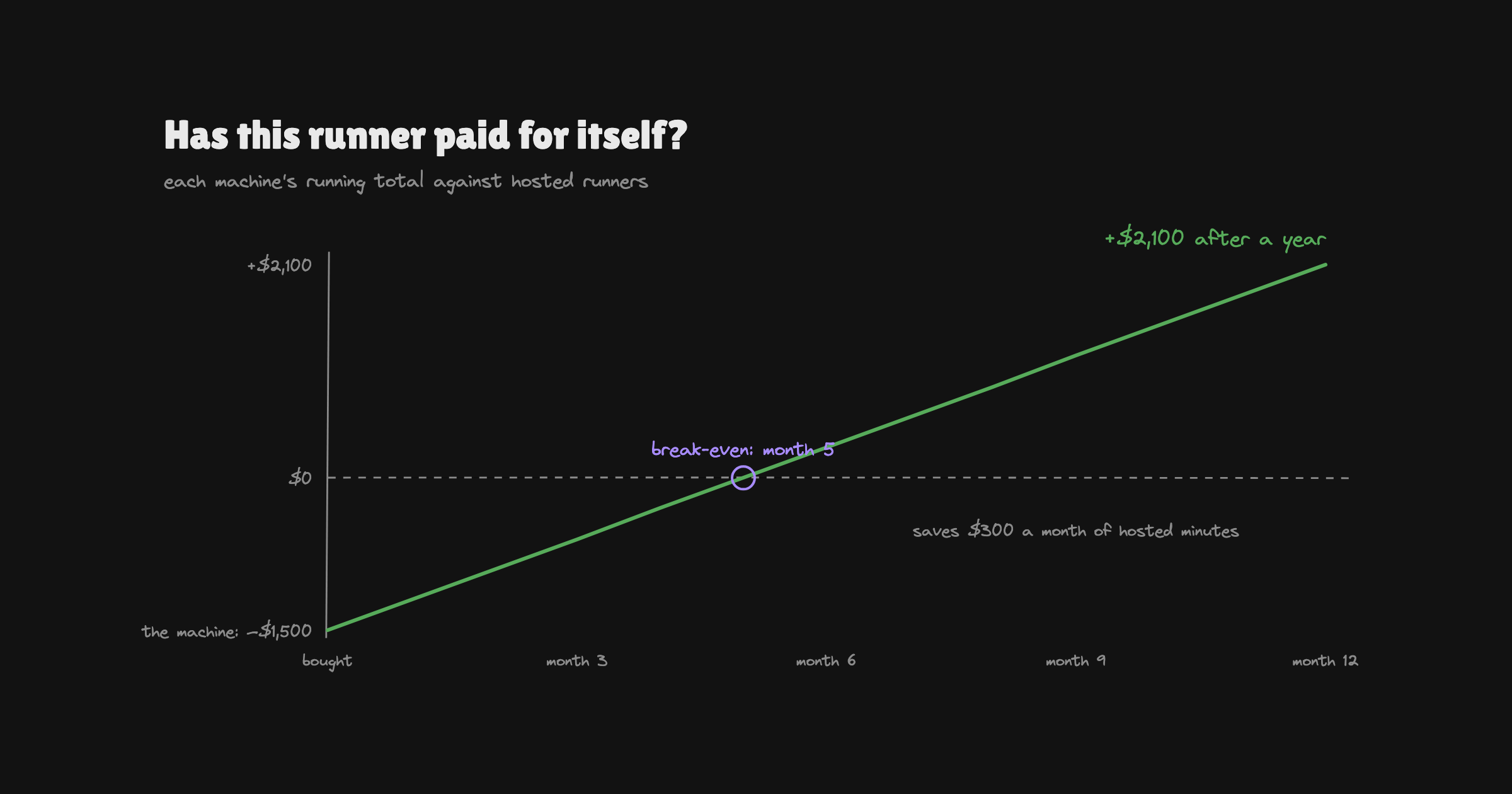
Have your self-hosted runners paid for themselves?
Self-hosted GitHub Actions runners look free because their minutes never reach the bill. A method, and a worked example, for finding each machine's break-even.
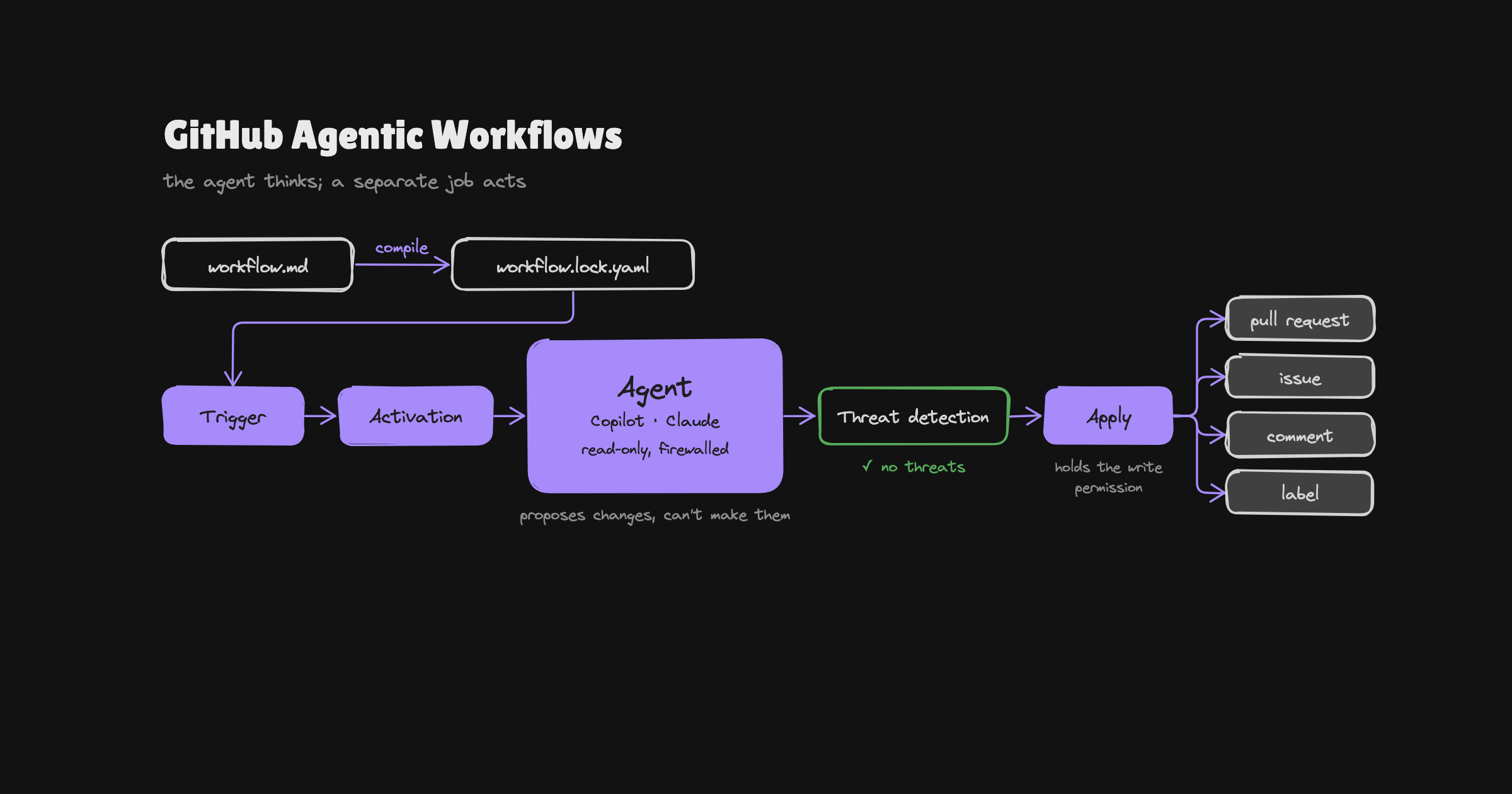
How GitHub Agentic Workflows work
A plain introduction to GitHub Agentic Workflows: how they are written, what happens when one runs, how agents are kept safe, and what they cost to operate.