 SpockOps
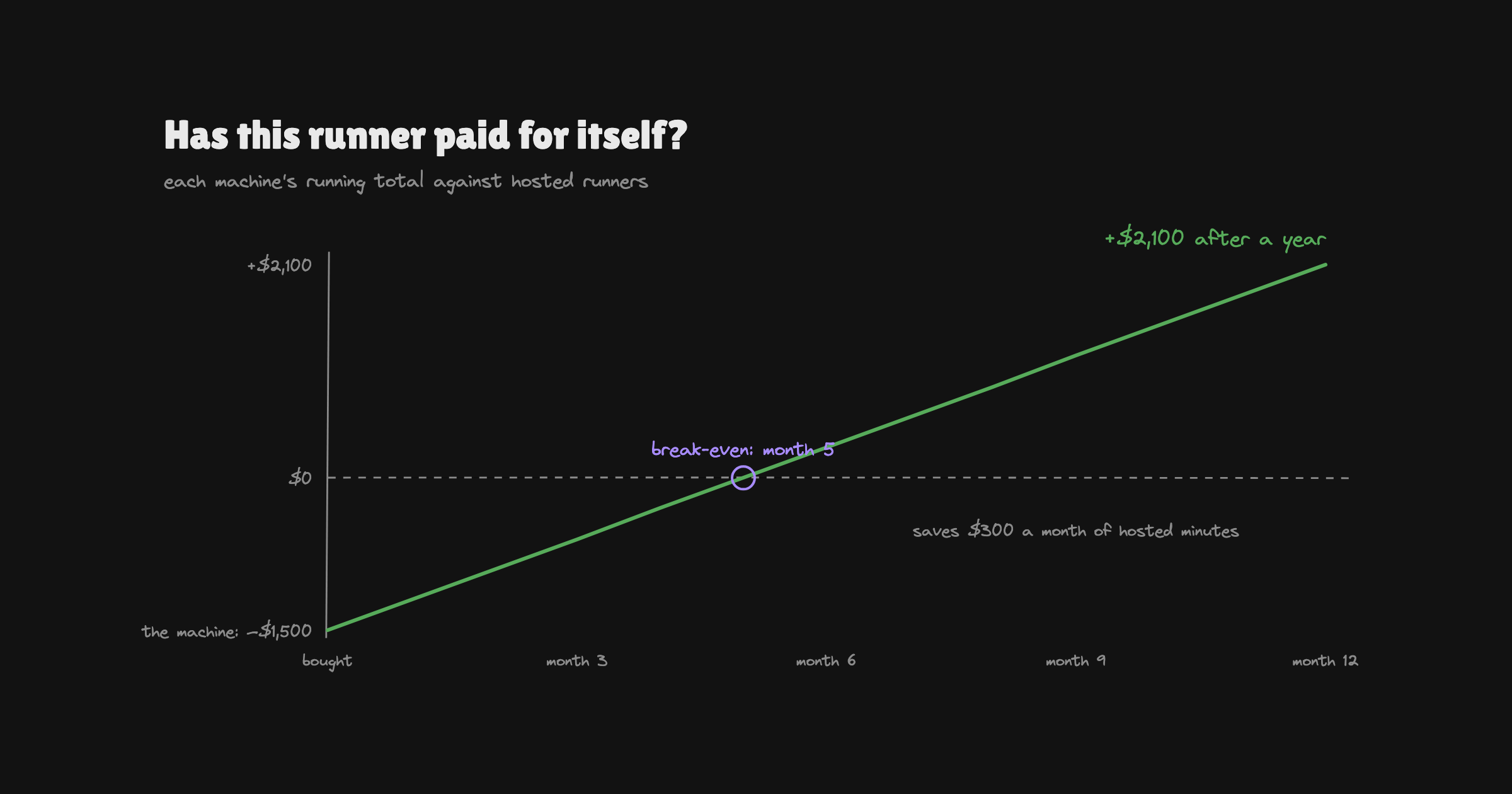

A self-hosted runner has paid for itself when the jobs it ran would have cost more on GitHub-hosted runners than the machine cost to buy and run. SpockOps tracks this for every machine you own: it prices each job at the equivalent hosted rate, sets that against the machine's purchase price and running cost, and projects the date it breaks even.
The answer is often better than teams expect. In SpockOps' pre-release workspaces, runners have typically paid for themselves within a few months, and have saved an average of about $200 a month each thereafter. Without a way to measure it, though, that saving is invisible.
Why do self-hosted runners look free? #
Because their minutes never appear on the GitHub bill.
GitHub charges for hosted runners by the minute: according to its pricing reference, $0.006 for a standard Linux runner, $0.010 for Windows and $0.062 for macOS. A job that runs on your own machine is not charged. GitHub proposed a fee of $0.002 a minute for self-hosted runners in private repositories in December 2025, then postponed it; as of October 2026, its pricing reference lists no such charge.
The machine itself, meanwhile, was bought once and recorded as a purchase, and its electricity arrives on a separate bill. Nothing connects the two to the work the machine does. A team may know it spent $1,500 on a build machine, but not whether that machine has since done $500 or $5,000 worth of work.
How does SpockOps work out a machine's payback? #
It builds an amortization schedule for each machine from two figures you enter and one it measures.
- The purchase price, entered once when you register the machine.
- A fixed monthly running cost, such as electricity and hosting.
- The work the machine does, measured by SpockOps. Every job that runs on the machine is priced at what it would have cost on the equivalent GitHub-hosted runner, using GitHub's rates for that operating system.
Each month, the value of the machine's work is set against its running cost, and the difference is applied to the purchase price. From the pace so far, SpockOps projects the date on which the purchase will be fully recovered.
Consider a Mac build machine, with illustrative figures:
| Item | Amount |
|---|---|
| Purchase price | $1,500 |
| Running cost (electricity and hosting) | $20 a month |
| Jobs run, priced at hosted macOS rates (about 5,160 minutes) | $320 a month |
| Net saving | $300 a month |
At $300 a month, the machine recovers its $1,500 purchase in five months. From the sixth month onward, it saves $300 a month against what the same jobs would have cost on GitHub's hosted runners.
Where is the break-even point? #
The machine starts $1,500 behind and closes the gap by $300 a month. After a year it is about $2,100 ahead of what the same jobs would have cost on hosted runners. SpockOps draws this projection for each machine from its actual usage, and moves the expected break-even date as that usage changes.
How does the whole fleet look? #
The same calculation runs for every machine you register, whatever its operating system and however many you have.
The fleet dashboard shows the total purchase cost of all your runners, the total they have recouped and the combined monthly saving. Each runner also has its own view, with its own amortization schedule, recouped amount and projected break-even date. A Linux machine is measured against GitHub's Linux rate and a Mac against its macOS rate, so every machine is judged against the runner it actually replaced.
The per-machine view is where decisions are made. A runner that will repay its cost in three months is worth keeping, or duplicating. One whose projected break-even date keeps receding is doing too little work, and can be reassigned to a busier repository or retired.
What happens when GitHub removes a runner? #
SpockOps keeps its history. GitHub's documentation states that "a self-hosted runner is automatically removed from GitHub if it has not connected to GitHub Actions for more than 14 days." A machine that is switched off for a fortnight, for repairs or a move, therefore returns as a new runner, and its earlier record would ordinarily be lost.
In SpockOps, the returning runner can be reassigned to the machine already registered. The purchase price, the running cost and every job the machine has run stay together, so its payback continues from where it left off.
What does GitHub provide, and what does SpockOps add? #
GitHub runs self-hosted runners and records which jobs ran on each. It does not price them, because it does not bill for them.
| Need | What GitHub provides | What SpockOps adds |
|---|---|---|
| Which jobs ran where | Each job's runner, in its logs and the API | Jobs attributed to each registered machine |
| The value of that work | Hosted rates in its pricing reference | Every job priced at the equivalent hosted rate for its operating system |
| The machine's cost | Not recorded | Purchase price and a fixed monthly running cost |
| Payback | Not provided | Recouped amount and a projected break-even date for each machine |
| The whole fleet | Runners listed per organization or repository | A fleet dashboard across every connected organization and account |
| Continuity | Runners removed after 14 days offline | A returning runner reassigned to its existing machine |
Where to begin #
Start with the machines you know least about.
- Note what each machine cost to buy, and a fixed monthly figure for its electricity and hosting.
- Sign in to SpockOps with GitHub, name your workspace and install the App on the organizations whose runners you want to track.
- Register each machine with its purchase price and running cost. SpockOps attributes its jobs and prices them at hosted rates from then on.
- Review the fleet dashboard and each runner's projected break-even date, then decide which machines to keep, add or retire.
SpockOps installs in about five minutes and requires no changes to your workflows.
Further reading: What does an agentic workflow cost?
Questions
Are self-hosted GitHub Actions runners free?
GitHub does not charge for the minutes they use; as of October 2026 its pricing reference lists no such charge. The machines still cost money to buy and run, and that cost appears outside the GitHub bill.
How do I calculate the payback of a self-hosted runner?
Price each job the machine runs at the equivalent GitHub-hosted rate, subtract the machine's monthly running cost, and apply the difference to its purchase price. The machine has paid for itself when the purchase price is fully recovered.
How long does a self-hosted runner take to pay for itself?
It depends on how much work it does. In SpockOps' pre-release workspaces, runners have typically paid for themselves within a few months, then saved an average of about $200 a month each.
What happens to a self-hosted runner that goes offline?
GitHub removes a self-hosted runner automatically if it has not connected for more than 14 days. In SpockOps, the runner can be reassigned to its existing machine when it returns, so its history and payback are kept.
Did GitHub introduce a fee for self-hosted runners?
GitHub proposed a fee of $0.002 a minute for self-hosted runners in private repositories in December 2025, then postponed it. As of October 2026, no such fee appears in its pricing reference.
Can SpockOps track runners on different operating systems?
Yes. Each machine is measured against GitHub's hosted rate for its own operating system, and the fleet dashboard combines any number of Linux, Windows and macOS runners.
Related posts
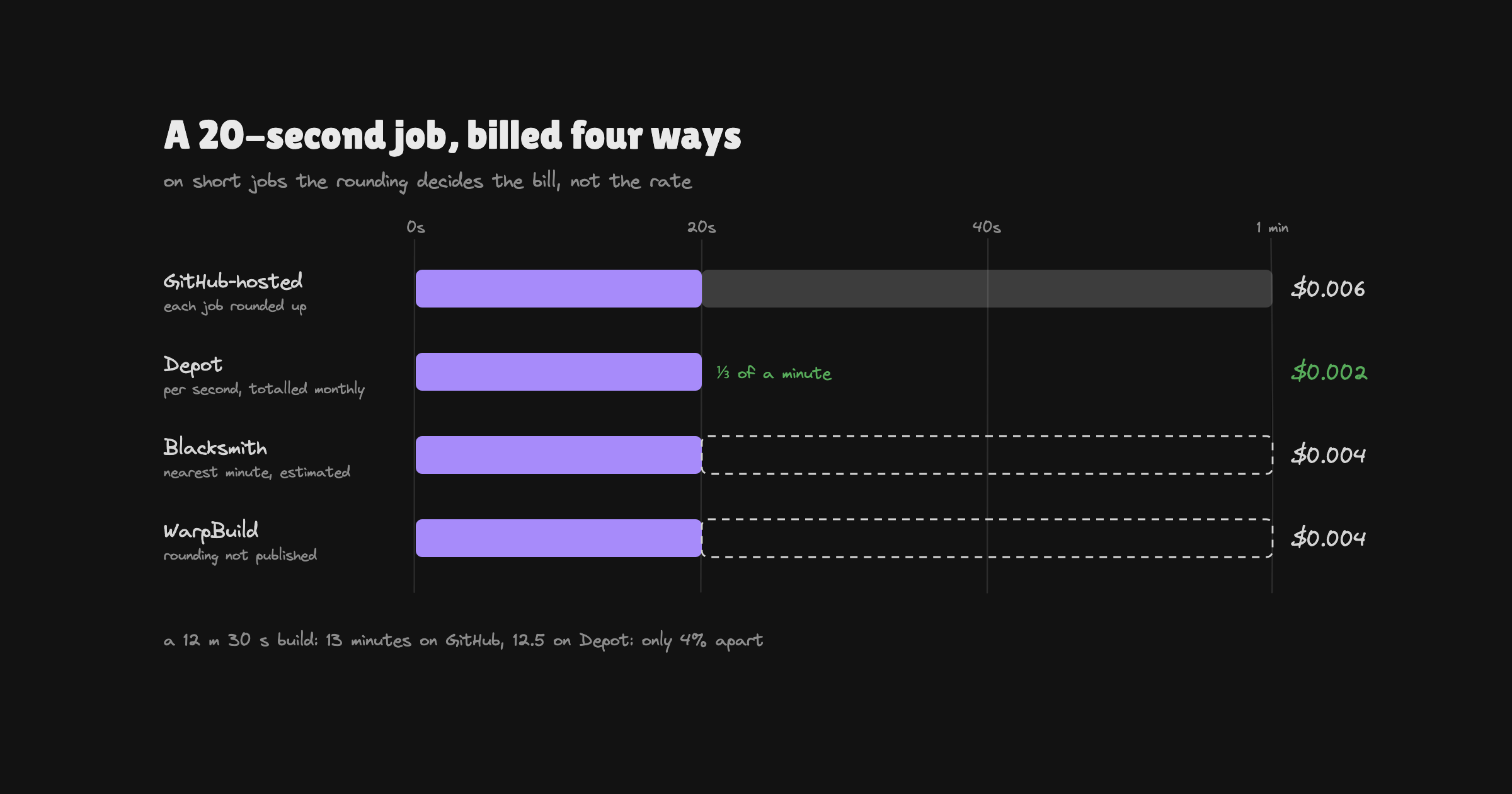
What a GitHub Actions minute really costs on Blacksmith, Depot and WarpBuild
The rate per minute is only part of a GitHub Actions bill. How each provider rounds a job, how far its free minutes go and how long your jobs run decide the rest.
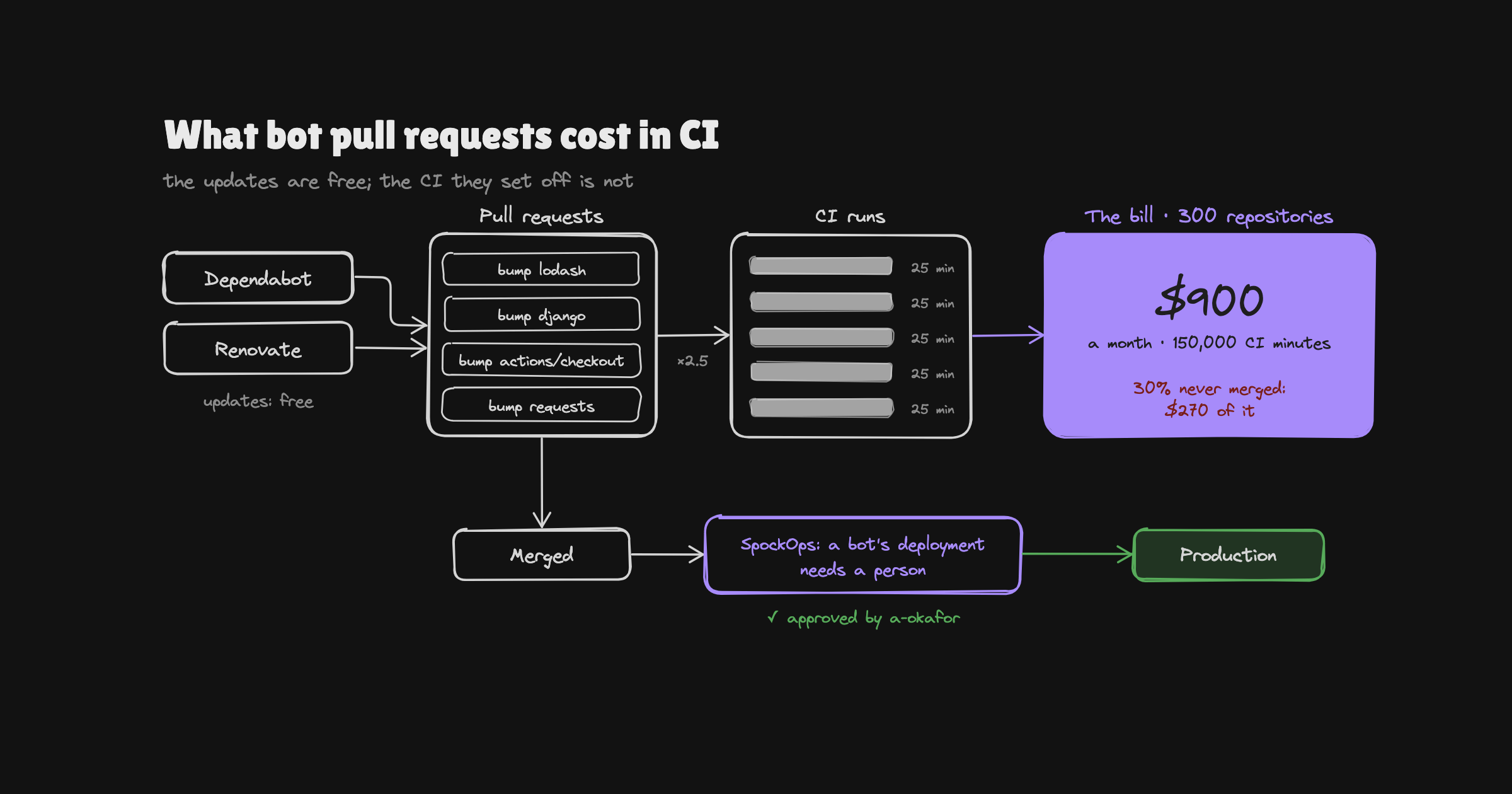
What do Dependabot and Renovate really cost in CI?
Dependabot and Renovate are free. The CI their pull requests set off is not. What dependency bots cost in GitHub Actions, and how to govern what they deploy.
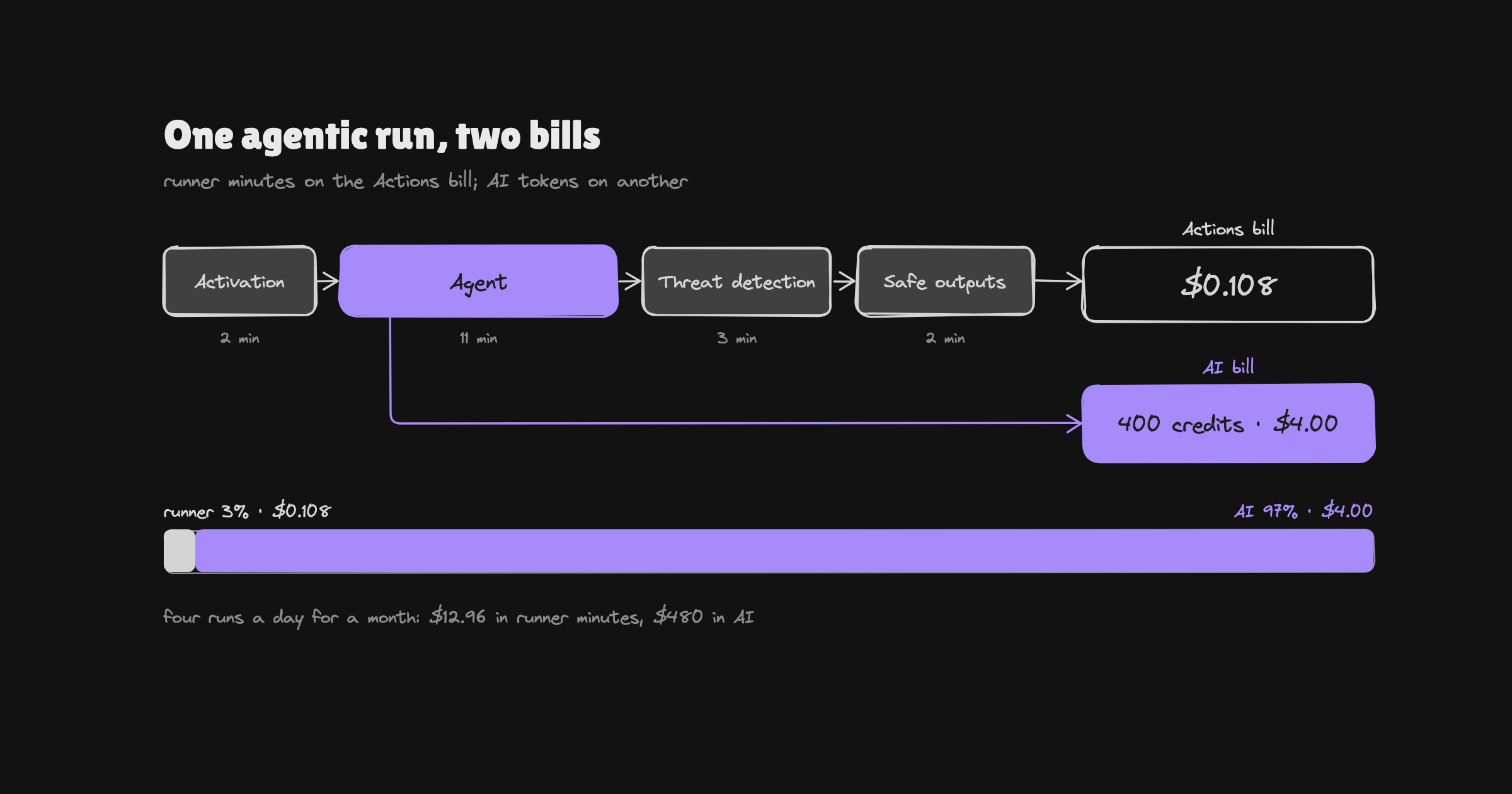
What does an agentic workflow cost? Runner minutes vs. AI tokens
Every GitHub agentic workflow run has two bills: Actions minutes and AI tokens. See a priced example and how SpockOps splits compute from agent cost per run.