 SpockOps
How SpockOps Gets 0% Downtime
How SpockOps ships without downtime: Terraform on Azure Container Apps, migrations first, and traffic that moves only when the new version is healthy.
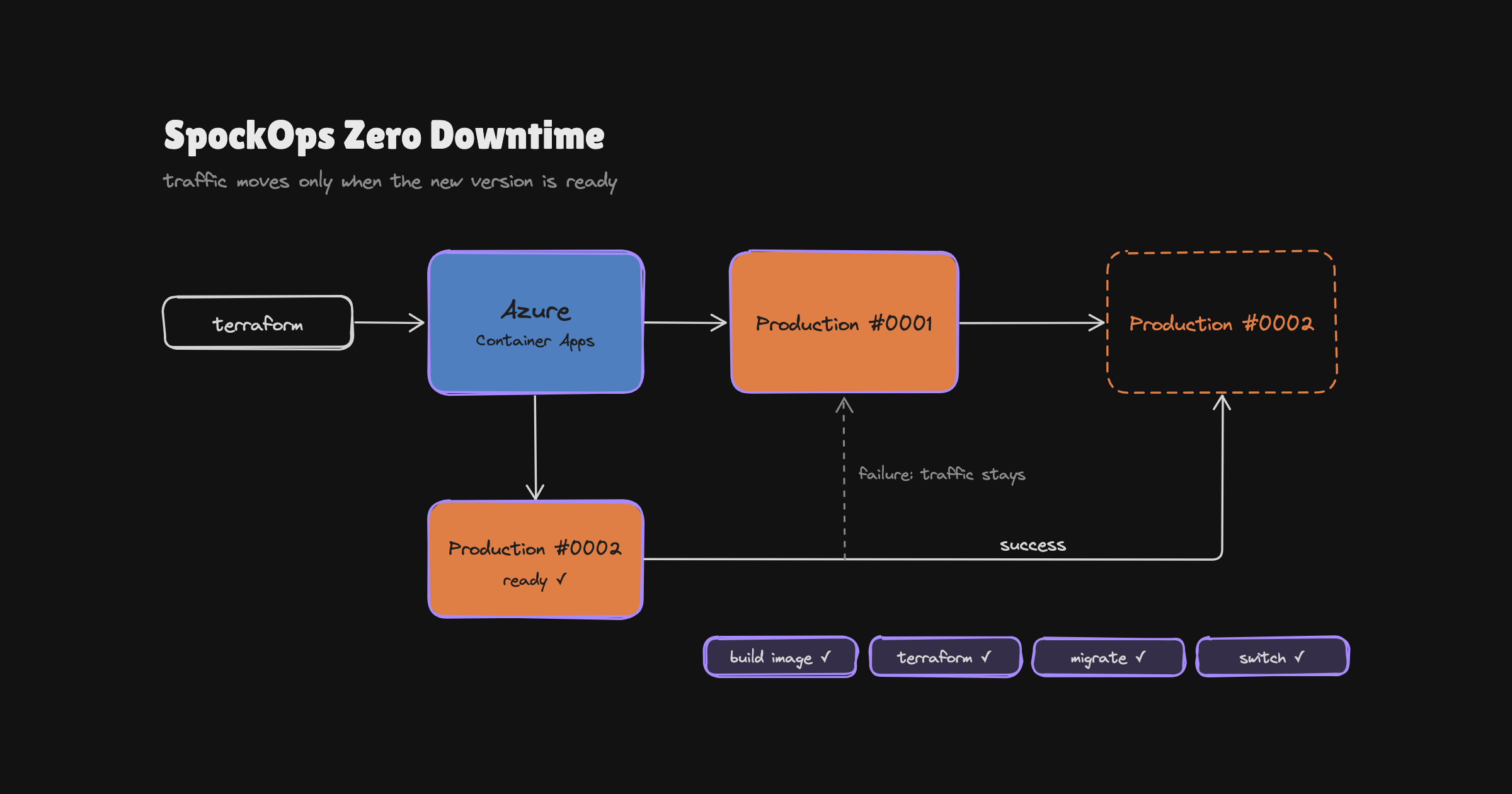

SpockOps releases updates without downtime by following a strict order. Database migrations run first, against a schema the current version can still use. Only then do the application containers switch to the new image, and Azure Container Apps moves traffic to the new version only once it has passed its health checks. At no point is there a gap in which nothing is serving.
This post describes how that works, for engineers who want to know what sits behind a service they rely on.
Why does downtime matter for a GitHub App? #
Because GitHub does not wait for it. SpockOps learns about every run, job and deployment through webhooks that GitHub sends as events happen. GitHub's documentation is direct on the point: "GitHub does not automatically redeliver failed deliveries." An event that arrives while a service is down is not retried unless someone redelivers it by hand.
For SpockOps, a missed event has real consequences. A run that is never seen is never checked against its policies. A deployment waiting at a protection rule waits for an answer. A job that is never recorded is missing from the cost figures. A release process that interrupts service, even briefly, would leave gaps in exactly the record customers rely on. That is why releases are designed never to interrupt it.
How is SpockOps built? #
SpockOps runs on Azure Container Apps, with every piece of infrastructure defined in Terraform.
The service is three container apps built from a single image:
- web, which serves the dashboards and receives GitHub's webhooks;
- worker, which processes events, prices jobs and keeps the record up to date;
- governance, which evaluates runs, agentic workflows and deployments against each workspace's policies.
Terraform describes the environment around them: the container apps themselves, networking, the database, secrets and scaling rules. Changes to that shape go through review and terraform plan like any other code. The release process changes only one thing, which version of the image is running, and leaves everything Terraform owns as it was. Keeping those two responsibilities apart means a routine release cannot alter the infrastructure by accident.
How does a release reach production? #
In four steps, always in the same order.
- Build the image. The new version is built once, tagged with its commit and pushed to the container registry. The same image is used for every app.
- Check the infrastructure. If the release needs an infrastructure change, Terraform applies it first. Most releases need none.
- Migrate the database. Schema changes are applied using the new image, while the current version is still serving every request.
- Switch the apps to the new image.
for app in web worker governance; do
  az containerapp update -g <name> -n $app --image $IMAGE -o none
done
The last step is where Azure Container Apps does its most important work. Changing a container image creates a new revision, an immutable snapshot of the app. In the default single-revision mode, Microsoft's documentation states that "the existing active revision isn't deactivated until the new revision is ready", and that "the existing revision continues to receive 100% of the traffic until the new revision is ready."
A revision counts as ready only when it has provisioned, scaled to the same number of replicas as the one it replaces, and passed its startup and readiness probes. Until all of that is true, customers are served by the previous version. Once it is, traffic moves across and the old revision is retired.
Why migrate before switching? #
Because for a short period, the old version and the new database must work together.
Between step 3 and the moment traffic moves, the previous version is still serving requests against a database that has already been migrated. That only works if every migration is backward compatible: a new column is added before any code depends on it, and an old one is removed only in a later release, once nothing reads it. This pattern, often called expand and contract, is what allows the database to change ahead of the code without either one breaking the other.
The order matters for a second reason. Each SpockOps workspace keeps its data in its own database schema. Running migrations as a separate step, before any container changes, means every schema is up to date before the new code reads from it, rather than being migrated by whichever container happens to start first.
What happens if a release fails? #
Nothing visible to customers. If a new revision fails to start or fails its health checks, it never becomes ready, and Microsoft's documentation is explicit about the outcome: "If an update fails, traffic remains pointed to the old revision."
Recovery is equally straightforward. Container Apps keeps a record of previous revisions, and an earlier image can be redeployed with the same command used to release it. Because migrations are backward compatible, the previous version works correctly against the current database, so rolling back does not require reversing a schema change under pressure.
What does this mean for customers? #
Three things, in practice.
- No maintenance windows. Releases happen during working hours without notice, because there is nothing to warn anyone about.
- Small, frequent updates. When releasing carries no risk of an outage, improvements and fixes can ship as soon as they are ready, rather than being saved for a scheduled window.
- A complete record. Webhooks keep arriving and keep being processed through every release, so policies are evaluated, deployments are answered and costs are recorded without gaps.
The same discipline that SpockOps helps customers apply to their own pipelines, a defined order, a check before anything changes and a record of what happened, is the one it applies to itself.
Questions
Does SpockOps have downtime during updates?
No. Database migrations run first, and the application containers switch to the new version only once it has passed its health checks. The previous version serves every request until then.
How do Azure Container Apps avoid downtime during a deployment?
Changing a container image creates a new revision. In single-revision mode, the existing revision keeps 100% of the traffic until the new one has provisioned, scaled and passed its startup and readiness probes.
What happens if a SpockOps release fails?
A revision that fails its health checks never becomes ready, so traffic stays on the previous version. An earlier image can be redeployed with the same release command.
Why does downtime matter for a GitHub App?
GitHub does not automatically redeliver failed webhook deliveries. Events sent while a service is down are lost unless redelivered by hand, so a GitHub App must stay available through every release.
Related posts
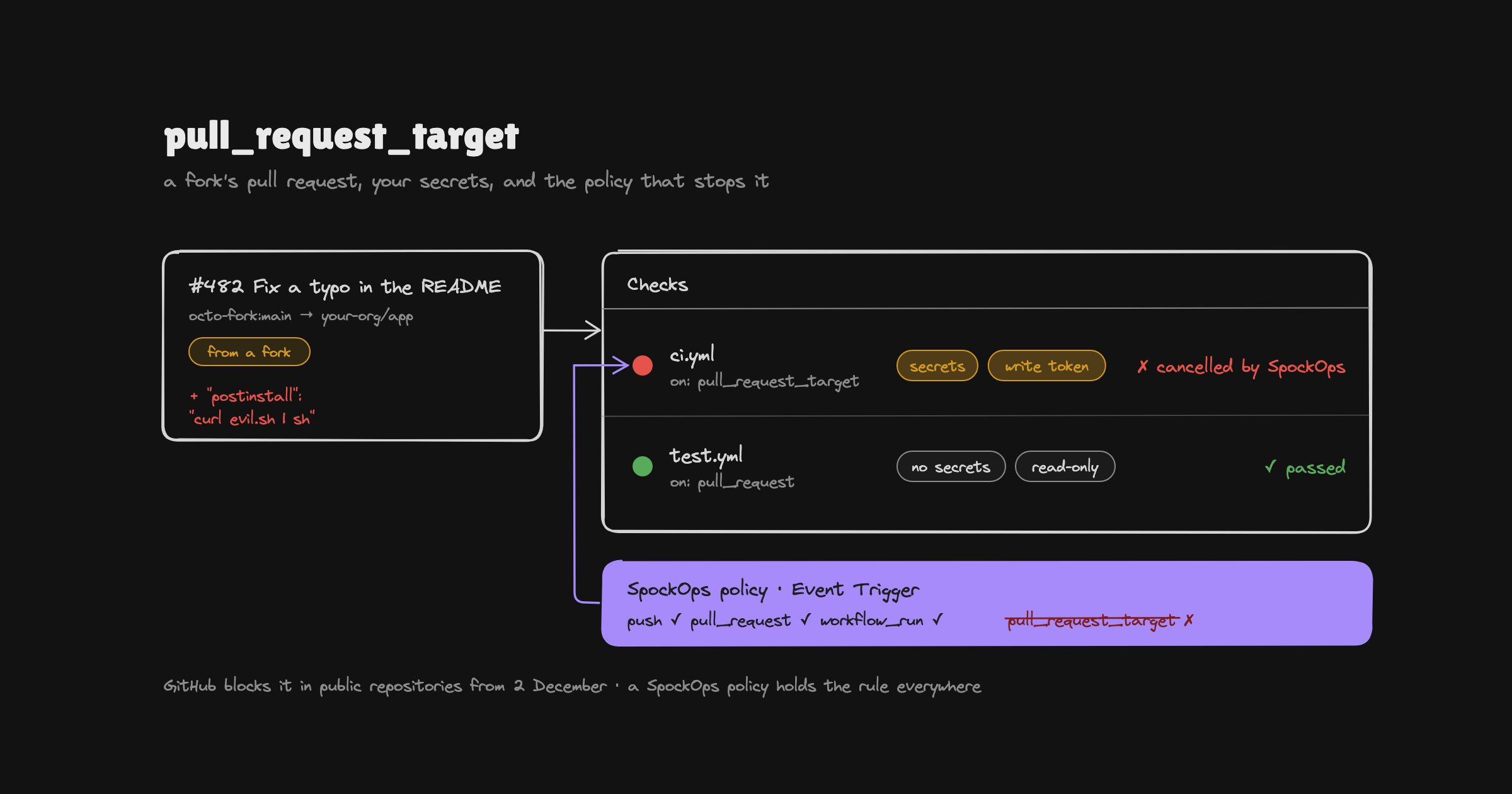
pull_request_target: why to stop using it, and what to use instead
GitHub blocks pull_request_target by default from 2 December. Why the trigger is dangerous, the simple two-workflow pattern to use instead, and how to keep it out of every repository.
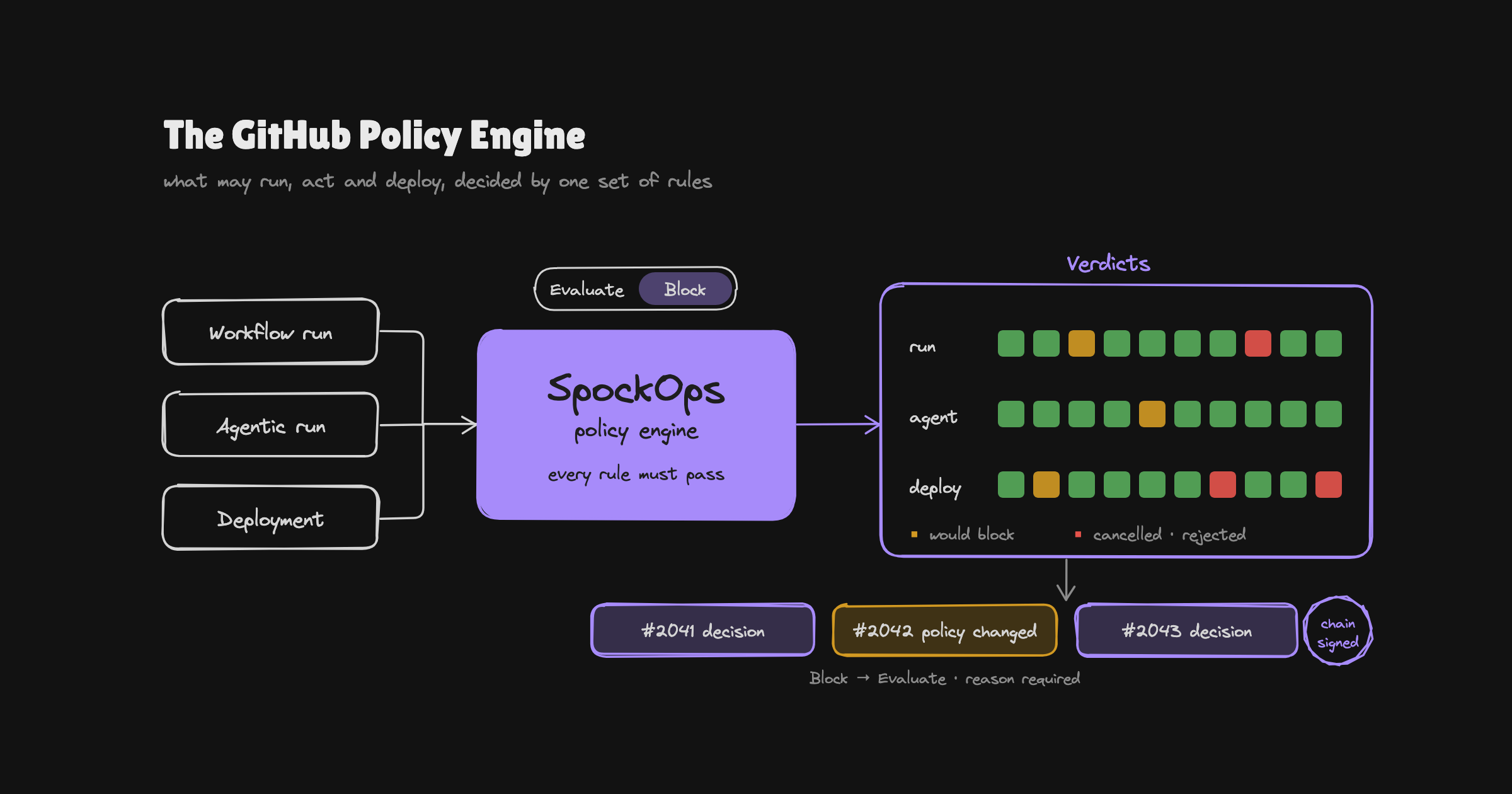
The GitHub policy engine: how SpockOps decides what may run, act and deploy
A policy engine for GitHub Actions: one set of rules for workflow runs, agentic workflows and deployments, tried in Evaluate, enforced in Block and recorded.
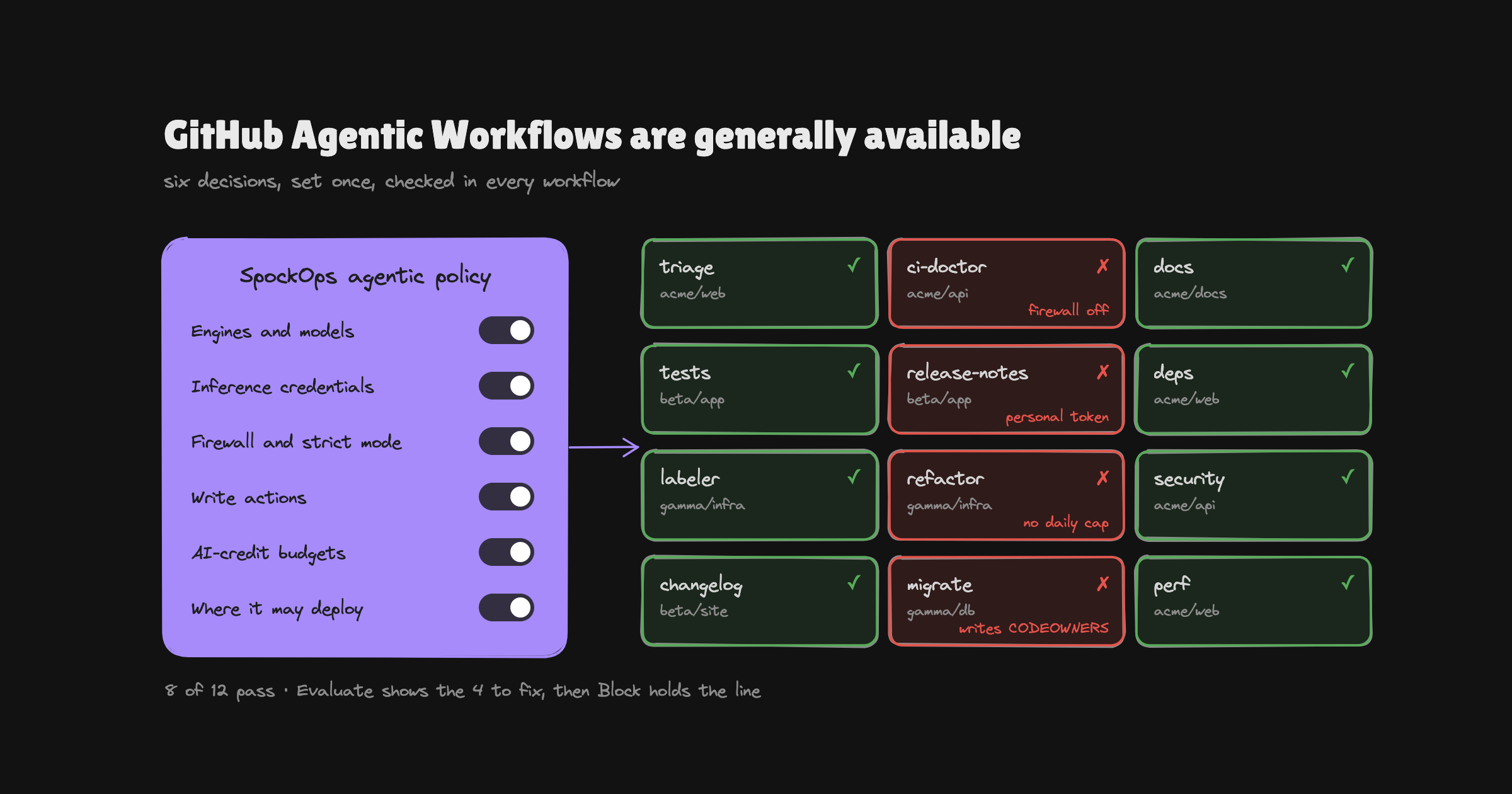
GitHub Agentic Workflows are generally available: six decisions before your teams turn them on
GitHub Agentic Workflows are generally available. The six decisions an enterprise should make first: engines, credentials, isolation, writes, spend and deployments.